
- See selected references directly below your prompt on desktop and mobile.
- Keep additional settings such as image count, negative prompt and seed tucked away until you open them.
- Use more compact settings selectors throughout the app.
- Find the add-to-prompt button more easily with its round, raised design.
- Write negative prompts in a field that fills the settings panel width.
- Restore the default order of all AI models from Settings, after confirmation.
- Preview portrait and landscape references without cropping their original proportions.
Latest Updates
Track all the latest features and improvements as Melies evolves to empower your AI filmmaking journey.
Date
2.33.1
References beside your prompt
Date
2.33.0
Your own character references — upcoming
- Keep generation errors on their own line and let image settings wrap without overlapping in the bottom prompt bar.
- Find upload, reference creation and preset saving beside the library tabs, with an action that changes for each tab.
- Add up to four images at once or one at a time, without replacing your earlier choices.
- Use visual examples to choose clear front, three-quarter, profile and full-body references.
- Generate a character sheet or portrait, with the generation cost shown before you start. Your original images are kept.
- Upload WebP images even when the browser does not identify their file type. Upload errors now explain how to retry.
Date
2.32.1
Clients payants disponibles pour les comptes existants — upcoming
- Corrige l’association des paiements et des comptes dont les identifiants de membres sont stockés au format MongoDB.
- Accélère le chargement de l’historique complet des paiements dans le dashboard admin.
Date
2.32.0
Clients payants — upcoming
- Retrouvez les personnes ayant réellement payé dans le dashboard admin, y compris les anciens clients et les achats ponctuels.
- Consultez pour chaque client la page d’inscription enregistrée, les paiements, l’abonnement, les outils utilisés et les retours disponibles.
- Repérez les comptes sans lien clair avec Melies et distinguez une résiliation effective d’un simple signal d’inactivité.
Date
2.31.1
Melies studio update — upcoming
- Bring the image generator, pricing, shared footer, and selected-reference viewer into one release candidate.
- Add the hosted VibeFilm sequence editor and a unified model picker without dropping either workflow.
- Keep positive-feedback celebration and safer marketing unsubscribe behavior.
Date
2.30.5
Clearer Runway credit planning
- Explain which Runway credits belong to Individual web plans, Runway Dev, and Enterprise accounts.
- Show that shared web and API credits are currently an Enterprise feature, while self-serve plans still need separate budgets.
Date
2.30.5
Email preferences that work
- Unsubscribe from marketing emails without signing in, including from older emails.
- Your choice is saved and checked before future marketing emails are sent.
- Your subscription and essential account emails are unchanged.
Date
2.30.4
Revalidate staged Stripe dispute evidence
- Rebuild and quality-check staged dispute evidence during scheduled syncs.
- Submit a staged response only when the explicit autosubmit setting is enabled and the fresh evidence is ready to contest.
- Keep responses staged and alert for review when the evidence is not ready.
Date
2.30.3
Safer Stripe dispute responses
- Dispute evidence can now be submitted automatically only when fresh records support a clear, quality-ready response.
- Evidence is revalidated from fresh records before a scheduled submission.
Date
2.30.4
MiniMax H3 Max Turbo
- Generate five to fifteen second videos from text, an image, or matching first and last frames with native synchronized audio.
- Choose 480P, 768P, or 1080P output. Five-second clips start at 25 credits for 480P or 40 credits for 768P, using fal's published rates after the launch promotion.
- Keep MiniMax H3 Max as the default video model and select Turbo when faster, lower-cost iteration matters most.
Date
2.30.3
GPT Image 2.5 Sunburst and Flare
- Generate and edit with both GPT Image 2.5 Flare and Sunburst in Image Generator and Image Editor.
- See the full price before generating: 20 credits for 1K, 30 for 2K, or 40 for source sizing, plus 20 per reference for each output. Both models use medium quality.
- Keep the original proportions when editing with Source size, or choose 1K or 2K output.
- Generate and edit images with GPT Image 2.5 Sunburst, OpenAI's most capable image model for photorealism, precise edits, and text.
- Sunburst is now the default image model on eligible plans when you have not picked another one, including in tools, storyboards, VibeFilm, and CLI --best.
- Image and video pickers now list current quality and quality-price leaders first: GPT Image 2.5 Sunburst for images, then Seedance 2.5 and MiniMax H3 Max for video.
- Requests without a selected model use a model included in your plan. Video requests prefer MiniMax H3 Max.
- Sunburst images and edits preserve the requested frame shape, including wide and vertical storyboards.
Date
2.30.2
AI film festivals directory: 2027 dates & Reliable website startup
- Added AI Cinema Festival NYC, including its July 16–18, 2027 event dates and June 20 submission deadline.
- Added ITU's AI for Good Film Festival, including its June 21–25, 2027 summit week and May 1 submission deadline.
- Restore access to Melies after a website update.
- Check the homepage, film workspace and sitemap before a new server is put into service.
Date
2.30.1
More reliable Vibe Film editing
- Keep image and motion prompts when moving between shots, and review Cloud edit conflicts from the studio.
- Move between your film library and projects without reloading the page.
- Use the film workspace and chat on smaller screens, with clear scene names and labeled prompt fields.
- Compose instrumental music with a confirmed Cloud credit price and clearer loading and recovery states.
- Close a running export dialog and keep editing while the job continues.
- See current plan prices, credit grants, and an account balance that refreshes after renders.
- Choose how to create characters, worlds, and styles with distinct studio illustrations, clearer labels, and cards that fit your phone.
Date
2.30.1
More trustworthy video loops and extensions
- Video Loop now checks the motion inside each transition, retries a weak result once, and refunds the credits when a smooth loop cannot be confirmed.
- Video Extender now protects the timing of the original clip and rejects a visible jump before publishing the result.
- Extender results now separate the original duration, requested extension, and actual output duration on desktop and mobile.
- Model changes now show any supported duration adjustment with the updated total and credit quote before generation.
- Provider safety rejections now name the affected model, confirm completed refunds, and offer clear retry or model change paths.
Date
2.30.0
Meta Muse Image, MiniMax H3 Max, and WAN 3.0 Prime
- Generate or edit images with Meta Muse Image for two credits per output, including edits guided by up to ten images.
- Create affordable five to fifteen second clips with MiniMax H3 Max and first-last-frame control.
- Produce premium WAN 3.0 Prime clips up to thirty seconds with native audio, 1080p output, and first-last-frame control.
Date
2.29.41
Clearer AI video extension guidance
- The AI Video Extender guide now explains which model receives the full clip, which models continue from the final frame, and why more compatible choices can appear in the signed-in tool.
Date
2.29.40
Stronger opening hooks for social video
- Hosted LUNE now builds social-video openings around immediate visual action, clear stakes, and a concrete payoff without inventing unsupported performance claims.
Date
2.29.39
Model-aware direction for hosted LUNE
- Hosted LUNE now adapts shot, motion, sound, and continuity guidance to the selected video model while keeping the live model catalog authoritative.
Date
2.29.38
Facebook sign-in errors stay visible
- Facebook sign-in now shows a clear error and resets the loading state when the secure sign-in window cannot open.
Date
2.29.37
Video Loop uses your available credits correctly
- Fixed an issue that could stop a video loop even when enough credits were available.
- Unexpected generation problems no longer ask you to buy more credits.
Date
2.29.36
AI Video Loop now works on first use
- Fixed an issue that could stop AI Video Loop and related video tools on first use.
- Loops can now be created from supported desktop and mobile browsers without that first-use failure.
Date
2.29.35
Clear Runway costs before you subscribe
- Compare Runway's current Free, Standard, Pro and Max plans with transparent credit calculations.
- See how app credits, API credits, rollover rules and team workspaces change the practical cost.
Date
2.29.34
A lighter model choice
- Compare how Melies should choose a model in the same compact layout used for director modes.
- Preview each strategy with a smooth LUNE transition and clear hover feedback.
Date
2.29.33
A front-row seat for Vibe Film
- Find Vibe Film through a cinematic LUNE poster in the Melies tools menu.
- See the compact app mark lift into focus when you point at the card.
Date
2.29.32
New work is easier to spot
- See a small dot on Story, World, Scenes or Film when LUNE adds something while you are working in another stage.
- Clear the dot by opening that stage, with the update also announced to screen readers.
Date
2.29.31
Settings that show the whole picture
- Choose, reorder, hide and reset the default AI models with clear logos and action hints.
- Review workspace usage with the same credit overview, timeline and breakdown used in Vibe Film.
- Recognize Vibe Film at a glance in connected apps.
Date
2.29.30
A quieter feedback moment
- Keep the feedback modal focused on LUNE, the rating, the note and the send action.
- Move smoothly between LUNE reactions as the selected rating changes.
Date
2.29.29
A magnetic Vibe Film icon
- Let the Vibe Film app icon gently follow the pointer and catch a short highlight on hover.
- Keep the icon still on touch devices and when reduced motion is enabled.
Date
2.29.28
Vibe Film, ready to open
- Use the finished Vibe Film app icon and wordmark throughout the Melies tools menu.
- Remove the outdated launch labels and keep the entry focused on opening the app.
Date
2.29.27
One consistent director menu
- Use the same compact Who directs menu when starting a film and when changing direction in the studio.
- Keep film budget controls in the dedicated budget view instead of repeating them in the director menu.
Date
2.29.26
Film previews keep their frame
- Keep Film previews centered in the aspect ratio selected for the film, without cropping the image.
Date
2.29.25
Private film links stay private
- Send signed-out visitors from a private Vibe Film project link to the public Vibe Film page.
Date
2.29.24
A clearer way back to your films
- Replace the redundant Vibe Film header mark with a back arrow and keep its tooltip fully visible at the edge of the screen.
Date
2.29.23
Production targets that stay in view
- Edit film duration and budget side by side in a compact panel that remains scrollable on smaller screens.
Date
2.29.22
LUNE texture at every size
- Keep LUNE's warm moon texture and expressive eyes clear in compact avatars.
Date
2.29.21
The Vibe Film icon, everywhere
- Show the finished LUNE app icon on the Vibe Film landing page without an extra frame or hover effect.
Date
2.29.20
Vibe Film menu illustration restored
- Restore LUNE's film-set illustration in the Melies tool menu.
Date
2.29.19
Vibe Film in the Melies tool menu
- See Vibe Film and its dedicated LUNE icon in the Melies tool menu while working in the film library or any film workspace.
- Keep LUNE's eyes crisp and readable in compact in-app avatars.
Date
2.29.18
A reliable way home from Vibe Film
- Make the Melies brush leave the hosted Vibe Film workspace completely before opening the homepage.
Date
2.29.17
A clearer low feedback reaction
- Give the two-heart rating a distinctly disappointed LUNE reaction with a clean transparent background.
Date
2.29.16
A cleaner feedback scale
- Keep the five expressive LUNE reactions while removing the redundant caption below the hearts.
Date
2.29.15
A more expressive LUNE feedback scale
- Rate your experience with five hearts that fill as you move across the scale.
- See LUNE react to every satisfaction level with a distinct expression, pose, and filmmaker look.
- Use the rating scale comfortably with a pointer, touch, or keyboard.
Date
2.29.14
The Melies brush while rendering
- Replace generic Vibe Film loading spinners with the animated Melies brush.
- Keep the current image or video visible beneath a cinematic blur while a render is in progress.
- Show the still Melies brush when reduced motion is enabled.
Date
2.29.13
One credit balance, one place
- Keep the Melies account balance in the global topbar without repeating it in Vibe Film.
- Preserve the film-specific budget meter and shortcuts beside the studio controls.
Date
2.29.12
Feedback without leaving your work
- Open feedback from the heart in the Melies header on desktop or mobile.
- Share a rating and note in the focused LUNE feedback window instead of navigating through Settings.
- Keep project content, prompts, attachments, and API keys out of every feedback submission.
Date
2.29.11
Reliable queued Vibe Film directions
- Continue automatically with the next queued direction as soon as LUNE finishes a Cloud response.
- Prevent a completed model response from leaving the composer and the remaining queue stuck.
- Read LUNE’s current mood more clearly through distinct expressive pupils in the compact and expanded avatars.
Date
2.29.10
Clearer Vibe Film direction controls
- Choose Balanced, Save credits, or Best result from the same focused layout as Who directs?.
- See one simple LUNE illustration for the current choice: balance scale, piggy bank, or trophy.
- Keep the compact control's Phosphor icon in sync with the selected objective.
- Reopen a collapsed LUNE chat beside the film stages without covering the workspace.
Date
2.29.9
Stable Melies controls in Vibe Film
- Kept the Melies navigation and Settings spacing stable after Vibe Film loads.
- Contained VibeFilm's native reset in the shared CSS base layer so it cannot override Melies component and utility styles.
Date
2.29.8
LUNE activity in Vibe Film
LUNE now carries the visible identity of Vibe Film work without competing with the film or its status text.
- See a compact vector LUNE beside project reading, completed work, and each expanded activity.
- Watch LUNE move gently while the Director is working, with a still equivalent when reduced motion is enabled.
- Reopen the Director from the same LUNE in the collapsed rail.
- Find LUNE in the empty media shelf instead of an unrelated illustration style.
- Keep provider logos and activity labels available for detailed attribution.
Date
2.29.7
One Melies mark in Vibe Film
- Removed the duplicate Melies brush from the Vibe Film project bar now that the real Melies web header already carries the product identity.
- Kept the native VibeFilm header unchanged; this cleanup applies only to the Melies web host.
Date
2.29.6
One web navigation bar
Vibe Film now stays inside the familiar Melies web navigation.
- Reach the AI Creative Suite, assets, credits, feedback, and account settings without leaving a film.
- Keep the native VibeFilm app unchanged while the browser uses the real Melies header.
- Hide the fullscreen image zoom controls at 100% until you hover, focus, or change the zoom.
Date
2.29.5
Roomier film budgets
Vibe Film budget shortcuts now match the scale of a complete production.
- Jump directly to 1,000, 10,000, 50,000, or 100,000 credits.
- Start new Cloud films with a safer, more useful 1,000-credit budget.
- Keep exact entry and No limit available without an imprecise spending slider.
Date
2.29.4
Clearer Cloud model choices
Vibe Film now explains how Melies chooses the model for each direction.
- Compare Balanced, Save credits and Best result side by side, with a concrete use case for each.
- See all three LUNE illustrations at once, paired with distinct Phosphor icons.
- Keep a specific model available as an advanced choice, while Automatic remains recommended.
Date
2.29.3
Faster Vibe Film opening
Vibe Film now opens with the same compact loader used across Melies.
- Go directly from your film link to the workspace without a separate preparation screen.
- Keep access and recovery checks in place without turning them into an extra step.
- Show a static Melies mark when reduced motion is enabled.
Date
2.29.2
A clearer Settings workspace
Melies Settings now uses the same focused, cinematic structure as Vibe Film.
- Move between account, team, billing, usage, Cloud models, API, notifications, and feedback from one stable sidebar.
- Keep each section in a wider, quieter workspace with clearer titles and descriptions.
- Use a compact section picker on smaller screens instead of a crowded row of tabs.
- Keep workspace switching, release notes, and sign out together without competing with the settings content.
Date
2.29.1
Faster film budget controls
Film render budgets are easier to read and change without leaving the studio.
- See credits spent as the primary figure, with the total film budget and progress beside it.
- Set a total quickly with 100, 250, 500, or 1,000-credit shortcuts.
- Remove the limit with one explicit No limit action instead of entering a special value.
- Start new Cloud work with a more practical 500-credit render budget.
Date
2.29.0
One Melies workspace for Vibe Film
Vibe Film Cloud now uses the same navigation, settings, billing, and model choices as the rest of Melies.
- Work in a shorter World layout with one model selector and batch action instead of controls repeated on every card.
- Use the Melies brush mark and film credits directly from the studio top bar.
- Open one Melies Settings window for account, team, billing, usage, Cloud models, API, notifications, and feedback.
- Choose which Cloud image, video, and audio models appear throughout Melies, arrange their order, and set each default.
- Keep film budget progress in the top bar and open its limit without a separate Vibe Film bottom bar.
- Keep at least one model visible for every available generation kind.
Date
2.28.3
Canonical Vibe Film links
Vibe Film now has one predictable address for the public product, your film library, and every Cloud film.
- Open the public Vibe Film page at
/vibefilmwhen signed out. - Open your film library at the same
/vibefilmaddress when signed in. - Keep each open Cloud film at
/vibefilm/[id], including after opening a poster or returning with Back. - Redirect former
/v2and/vibe-cinemalinks to the canonical address. - Use the visible product name Vibe Film consistently across Melies and the shared app.
Date
2.28.2
Vibe Film Cloud and safer credits
Vibe Film Cloud now keeps project controls and server pricing explicit and recoverable, while generation errors show the exact credit shortfall.
- Review the files and prompts before synchronizing an existing local film with Melies Cloud.
- Remove a film from this Mac without deleting its Cloud copy, or delete the Cloud copy without touching local files.
- Fall back to an available Cloud model when an older saved preference is no longer in the catalog.
- Let Melies route hosted LUNE automatically for balanced work, lower credit use, or result priority.
- Keep Claude Sonnet 5 and Grok 4.6 as advanced overrides while the main workspace stays focused on the film.
- See the real server pricing error instead of a generic connection diagnosis.
- See the film's render spending, batch cost, and required budget, then raise the limit in one click without starting the render.
- Open the film budget from a compact progress indicator without repeating Cloud or model labels in the workspace bar.
- Find archive and delete controls together in Film settings instead of the project toolbar.
- Buy more credits or upgrade from Vibe Film Cloud with the same billing dialogs used throughout Melies.
- Sign in with Google reliably without duplicate sign-in prompts.
- See the required cost and current balance when a generation needs more credits.
- Detect frozen footage introduced into the original part of a Veo 3.1 extension.
- Retry one defective extension automatically, then refund the credits if the second result still fails the check.
Date
2.28.1
Reliable access after checkout
Paid plans now become available as soon as Stripe confirms a subscription checkout.
- Open Melies after checkout without briefly seeing a free account.
- Receive the correct plan and included credits even when Stripe's payment events arrive out of order.
- Keep billing state synchronized for both the welcome offer and standard pricing links.
Date
2.28.0
Luma Uni-1 Max
Melies now includes Luma Uni-1 Max for high-fidelity image generation and reference-guided editing.
- Create detailed hero stills in nine aspect ratios from 3:1 to 1:3.
- Edit one source image with up to eight extra reference images.
- Use prompts of up to 6,000 characters and export PNG or JPEG files.
- Pay 21 credits per image, plus 1 credit for each input image used in an edit.
Date
2.27.0
LTX 2.5 for synchronized audio-video
Melies now includes LTX 2.5 Pro for final-quality video with native synchronized audio.
- Generate landscape or portrait clips at 720p or 1080p.
- Choose six, eight, or ten seconds with audio included.
- Animate a starting image or control a transition with first and last frames.
- Pay from 144 credits for six seconds at 720p, with resolution-aware pricing shown before generation.
- Compare LTX 2.5 with LTX 2.3, FLUX.3 Video, Seedance 2.5, Kling V3, and Veo 3.1 Lite.
Date
2.26.6
Safer billing dispute handling
Melies now protects customers and future billing when a payment is disputed.
- Stop future subscription renewals after Stripe reports a dispute.
- Keep dispute evidence in draft until it has been reviewed by a person.
- Separate credits granted by a plan from credits actually used for generation.
- Match product activity to the exact service period on the disputed invoice.
Date
2.26.5
Grok Imagine Image 2.0
Melies now includes Grok Imagine Image 2.0 for precise image generation and editing.
- Generate images at 1K or 2K resolution in 13 aspect ratios.
- Edit one reference image while preserving the rest of the composition.
- Create clear text, accurate details, and production-ready visual assets.
- Pay 10 credits for 1K or 15 credits for 2K, plus 2 credits when you edit an image.
Date
2.26.4
Stable model comparison totals
Model comparison pages now display credit totals consistently in every browser language.
- Prevent larger credit totals from changing when comparison pages load.
- Preserve the same easy-to-scan number formatting for every visitor.
Date
2.26.3
Stable links in guides and articles
Links inside guides and articles now render consistently when pages first load.
- Prevent article paragraphs from shifting or breaking while the page becomes interactive.
- Keep internal link previews and external source icons working without disturbing article layout.
Date
2.26.2
Three more 2026 AI film festivals
The AI film festival directory now includes three additional competitions and screening events in Hollywood, Monaco, and Venice.
- Follow AIMagica's two 2026 competition cycles and September awards announcement.
- Explore AI Film Fest Monaco's screenings, discussions, and award categories.
- Find the third Reply AI Film Festival and its Venice awards ceremony.
Date
2.26.1
More stable public pages
The homepage, pricing page, and AI film festival directory now render consistently across server and browser environments.
- Keep the rotating director quote stable while each page loads.
- Display pricing estimates and festival dates consistently across browser languages and time zones.
Date
2.26.0
Qwen Image 3 and FLUX.3 Video
Melies now includes Qwen Image 3 for affordable 1K and 2K image generation and editing, plus FLUX.3 Video for longer cinematic clips with native audio.
- Generate bilingual text, detailed compositions, and typography with Qwen Image 3.
- Edit with up to three reference images while preserving important identity details.
- Create FLUX.3 clips from text or an image at 720p or 1080p, with durations from five to twenty seconds.
- Control transitions with first and last frames, broad aspect ratios, and synchronized audio.
- Compare both models against the current image and video lineup before choosing a workflow.
Date
2.25.0
Seedance 2.5 brings longer audio-video generation
Melies now includes ByteDance Seedance 2.5 for longer cinematic shots with synchronized audio and flexible visual control.
- Generate clips from 4 to 30 seconds in landscape, portrait, square, and ultrawide formats.
- Create from text, animate a starting image, or guide the result with multiple reference images.
- Control both the first and last frame for planned transitions and shot continuity.
- Choose 480p for lower-cost iteration or 720p for final output.
- Compare Seedance 2.5 with Seedance 2.0, Veo 3.1, MiniMax H3, Kling O3, and Sora 2 Pro.
Date
2.24.1
Make films anywhere with Vibe Film and Melies Cloud
Vibe Film now has an optional Melies Cloud runtime alongside its original local, zero-markup workflow. The same filmmaking application runs on Mac and at /vibe-cinema; projects you explicitly synchronize can continue across both without turning local-only films into uploads.
- Plan a film through hosted LUNE and generate with managed models after a server-authoritative Gem quote; local provider keys remain in the Mac Keychain and are never sent to Melies.
- Create or continue the same revisioned film in the browser and on connected Macs, including offline edits, visible conflict resolution, history, archive, restore and deletion recovery.
- Uploads are content-addressed and account-isolated, browser media links expire, and Cloud exports follow the same timeline contract as the free native export.
- Every connected Mac appears under Connected apps and can be revoked individually or all at once. Revocation blocks the next refresh without deleting the local working copy.
- Charges, retries, refunds, hosted-agent turns and Stripe webhooks are idempotent, so a restart or repeated delivery cannot spend twice.
- Cloud export workers now build their reviewed FFmpeg toolchain reliably on current Linux servers.
- Subscription and storage entitlements come from Melies. Local projects, local export and the Use my subscriptions runtime remain available without a Melies connection.
- The complete Vibe Film landing is now the Cloud home: start from its prompt, create a blank film, open Settings, or continue a recent Cloud film directly beneath the composer.
- The browser studio now uses the latest pinned Vibe Film interface from the Mac app, including its runtime controls, model settings, generation actions and queued-message controls.
Date
2.24.0
Six new image and native 4K video models
Melies now includes four new image models and two native 4K Kling models for faster iteration, stronger typography, premium design work, and high-resolution cinematic video.
- Generate detailed images and edit with multiple references using Qwen Image 2.0 Pro.
- Create polished brand and editorial visuals with Recraft V4.1 Pro and Krea 2 Large.
- Iterate quickly with FLUX.2 Turbo for both generation and multi-image editing.
- Generate native 4K clips with Kling O3 4K or Kling V3 4K, including optional audio and first-last-frame control.
- Compare every addition against the current image and video model lineup before choosing a workflow.
Date
2.23.0
Three new frontier image and video models
Melies now includes Reve 2.1, MiniMax H3, and Grok Imagine Video 1.5 for stronger design, typography, cinematic motion, and native-audio workflows.
- Generate polished layouts and text-heavy visuals across wide and vertical formats with Reve 2.1.
- Produce clips up to 2K with MiniMax H3, including image animation and first-last-frame control.
- Generate native-audio video up to 1080p with Grok Imagine Video 1.5 from text or an image.
- Compare all three additions against the current image and video model lineup before choosing a workflow.
Date
2.22.0
Six new image and video models
Melies now offers Ideogram V4 for typography and design, plus five new video options spanning affordable generation, native audio, reference workflows, and cinematic control.
- Create posters, logos, and text-heavy images with Ideogram V4, including image-to-image editing.
- Use Veo 3.1 Lite for a lower-cost path to Google video generation with audio and first-last-frame control.
- Generate longer reference-driven clips with WAN v2.7, and native sound with PixVerse V6 and Vidu Q3.
- Use Luma Ray 3.2 for cinematic generation, ultrawide output, and video-to-video editing.
- Compare all six models against the existing lineup on the updated comparison pages.
- Display every configured model logo in both light and dark UI contexts, including HappyHorse, BiRefNet, and Sync.
Date
2.21.4
Better comparison and video extension guides
The Higgsfield comparison and AI Video Extender landing now answer their search intents with clearer, source-backed guidance.
- Compare seven Higgsfield alternatives by camera control, story planning, realistic motion, editing, and complete film production before reading the detailed Higgsfield versus Melies analysis.
- Read a plain-language review of Higgsfield's current ownership, training, marketing, cancellation, and deletion terms.
- See what makes AI video extension different from loops, slow motion, and new clips, with practical prompts tied to a real output demonstration.
Date
2.21.3
Clearer terms and privacy details
Melies now explains its legal terms and data practices in plain language, with specific information for AI filmmaking workflows.
- Understand who owns your uploads and generated outputs, when commercial use is allowed, and why AI results still need human review.
- See how subscriptions, credits, failed generations, cancellation, refunds, EU withdrawal rights, and consumer conformity protections work.
- Review the types of account, project, media, billing, analytics, and support data Melies processes.
- See which categories of AI and service providers may receive data, why international transfers can occur, and how to exercise your privacy rights.
Date
2.21.1
More 2026 AI film festivals to discover
The AI film festival directory now includes ten newly confirmed events across Europe, Asia, and North America.
- Find upcoming festivals in Seoul, Jeju, Bochnia, Rome, Astana, Austin, Valencia, Los Angeles, Busan, and Istanbul.
- See the corrected November date and Tokyo venue for AI Film Festival Japan 2026.
- Explore every new event through the calendar, search, and interactive map.
Date
2.21.0
Seedream 5 Pro joins the image model lineup
ByteDance's flagship image model is now available on Melies. Seedream 5 Pro brings premium quality generation with native text rendering in 14 languages, precise control over dense layouts and structured designs, and up to 2K resolution output with reference image editing.
- Generate images with Seedream 5 Pro at 15 credits per image.
- Edit existing images with up to 10 reference images for consistent characters and styles.
- Compare Seedream 5 Pro against Nano Banana 2, GPT Image 2, Grok Imagine, and FLUX.2 Pro in the updated model comparison pages.
Date
2.20.5
Safer Vibe Film updates
Vibe Film releases can now be delivered through Melies without exposing an incomplete or mismatched update.
- Download files are checked after upload before the central R2 update channel moves.
- Older versions cannot accidentally replace a newer release.
- The app identity, version, macOS signing, and notarization are checked again at publication time.
Date
2.20.4
Emails that arrive when they are useful
We rebuilt our onboarding emails from scratch.
- Subscribers now get help getting to a first result, instead of being excluded from onboarding entirely as they were before.
- Emails are triggered by what you have actually done, not by how long ago you signed up.
- The sequence is much shorter. Fewer emails, sent when they are relevant.
Date
2.20.3
Fixes for AI rewrites, renaming, and video previews
Four bugs found in error reports and fixed.
- Accepting an AI rewrite in the screenwriting editor now completes properly. It could fail silently, leaving the diff panel open so the rewrite looked like it had not applied, and a second click would apply it twice.
- Renaming a character or location now puts the cursor in the field instead of doing nothing.
- Preview videos on the AI Video Extender page no longer error when your browser blocks playback. Tap again to play.
- Failed preview generations in the screenwriting editor now show the real reason instead of failing quietly.
Date
2.20.2
Clearer tool pages for sound effects, lip sync, and video loops
We refreshed three tool pages so it is easier to see what each tool does and what you get.
- The sound effects and lip sync pages now lead with plain tool names again.
- Sound effects: clearer answer on licensing. Generated SFX are royalty-free, personal use is covered on every plan, and commercial use comes with the Pro and Max license, with credit costs stated upfront.
- Video loops: the page now explains seamless, boomerang, and cinemagraph-style loops, and confirms exports are clean MP4s with no watermark.
Date
2.20.1
More reliable payment dispute handling
Behind the scenes we hardened how we respond to payment disputes on your behalf, so legitimate charges are defended with accurate, complete evidence and our automated response no longer fails on edge cases.
- More reliable evidence submission to our payment processor.
- Accurate account and usage records included in each response.
Date
2.20.0
Faster support and a rebuilt operations dashboard
Behind the scenes we rebuilt our internal operations dashboard so the team can support you faster: reply to your feedback directly, resolve account and billing questions quicker, and keep an eye on generation reliability.
- Reply to your product feedback by email straight from the team dashboard.
- Faster help with account, credit, and subscription questions.
- Closer monitoring of generation reliability so issues get spotted and fixed sooner.
Date
2.19.1
Clearer video extension details and safer generation recovery
The AI Video Extender now explains its formats, limits, continuation direction, model behavior, audio handling, cost, and output rights directly below the real example. Generation recovery is also more reliable after interrupted workers or mobile connections.
- See that Melies continues footage from the final frame and adds 4 to 15 seconds depending on the model.
- Check the 120-second and 200MB source limits, accepted formats, and paid-credit requirement before signing in.
- Compare the exact 5.1-second source with the real 10.1-second and 15.1-second outputs.
- Use the refreshed extension guide for current model behavior and credit-cost guidance.
- Extend very short clips without misclassifying continuation-only output.
- Retry interrupted refunds safely without duplicating or stranding credits.
- Recover every eligible stuck asset across bounded batches after one page load.
- See an accurate failure and refund message instead of a false retrieval success.
- Keep asset updates connected with bounded retry backoff after network interruptions.
- Accept complete three-act movie ideas with roman-numeral or compact act formatting.
Date
2.19.0
Video extensions that truly continue your clip, and loops you can export
The video extender was rebuilt so every model genuinely continues your footage, and video loops gained repeat and GIF exports.
- Extensions now start from your clip's final frames on every model, with an automatic continuity check. If the result drifts from your footage, we retry once and refund your credits if it still fails.
- Before you generate, the extender shows the exact math: your clip length plus the extension equals the output length, with the credit cost.
- Your prompt and clip are checked before credits are charged, so safety-filter rejections almost never cost anything, and any that slip through are refunded automatically.
- Loop previews now play continuously with an optional seam marker showing exactly where the AI transition sits.
- Export finished loops as x2 or x4 repeats with zero quality loss, or as a GIF, free after generation.
- The extender and loop pages now explain honestly how each pipeline works, and the video upscaler links to its companion tools.
Date
2.18.12
Generations recover after sleep and failed jobs refund cleanly
Melies now restores completed generations after a phone sleeps or a live update disconnects, and it prevents incomplete movie ideas from consuming credits.
- Reconnect generation updates and refresh finished assets when you return to a sleeping browser tab.
- Make Check status and page-load recovery show provider results without depending on a live connection.
- Finish video loops with audio without hanging or adding a pause at the seam.
- Retry incomplete three-act movie ideas once, then refund the generation if the complete concept still cannot be produced.
Date
2.18.11
More reliable landing pages and upgrade dialogs
Melies now handles temporarily unavailable translations and interface data without interrupting the page.
- Keep upgrade and welcome dialogs stable while plan information is loading.
- Landing pages now keep their translated text even when translations load late.
- Prevent invalid homepage demo positions from breaking the cinematic preview.
Date
2.18.10
Reliable slow-motion speeds
AI Slow Motion Video now offers only the slowdown factors supported by the rendering provider.
- Choose 2x for subtle emphasis or 4x for detailed action.
- See the same supported speeds across the tool, landing page, pricing, and help content.
- Reject unsupported factors before processing or charging credits.
Date
2.18.9
A leaner AI tools release
The AI tools release now keeps internal review captures and unused source artwork out of the production codebase.
- Keep only optimized media that the product actually loads.
- Preserve the design and SEO review as lightweight reports for future checks.
- Prevent local review captures from being added to a release again.
Date
2.18.8
Study fast action in slow motion
The AI Slow Motion Video page now shows a real boxing example where interpolation keeps a fast impact readable.
- Watch the glove, face, and airborne sweat move through the shot at 4x slow motion.
- Keep the example lightweight with an optimized video and poster image.
- Respect reduced-motion preferences with a static poster and playback controls.
Date
2.18.7
See where the new frames come from
The AI Slow Motion Video page now explains frame interpolation with five real frames extracted from its cinematic horse example.
- Compare two frames captured by the camera with the three AI-generated frames between them.
- Inspect a closer crop of the horse and water movement on desktop or by swiping on mobile.
- Keep the full illustration lightweight with optimized WebP images.
Date
2.18.6
Keep source actions out of the frame
The AI Slow Motion Video source switcher now sits below the selected clip, keeping the whole frame visible while you review it.
Date
2.18.5
See AI slow motion on a real shot
The AI Slow Motion Video page now compares one cinematic shot at its original speed, 2x slow motion, and 4x slow motion.
- Switch between all three versions while staying at the same moment in the shot.
- Compare the source and output durations before uploading your own clip.
- Load a lightweight version of each example on the public page.
Date
2.18.4
Reuse clips in AI slow motion
AI Slow Motion Video can now start from a clip already saved in Melies.
- Choose any completed video from the Melies asset library.
- Preview the selected clip and switch to another without uploading it again.
- Calculate the exact slow-motion quote from the selected asset before rendering.
Date
2.18.3
Fair pricing for AI slow motion
AI Slow Motion Video now shows a source-specific price before rendering.
- Price each render from clip duration, frame rate, resolution, and slowdown factor.
- Show the exact credit quote before the generation button becomes available.
- Recheck the quote on the server before any credits are spent.
Date
2.18.2
Slow motion keeps the soundtrack
AI Slow Motion Video now keeps source audio in the finished clip.
- Slow the original soundtrack to match 2x or 4x video retiming.
- Preserve the soundtrack pitch and remux it into the finished MP4.
- Keep silent source clips working without adding an empty audio track.
Date
2.18.1
Cleaner early access pages
Early access pages now focus on what creators can use today and what is still being refined.
- Removed internal search indexing notes from every public early access page.
- Kept the useful product status, current capabilities, and launch requirements visible.
Date
2.18.0
Meet the character before the interface
The AI Character Creator now introduces a character as a cinematic portrait before revealing the production sheet behind it.
- Follow one identity from a full screen portrait into matching angles and expressions as you scroll.
- Explore the range of possible characters before seeing the complete editor workflow.
- Watch a lightweight, accelerated walkthrough of the complete seven-step character editor.
- Character Creator now labels fast previews clearly, keeps the final render model selectable, and gives Cinematic Realism stronger photographic direction.
- Browse the tools directory with a shorter hero and a compact filter bar that stays out of the way while scrolling.
- Scan the creative suite faster with concise navigation names such as Movie Poster, Movie Idea, Storyboard, and Character Sheet.
- Jump directly into the right tool from the four “Try a task” shortcuts.
- Compare seven purpose-built character sheet miniatures, then find the same visual presets inside the generator.
- Browse character sheet formats with left and right controls, directional transitions, and motion that respects accessibility preferences.
- Explore five real storyboard sequences in a new interactive gallery, from production sketches to cinematic previsualization.
- Give storyboard examples the full page width with a quieter hero and no duplicate generator sidebar.
- Follow the complete path from an imported or Melies screenplay through scene analysis, editable panel direction, reference continuity, cost review, and selective generation.
- Read clearer production notes, continuity benefits, and use cases illustrated with real character outputs.
- Enjoy calmer interactions and motion that adapts when reduced motion is enabled.
- Read cleaner tool pages with editorial product facts, larger media proof, quieter tutorials, and simpler FAQ rows.
- Use the updated brand guide as the shared standard for every public tool landing.
- See Aria as a larger floating source portrait above the generated character sheet, with a subtle interactive response.
- Use rebuilt landing pages for video generation, movie ideas, sound, voice, lip sync, slow motion, backgrounds, style transfer, camera movement, background removal, image animation, video translation, and video upscaling.
- Keep early access tools usable while their public pages clearly identify what works today and what still needs validation.
- Avoid duplicate search pages with one canonical destination for image generation, image editing, video generation, image animation, image enhancement, and storyboarding.
- Load public tool pages with explicit media dimensions, optimized previews, reduced motion support, and mobile layouts checked across the complete directory.
Date
2.17.3
A clearer icon for character sheets
The Character Sheet Generator now has its own illustrated tool icon.
- Recognize the tool from its compact production board with a primary portrait and supporting character views.
- See the same icon across the tools directory, navigation, and landing page.
Date
2.17.2
See every character sheet before you choose
The AI Character Sheet Generator now shows exactly what each production format creates.
- Follow Aria from one source portrait to a complete production reference.
- Compare dedicated examples for turnarounds, expressions, poses, costume and materials, animation models, and custom sheets.
- Browse the landing page in a clearer full width layout before opening the generator.
Date
2.17.1
Faster, calmer tool pages
Every creative tool page now uses a more focused and consistent motion system.
- Bring sections into view once, with a shorter and calmer entrance.
- Make buttons, cards, and media respond quickly without distracting zoom effects.
- Keep only the animated demonstrations that explain how a tool works.
- Stop continuous movement for visitors who prefer reduced motion.
Date
2.17.0
Turn any character into a production reference
The new AI Character Sheet Generator turns an existing Melies character, an uploaded image, or a written description into one reusable visual production sheet.
- Choose complete sheets, turnarounds, expression sheets, pose sheets, costume studies, animation model sheets, or a custom layout.
- Select the exact views, expressions, poses, outfit variants, props, materials, palette, and labels the next production step needs.
- Preserve realistic photography, anime, illustration, 3D, watercolor, pixel art, and other source styles across the full sheet.
- Keep generated sheets in a dedicated history with their source references, model, format, and production brief.
Date
2.16.0
A clearer, smarter storyboard workspace
Storyboard planning now feels more like reviewing a production board and less like filling out a form.
- See screenplay pages as warm paper storyboard plans with readable panel beats before generation.
- Open a focused sheet editor with separate panel and advanced prompt views, sheet navigation, and smoother transitions.
- Turn screenplay action into camera-aware visual beats while carrying scene, character, location, dialogue, and continuity context across pages.
- Use only the relevant completed character and location references for each generated sheet.
- Generate production-ready character sheets with front, side, and back views, three expressions, three dynamic poses, and material details while preserving the selected photographic, illustrated, anime, 3D, or pixel-art style.
Date
2.15.1
A complete dark writing mode
Dark screenplay mode now carries through to the cover page instead of stopping at the script.
- Switch the cover paper, title, author, contact details, and placeholders with the editor theme.
- Adapt the poster empty state and its elevation for a comfortable dark writing room.
- Keep the theme transition smooth while respecting reduced motion preferences.
Date
2.15.0
The character creator becomes a character editor
Building a character now feels like a video game character editor.
- Watch your character come to life: the stage regenerates a live preview as you complete each step, with the credit cost always shown. You can switch it off anytime.
- Every choice is visual: big style cards, color swatches, and chips replace most typing. Fine-tune sliders live in a tidy drawer per step.
- Make the editor yours: drag the divider between the character stage and the controls to resize them.
- Your generated characters now have their own gallery, one click away in the top bar.
- Styles stay true: pixel art, anime, watercolor, and every other look now carry through from preview to portrait to character sheet.
Date
2.14.14
A clearer screenwriting headline
The Screenwriting landing page now gives the product category and creative promise distinct visual roles.
- Keep “AI screenwriting.” as the primary product message.
- Set “Script to screen.” as a smaller, quieter supporting line.
- Preserve the same semantic heading and responsive readability.
Date
2.14.13
Put every screenshot where it belongs
The regional poster editing screenshot now belongs exclusively to the AI Image Editor product story.
- Remove the image-editing handoff from the Screenwriting landing page.
- Feature the same current product capture prominently inside the AI Image Editor landing.
- Avoid shipping and maintaining a duplicate screenshot under the Screenwriting asset path.
Date
2.14.12
Product moments, not billboards
The Screenwriting landing page screenshots now support the story without overpowering the surrounding content.
- Reduce every product capture to a deliberate editorial width, with the hero remaining the most prominent.
- Bring each supporting screenshot into focus as it enters the viewport with one consistent motion treatment.
- Remove all spatial movement for visitors who prefer reduced motion.
Date
2.14.11
More of the production on the page
The Screenwriting landing page now carries more real product imagery through the full story instead of returning to long text-only stretches.
- Show a generated character reference beside the screenplay line it belongs to.
- Show the generated poster continuing into the wider Melies editing workflow.
- Keep both additions passive, responsive, lazy-loaded, and highly compressed.
Date
2.14.10
Real workflow, closer up
The Screenwriting landing page now uses two additional captures from the current product to explain contextual writing and visual scene continuity.
- Show the real AI writing action list with costs visible before generation.
- Show generated scene previews attached directly to their screenplay headings.
- Replace a synthetic screenplay illustration with compressed, responsive product imagery.
Date
2.14.9
Let the workspace speak for itself
The Screenwriting landing page workspace screenshot is now a focused visual proof instead of an unnecessary link to the source image.
- Remove the click target and full-size action from the product screenshot.
- Remove hover treatments that implied the image was interactive.
- Keep the centered entrance and cinematic presentation intact.
Date
2.14.8
The whole story scrolls again
The AI Screenwriting landing page now scrolls through its complete product tour inside the application layout.
- Remove the vertical overflow lock that clipped the landing to one viewport.
- Keep wide cinematic elements safely clipped on the horizontal axis.
- Preserve the connected Screenwriting workspace and its independent panel scrolling.
Date
2.14.7
Know exactly where you are
The application bar now shows the active Screenwriting page instead of a generic tool label while a screenplay is open.
- See Script, Outline, Cover, Scenes, Characters, Locations, or Statistics at a glance.
- Open the compact page menu to move anywhere in the screenplay workspace.
- Keep the global menu and editor navigation synchronized with keyboard-friendly active states.
Date
2.14.6
Put the poster on the shelf
Movie posters now have a more prominent place inside a screenplay and become the visual cover of the project wherever it appears.
- See a larger, uncropped poster on the screenplay cover page.
- Choose any completed image from Assets, search the library, or generate fresh artwork.
- Use the saved poster automatically as the screenplay cover in the Screenwriting gallery and project exports.
Date
2.14.5
More breathing room in the writing room
The screenplay workspace side columns now sit comfortably below the main application navigation and use the same raised dark surface as Statistics cards.
- Separate the navigation from the left and right work panels with a precise 8px gap.
- Keep the central screenplay at full height while only the supporting columns step down.
- Match both side columns and the sticky Export area to the shared
#111panel surface.
Date
2.14.4
Statistics without the wait
Screenplay Statistics now opens immediately, even on feature-length drafts with large casts.
- See a production-shaped loading state while pages, scenes, words, dialogue, and visual references are prepared.
- Reopen an unchanged report instantly from its cached snapshot.
- Get dialogue distribution from one efficient screenplay scan instead of repeated recounts for every character.
Date
2.14.3
The screenplay takes center stage
The AI Screenwriting landing page now opens with a shorter, centered introduction and a more focused view of the real writing workspace.
- Read the core promise at a glance with a concise title and quieter supporting copy.
- See the complete editor centered as the hero of the page, at its original uncropped aspect ratio.
- Enjoy a refined entrance, subtle hover lift, and a clear full-size preview action with reduced-motion support.
Date
2.14.2
Write comfortably day or night
The screenplay editor now includes a persistent page appearance switch for moving between warm paper with dark ink and a low-glare midnight page with warm light text.
- Switch themes from the desktop sidebar footer or the mobile editor header.
- Keep the writing room, tools, and exports unchanged while only the screenplay page adapts.
- Enjoy a coordinated transition across the page, cursor, selection, focused line, page markers, and autocomplete.
- Use the switch with a mouse, touch, keyboard, or screen reader, with reduced motion support included.
Date
2.14.1
Every tool has a face
Every public AI tool page now carries its own hand-painted icon directly in the main title, making pages easier to recognize and visually connecting them to the Creative Suite.
- Icons adapt from a compact mobile size to a more expressive desktop size without disrupting multiline titles.
- The same generated artwork and route catalog are shared across all tool pages, with a stable presentation that keeps attention on the title.
Date
2.14.0
A complete guide to AI Screenwriting
The AI Screenwriting landing page is now a cinematic product tour built around the real editor instead of generic feature cards.
- See the full workflow from screenplay formatting and structure through contextual AI revision, visual continuity, storyboards, and delivery.
- Understand exactly what is included with a free account and which optional AI generations use credits.
- Explore every import, export, versioning, statistics, poster, character, location, and complete project packaging feature.
- Navigate a faster, more accessible responsive layout with purposeful motion, stronger contrast, keyboard focus states, and reduced motion support.
- Find clearer answers through a focused AI screenwriting FAQ, related filmmaking tools, and updated search metadata and structured data.
Date
2.13.1
See credit changes instantly
Credit balances now update immediately after AI generations without requiring a page refresh. This includes screenplay writing passes, character and location previews, and storyboard generations.
Character and location previews now use the same searchable model selector as the AI Image Generator, with consistent model details and pricing information.
The screenplay outline is now a compact table of contents with scene numbers, headings, summaries, characters, and page references for faster navigation.
Scenes now use a compact production list. Clicking a scene opens a focused modal with its details, storyboard frames, generation actions, and Previous/Next navigation.
The redundant desktop header above the editor has been removed, giving the screenplay and production views more vertical space while keeping Share and Assistant controls in the left navigation.
A new complete project export downloads the screenplay together with every available character, location, scene, and storyboard-sheet preview in one organized ZIP archive.
Focusing a screenplay line now reveals its existing character, location, or scene preview in a compact animated bubble that opens the full viewer when clicked.
Character and location previews now open in the same zoomable, gallery-based viewer used on the Assets page, adapted to a safe read-only screenplay mode.
The screenwriting library header is now a compact toolbar with only Search, Import, and New screenplay. The draft counter and introductory copy have been removed.
The complete screenwriting workspace is now accessible on the Free plan. Paywalls appear only when a credit-based AI writing or visual-generation action cannot be paid for.
Inline visual preview bubbles now preserve each image's natural aspect ratio, avoid cropping and borders, and use a translucent hover lift with reduced-motion support.
Every screenwriting modal now follows the Assets viewer motion language, with a soft backdrop fade, spring entrance, fast exit, deeper media-stage framing, and reduced-motion support.
Inline screenplay previews are now image-only, with no panel background, border, or caption, plus spring entrance, hover lift, and tactile press feedback.
Inline previews are now anchored outside the screenplay page on its right edge, following the active line vertically without covering script text.
The floating screenplay preview now uses a balanced 12px image radius.
When an inline preview is missing, the active screenplay line now offers a compact one-click generation action with its credit cost and live progress state.
The editor now reserves space inside the center panel for inline visuals so they cannot be clipped, and generated previews rest at 95% opacity.
The screenplay outline now includes a sticky search field that filters scenes by heading, summary, or character name.
AI writing tools are now compact one-line actions. Each opens an explanatory confirmation modal with scope, behavior, and credit cost before it can run.
The AI tool list now reacts to the cursor and highlighted text. Selection-based passes replace only the chosen text after review, while scene and whole-script actions explain their scope before running.
Inline previews now float from the right edge of the editor workspace instead of changing the document width, keeping the screenplay page perfectly centered at all times.
Inline previews now live in a sticky top dock beside the formatting toolbar, keeping the centered screenplay completely unobstructed while the writer scrolls.
The title page now contains a poster placeholder that opens an animated generation prompt. Generated posters appear directly on the cover, can be regenerated, and are included in PDF and complete-project exports.
AI writing passes now put the screenplay into a visible locked writing state and progressively reveal continuations or rewrite proposals, preventing manual edits from colliding with generated text.
The cover poster now has a polished rounded empty state, and its regeneration modal displays the existing artwork at full size. Shared model selectors no longer sit inside redundant input-like wrappers.
Contextual character, location, and scene previews now occupy a dedicated column beside the top formatting bar instead of floating over it.
Outline search now highlights every matching word in scene headings, summaries, and character lists while keeping rendered screenplay text injection-safe.
The contextual preview dock is now heightless and out of flow: previews stay beside the top toolbar without shifting the centered screenplay vertically or horizontally.
Storyboard scenes now automatically use every available matching character and location image as visual references. Storyboard sheets also carry the completed reference bible, and model choices switch to reference-capable options when needed.
The editor sidebar now starts directly with Back and the screenplay title, followed by the menu. Redundant Screenplay and Navigate labels were removed, with secondary controls moved to a quiet footer.
The right panel now starts with the live context: selected text or the current character, location, or scene visual. Redundant Writing room, Assistant and tools, AI passes, and free-writing copy were removed.
Statistics moved out of the right panel into a full dashboard linked below Locations, keeping Export controls reachable at the bottom while adding dialogue distribution and structural averages.
Characters and Locations now use the same vertical production-list rhythm as Scenes, with compact thumbnails, editable direction, continuity status, and generation actions in each row.
Closing the right workspace panel now reveals a floating reopen button at the top-right of the central column.
The central workspace is now a borderless full-height canvas without outer shell padding; borders and rounded panel chrome remain only on the left and right columns.
The AI Screenwriting landing page now uses a current, real product screenshot instead of the illustrative mock interface, delivered as a compressed high-resolution WebP.
Opening a private screenplay URL while logged out now redirects to the public AI Screenwriting landing page instead of the login screen.
Date
2.13.0
Generate complete storyboard sheets
The Storyboard Generator now turns every screenplay page into one editable multi-panel storyboard sheet.
- Review the blank sheet plan and edit every visual beat before generating.
- Choose from cinematic, pencil, noir, and animation storyboard styles.
- Generate one sheet at a time or queue the complete screenplay with an exact cost preview.
- Open a sheet to edit its panel plan, full generation prompt, model, and preview.
Date
2.12.1
Hand-painted navigation icons
The main navigation now gives Assets and the AI Creative Suite their own handcrafted cinematic icons, matching the visual language of every creative tool.
- Assets is represented by a layered collection of photography, film, and sound.
- The Creative Suite keeps its playful four-part hover motion, with a calmer animation and full reduced-motion support.
Date
2.12.0
Build complete characters one decision at a time
The AI Character Creator is now a focused character design room instead of a single prompt box.
- Move through seven clear steps for style, character type, face, body, identity, wardrobe, and final review.
- See a dedicated GPT Image illustration at every step, making each group of creative decisions easier to understand at a glance.
- Compare 111 consistent visual previews for face shape, nose, eyes, hair, body, posture, wardrobe, and style while the editor zooms into the feature you are changing.
- The final review compiles your chosen previews into a visual DNA board and sends it with the structured character brief, giving generation a clearer identity reference.
- The public character creator page now shows a real matching portrait and production sheet, including turnaround angles and expression references.
- The editor now responds like a character-design workstation, with Lens Lock previews, directional steps, tactile feature controls, filled proportion sliders, keyboard-friendly tabs, and a visible DNA-to-character generation sequence.
- Shape individual features such as head and jaw, eyes and brows, nose proportions, mouth, skin, hair, height, build, posture, and costume.
- Define age, gender presentation, pronouns, ethnicity, cultural background, personality, and story role without losing sight of the full character brief.
- Generate a canonical portrait first, then use it automatically as the identity reference for a consistent production sheet with front, three-quarter, profile, back, and expression views.
- Character drafts save on the current device, recent generations stay available in the tool, and the full workflow adapts cleanly to smaller screens.
- Choose any compatible image model from the live model catalog and see the complete portrait plus character sheet credit cost before generating.
Date
2.11.1
A more visual way to choose an image edit
The AI Image Editor now shows what each kind of edit does before you choose it.
- Remove object, swap background, restyle, add or replace, color grade, and custom edit each have their own cinematic illustrated preview.
- The new visual picker is faster to scan, keeps every option name readable, and makes the selected edit unmistakable.
- Subtle motion and clearer focus states make choosing an edit feel more responsive with a mouse or keyboard.
Date
2.11.0
A faster way to find the right AI tool
The AI tools directory is now built for a complete filmmaking workflow instead of a small grid.
- Search all 41 tools by name or by the job you need to do, such as animating a portrait, removing a background, or writing a screenplay.
- Filter the directory by image, video, story, characters, or audio, with useful result counts and clear empty states.
- Every tool now has a larger hand-painted icon, a full readable name, concise guidance, and a cinematic output preview on hover.
- Press
/to jump straight into search, or use Pick one for me when you want a little creative serendipity. - The new layout keeps the search controls close while preserving comfortable scanning on desktop and mobile.
Date
2.10.1
Image editing and screenplay storyboards
The AI Image Editor is now a proper editing tool, not a repurposed generator.
- Editing is now three clear steps: upload your image, pick the kind of edit (remove an object, swap the background, restyle, add something, color grade, or free-form), and describe it in a sentence.
- Every result lands on a before-and-after slider, so you can judge the edit against the original before you use it.
- A full editing toolbar over the image: select a region by painting, boxing, or clicking objects (auto-select) and regenerate only that area; crop for free or expand the canvas with a draggable frame; sketch with the Draw tool and turn strokes into real elements; adjust brightness and colors for free; relight the scene, change the camera angle, or apply a color palette, with live previews before you spend anything.
- Smart suggestions: the editor looks at your image and proposes four one-click edits made for it.
- Zoom and pan like in the gallery, undo and redo every step, and browse all your past images from any tool with the new image picker.
- One click to download, run another edit on the result, or send the image to the video generator to animate it.
- Pick the model for each edit and see the exact credit cost before you generate. Failed edits refund automatically.
- The image editor page got a full redesign, with honest examples: each one shows the original photo, the edited result, and the single sentence that did it.
- New: turn a complete screenplay into an ordered storyboard at
/screenplay-to-storyboard-generator. - Open a screenplay from the Melies writing room, or import an FDX, Fountain, or TXT file. Melies reads the scene headings, action, characters, and dialogue into one editable visual brief per scene.
- Choose the image model and see both the per-frame price and the exact total for the selected scenes before any image is queued.
- Generate one scene while directing it, select a few scenes, or queue the complete board. Every frame shows its live status and stays attached to the correct screenplay scene after edits and reloads.
- The new public page shows the working storyboard flow, explains supported formats and costs honestly, and links quick prompt-based storyboards to the full screenplay workflow.
- Every AI tool now has its own crisp icon in the Creative Suite menu, with clear category colors and a subtle hover animation that makes the menu easier to scan.
- The video extender page now speaks your language: expanding a video is the same as extending it, and downloads never carry a watermark.
- Fixed an issue where search engines could not read the structured information on most tool pages.
- The Screenwriting Studio now feels like a real writing room. Drafts sit on a cinematic title page shelf, the screenplay stays lit and central, and the public page shows the actual writing workflow instead of a generic prompt box.
- Screenwriting works properly on smaller screens now. Every view is reachable, screenplay formatting adapts to the available space, the assistant opens as a smooth drawer, and navigation no longer steals writing space.
- The writing assistant can now be closed on desktop too, giving the screenplay the full canvas until you need the extra tools again.
- Character and location tabs can now generate editable visual previews. Click an image to inspect it full screen and move through the cast or location gallery with Previous, Next, thumbnails, or the arrow keys. Each image stays attached to the screenplay and carries into the storyboard reference bible for better continuity.
- Character detection now groups voice-over variants under the same person and separates shared cues such as “Edward and Max” into the correct individual cast members.
- Saving, sharing, searching, importing, version history, AI rewrite previews, empty states, and loading errors all give clearer feedback. Keyboard saving, safer deletion, and reduced motion support make long writing sessions calmer and more reliable.
Date
2.9.1
The Vibe Film page gets its premiere night
The Vibe Film page now looks like the app it announces. It shares the desktop app's Moon Theatre style: a dark screening room, warm gold light, and Lune (the Melies moon) on every frame.
- A premiere reel of Lune's movie posters, one per genre, to show how your characters stay consistent from film to film.
- New illustrated steps: Lune plans the shots, directs the camera, and gets ready for opening night.
- The cost plan, the "zero markup" stamp, and a strip of story vibes you can say out loud.
- Little touches everywhere: a film countdown, a hand-written title, posters that straighten when you point at them, and gentle animations as you scroll. Everything respects your reduced-motion setting.
Date
2.9.0
New: the Screenwriting Studio, seamless video loops, real video dubbing
Every tool page now opens a working tool when you are signed in. This release closes the gap between what our pages promised and what the product delivered.
AI Screenwriting Studio, the real thing
- A professional screenplay editor: type and it formats. Scene headings, action, character cues, dialogue, parentheticals, transitions, and shots flow from Tab and Enter, with autocomplete for character names, locations, and times of day.
- Industry pagination as you write: Courier 12, US Letter, 55 lines per page, correct (MORE) and (CONT'D) when dialogue crosses pages, live page count, and an editable title page.
- Screenplays now save to your account with autosave and version history. They follow you across devices; anything you had written on this device is moved over with one click.
- Real AI passes: continue writing, rewrite scene and dialogue polish (with a side-by-side preview before anything is applied), coverage notes, and beat-to-scene drafting. Costs are shown on every button.
- Real exports: Fountain, Final Draft FDX, and a paginated PDF rendered by the same engine as the editor.
- From script to screen: storyboard any scene into a cinematic frame, and generate your movie poster straight from the title page.
Video Loop, rebuilt
- Seamless mode generates AI transition frames from your clip's last frame back to its first, at your clip's original frame rate. Your footage is never re-encoded frame by frame; the loop point is checked for continuity automatically, and you are refunded if the transition fails our quality check.
- New Boomerang mode plays your clip forward then in reverse (4 credits).
- The result gallery now opens a full player on click, with keyboard navigation and download.
Video Translator, now real dubbing
- Your video is dubbed with a translated AI voice (not just translated subtitles). Source language is detected automatically.
- Pricing is per started minute and shown before you generate, computed from your clip's real duration. Videos up to 10 minutes.
Slow motion actually slows
- Slow motion previously returned a smoothed video of the same length. It now stretches your clip 2x or 4x with AI frame interpolation at the original frame rate.
Fewer failed generations, and failures cost nothing
- Prompts that would hit the model safety filter are now rejected instantly, before any credits move, with a clear reason.
- Uploads validate before charging: file limits and formats are checked up front, and error messages name the exact problem.
- iPhone HEIC photos now upload everywhere (we convert them automatically).
Date
2.8.1
New comparison pages: Melies vs AI film tools
New comparison pages help creators choose between Melies and other AI film or video tools before committing to a workflow.
What changed
- Added a new set of Melies vs competitor pages for tools such as Morphic, Krea, Higgsfield, OpenArt, Focal, invideo AI, LTX Studio, Runway, Pika, Luma, Kling AI, and more.
- Updated
/compareso it now groups both AI model comparisons and AI film tool comparisons. - Added the highest-priority comparison pages to the footer.
- Added the new comparison pages to the sitemap and
llms.txt. - Added an internal SEO plan with priority order, traffic estimates, source links, and a prompt for researching Reddit and X user sentiment.
Date
2.8.0
New tool: Long Film Upscaler
Upscale a full-length film with Topaz, without forcing it through one fragile pass. The new Long Film Upscaler at /ai-long-film-upscaler splits your film into reviewable chunks, lets you upscale and compare each one, and rebuilds the final movie with the original audio.
How it works
- Upload films up to 25GB (MP4, MOV, WebM, MKV). Your film is split into 2 to 5 minute chunks with no re-encoding.
- Smart scene chunking analyzes your film for cuts and aligns chunk boundaries to real scene changes, so chunks never split mid-scene.
- Upscale each chunk at 2x or 4x with Topaz, SeedVR2, or FlashVSR. Pricing follows each provider's real cost, and you see the exact credit cost on every chunk before you run it.
- Not happy with a result? Re-upscale a chunk as many times as you want, compare attempts, and pick the best one.
- Compare original and upscaled footage side by side with synced playback, or use the crosshair reveal to slide between the two on top of each other.
- A filmstrip timeline with chunk thumbnails shows every chunk's status at a glance, and a single button upscales everything that's left.
- When every chunk has a selected result, rebuild the full film: chunks are joined without quality loss and the original soundtrack is added back in.
- Failed upscales are refunded automatically.
Date
2.7.1
Fix: feedback triage fixes for billing, deletion, refunds, and video extension
This patch is driven by a full pass over submitted feedback and the affected users' account state, usage, credit logs, and Stripe status.
Account and billing fixes
- The Delete Account button now has a server route. It soft-deletes the user, related assets/projects/presets/references, and cancels the Stripe subscription when the account has one.
- Settings subpages (
/settings/user,/settings/billing,/settings/usage) now render the existing settings surfaces instead of redirecting to the home page. - Billing cancellation and invoice lookup now read Stripe IDs from
Account, matching the current webhook schema. - Churned users with stale paid-plan state can start a fresh checkout instead of being forced into the Stripe portal.
- Checkout success pages refresh account state with short retries so newly paid credits/plans show up after the Stripe redirect.
Credits and generation fixes
- Failed video-upscaler jobs now use the shared refund flow, mark the asset as refunded, update credits over SSE, and write a visible credit-history entry.
- One-time credit-purchase fallback math now maps Stripe cents to credits correctly at $1 = 100 credits.
- Veo 3.1 video extension is normalized to the route's actual 7-second, 720p constraint before pricing, asset storage, and generation.
- Upload/import now reads video duration before deleting the temporary file, so imported video scene durations no longer fall back to 5 seconds.
- Raw provider errors like
Unprocessable EntityandResult expirednow get clearer user-facing messages.
Date
2.7.0
Four new SEO tool pages: video translator, subtitles, slow motion, loop
Four new tool landing pages targeting high-intent search clusters adjacent to our top organic performer, the AI Video Extender. These follow the same "do X to my existing video" playbook that ranks and converts: focused intent, signup funnel, deep on-page content with HowTo, FAQPage, and SoftwareApplication schema.
New pages
- AI Video Translator (
/ai-video-translator): transcribe, translate, subtitle, and dub video into 30+ languages. - AI Subtitle Generator (
/ai-subtitle-generator): auto-generate captions, burn-in or export SRT/VTT, 30+ languages. - AI Slow Motion Video (
/ai-slow-motion-video): AI frame interpolation for smooth 2x or 4x slow motion. - AI Video Loop (
/ai-video-loop): seamless loops, boomerangs, and cinemagraphs with AI blend frames.
Each page targets its head term plus the free/online/no-signup modifier set that the extender data showed converts best, with FAQ sections covering the long-tail. Pages are listed in the tools grid (as upcoming) and footer, with sibling cross-links for internal linking. The underlying tools ship next; the pages start ranking now.
Date
2.6.5
Fix: error extraction + preserve original failure reason on recovery
Two related fixes uncovered while reviewing the dashboard a couple weeks after 2.6.3 shipped.
Structured Fal errors no longer collapsed to HTTP statusText
The error catch in tools/[id].post.ts, both upscalers, and fal.queue.js preferred err.message over err.body.detail[0].msg when building the failure message. For Fal client errors, err.message is the HTTP status text (Unprocessable Entity, Bad Request, etc.) while the actionable explanation sits in err.body.detail. The fallback chain is now reversed: structured detail first, status text last. The 73 generations over 12 days that previously saved as Unprocessable Entity will now save the real reason, including NSFW content policy violations that were hiding as 422s.
Recovery no longer overwrites the original failure reason
/api/v2/assets/[id]/recover.post.ts and the batch recover endpoint were calling failAssetWithRefund when the recovery attempt itself failed (typically because Fal completed the generation but the result URL had already expired). That overwrote whatever the asset's original error was with a recovery-specific message like Result expired from provider. The dashboard then attributed those failures to "result expiry" when the real failure was usually a webhook drop or a slow primary processing path.
Now, if the asset is already in failed status with an existing error string, recovery preserves it and only returns a recovered: false, reason: ... for the caller. Pending assets (first failure) still get the recovery-derived message because there's nothing to preserve.
Date
2.6.4
Quality of service: auto retry, better retry UX, distinct failure states
Three changes that together remove most visible failures from the generator. The 30 day analysis showed that 59% of video failures come from transient Fal infrastructure issues (downstream service unavailable / downstream service error) where the same prompt would succeed on the next attempt. Users were absorbing this themselves by clicking Retry over and over.
Auto retry on transient Fal errors
When Fal returns a downstream outage or 5xx, the server now retries silently up to 3 times with exponential backoff (2s, 8s, 30s). The UI shows a "Retrying..." state during this. Permanent errors (content policy rejection, parameter validation, model refusal) skip the loop and fail immediately so the user gets feedback they can act on. Applies to text to image, text to video, image to image, image to video, video extend, and both upscaler tools.
Retry button restores all inputs
The video generator's Retry button was only restoring prompt, model, aspect ratio, and duration. Reference images, character refs, resolution, and audio settings were silently dropped. Multiple users hit this when retrying a failed generation: the second attempt would run as plain text to video instead of image to video. Now all inputs are restored, matching the existing image generator behavior. The retry also tries a server side recovery from Fal first in case the original generation actually completed but the webhook was lost.
Failure states differentiated by cause
Every failed asset used to show the same red "Generation failed" tile. Now the color and hint reflect the cause:
- Orange: transient Fal issue. "Try again, provider was busy."
- Amber: model declined the prompt or output. "Try a different prompt or another model."
- Red: parameter / input validation. "Edit the inputs and retry."
- Default: legacy assets without classified error context.
The hint sits below the error message so users know what to do without having to guess.
Date
2.6.3
Fix: Fal parameter bugs across multiple models
A batch of parameter and validation fixes that were causing silent generation failures across several models. The shared cause was that the wrong parameter values were being sent to Fal endpoints, which rejected them with cryptic 422 errors. Behind those was a second bug: the Asset schema was silently dropping the error field, so failures looked indistinguishable in the dashboard and the support inbox.
What was failing
- Recraft V4 rejected every request because
style: 'realistic_image'is not in its allowed list ('any' | 'vector_illustration'). Now sends'any'. - Flux Kontext Max rejected every request when the frontend forwarded the default
output_format: 'webp'. Endpoint accepts onlyjpeg/png. Now clamped per-model. - Imagen 4 Fast / Ultra rejected
2:3and other ratios. The model config was advertising ratios the endpoint does not accept. Trimmed to the real list (1:1, 16:9, 9:16, 4:3, 3:4). - Nano Banana 2 rejected non-standard ratios like
9:21. Added the real allowed list and routed through the shared clamp. - Veo 3.1 extend-video rejected
1080presolution and6s/5sdurations. The endpoint only accepts720pand7s. Now enforced per-route alongside the existingreference-to-video8sconstraint. - Image-to-image without an image reached Fal with an empty
image_urlsarray and was rejected with a confusing 422. Now rejected at the API boundary with a clear 400.
What was hidden
The error field on the Asset model was being written but Mongoose strict mode was dropping it silently because the schema didn't declare it. Result: 544 failed generations over the last 30 days with zero error context in the database. Added the field. Going forward every failed asset will carry the classified reason.
Friendlier failure messages
classifyFalError now covers more Fal error shapes: downstream provider outages, "could not generate images" responses from image-edit endpoints, and the video input constraint errors (resolution, duration, frame rate, file size) you hit when extending or continuing existing clips. Upscaler tools route through the same classifier so users see consistent vocabulary across the app.
Date
2.6.2
Fix: UTM attribution propagated to Stripe
Marketing UTM parameters captured at landing now flow through signup, get persisted on the User, and are pushed to Stripe customer and subscription metadata at checkout completion. Previously, Meta and Google ads spend could not be tied back to paid conversions in Stripe because UTMs were dropped between landing and subscribe. A first-touch cookie (me_acq, 90 days) preserves the original campaign across multiple sessions and SSO flows. A backfill script (scripts/backfill-utm-attribution.js) updates existing customers created since the first ad spend.
Date
2.6.1
Fix: 9:16 aspect ratio on Hailuo videos
Hailuo 2.3 video generations now correctly honor the requested aspect ratio. Requests for 9:16 were silently dropped, causing the provider to fall back to a portrait template that wasn't true 9:16, breaking Reels, TikTok, and YouTube Shorts use cases. The legacy /generate/video endpoint had the same issue and is also fixed.
Date
2.6.0
New Models: HappyHorse 1.0 and Imagen 4 Ultra
Two new AI models are now available on Melies.
HappyHorse 1.0 (Video)
Alibaba's #1 ranked video model on Artificial Analysis Video Arena. Generates cinematic video with native audio in a single pass, supports multilingual lip-sync across 7 languages, reference-to-video for character consistency, and video editing. Up to 15-second clips at 1080p with 720p available at half the credit cost.
Imagen 4 Ultra (Image)
Google's highest quality image model in the Imagen 4 family. Enhanced detail, richer lighting, and fewer artifacts compared to the Fast variant. Best for hero images and production-quality output at just 8 credits per image.
Date
2.5.0
New Models: GPT Image 2 and Hailuo 2.3
Two new AI models are now available on Melies.
GPT Image 2 (Image)
OpenAI's latest image model with state-of-the-art photorealism and pixel-perfect text rendering. Supports flexible resolutions up to 4K, quality control (low/medium/high), and image editing. Replaces GPT Image 1.5.
Hailuo 2.3 (Video)
MiniMax's most capable video model. Major leap in cinematic realism, camera control, and motion physics. Improved character micro-expressions, anime and illustration style support. 1080p Pro quality with 6 and 10-second clips. Replaces Hailuo 02.
Date
2.4.1
Visible refunds and Veo 3.1 extend fix
Two fixes around failed generations and credit visibility.
Refunds now show in credit history
When a generation fails, the refund is now written to your credit history alongside the original charge, and the failed asset shows a "credits refunded" badge with the exact amount. A toast notification also confirms the refund in real time. Previously refunds happened silently, which looked like credits had vanished.
Veo 3.1 "Extend video" fixed
The Extend video route for Veo 3.1 was failing on Fal because the endpoint now requires a fixed 7-second duration. The client now pins that value automatically so extend jobs complete instead of erroring out.
Date
2.4.0
New Models: Seedance 2.0 and Ideogram V3
Two new AI models are now available on Melies.
Seedance 2.0 (Video)
ByteDance's most advanced video model. Generates cinematic video with native audio (included at no extra cost), accepts up to 9 reference images for character consistency, and supports text, image, audio, and video inputs in a single generation. Up to 15-second clips at 720p with start and end frame control. Replaces Seedance v1 Pro.
Ideogram V3 (Image)
The best model for text and typography in images. Generates logos, posters, and signage with near-perfect text accuracy. Supports 15 aspect ratios, 4 rendering speed tiers, and multiple style types including realistic, design, and general. Includes image editing via prompt.
Date
2.3.0
SEO: AI Filmmaking landing page + Movie Idea title fix
Two changes driven by the April SEO impact analysis.
New /ai-filmmaking landing page
A dedicated category page for the "ai filmmaking" keyword cluster, covering what AI filmmaking is, the five stages of the workflow (story, visuals, motion, sound, assembly), and how every Melies tool fits each stage. Internal links to 12 tool pages.
Google currently serves the homepage for "ai filmmaking" queries (1,045 impressions at position 6.5). A dedicated page should capture top 3 and 3-5x current clicks for this cluster.
Movie Idea Generator title revert
Rewrote /movie-idea-generator meta title after a March 20 change regressed ranking on short-film and film-concepts queries. The new title restores those semantic tokens while keeping the Plot/Logline positioning.
- Before (Mar 20): "AI Movie Idea Generator: Plot, Characters & Logline"
- After (this release): "Free AI Movie Idea Generator: Plot, Logline & Short Film Ideas"
Lost queries we expect to recover: "short film generator", "short film idea generator", "movie theme generator", "movie genre generator". Net baseline loss was approximately 85 clicks per week.
Footer: AI Filmmaking column expanded
Added AI Filmmaking (the new page) and AI Filmmaking Tools links to the AI Filmmaking footer column.
Date
2.2.0
New Models: Sora 2 Pro, Imagen 4 Fast, Seedream 5, Recraft V4, WAN v2.6 & LTX 2.3
Six new AI models are now available on Melies.
Sora 2 Pro (Video)
OpenAI's flagship video model with native audio. Cinematic-quality clips up to 12 seconds with synchronized dialogue, environmental sounds, and ambient audio. Supports text-to-video and image-to-video. Starting at 200 credits.
Imagen 4 Fast (Image)
Google's fast image model at just 5 credits. High-quality images with enhanced detail, richer lighting, and fewer artifacts.
Seedream 5 Lite (Image)
ByteDance's reasoning image model with built-in web search and chain-of-thought reasoning. Exceptional multilingual text rendering with support for image editing using up to 10 reference images. 10 credits.
Recraft V4 (Image)
Professional design-focused model with color palette control, accurate text rendering, and clean composition. Built for brand systems and production workflows. 15 credits.
WAN v2.6 (Video)
Alibaba's latest video model. Up to 15-second clips at 1080p with multi-shot prompts and reference-to-video for character consistency. Replaces WAN v2.2. Starting at 70 credits.
LTX 2.3 (Video)
Lightricks' latest open-source video model with native audio, up to 4K (2160p) output, and a sharper VAE for better textures and faces. Replaces LTX 2 Pro. Starting at 50 credits.
Date
2.1.0
New Models: GPT Image 1.5 & Grok Imagine Video
Two new state-of-the-art AI models are now available on Melies.
GPT Image 1.5
OpenAI's latest image generation model, ranked #1 on all major image leaderboards. Exceptional prompt adherence, photorealism, and text rendering. Supports image editing and transparent backgrounds.
Grok Imagine Video
xAI's new video generation model, ranked #1 on multiple video leaderboards. Generates cinematic video with native audio in under 17 seconds. Supports text-to-video, image-to-video, and video-to-video editing with 7 aspect ratio options.
Date
2.0.1
Mobile, Tutorials & SEO
This update brings full mobile support, a new tutorial system, a critical pricing fix, and SEO improvements across all tool pages.
Mobile UX
Melies now works properly on mobile devices with a responsive layout, touch gestures, and a new navigation menu.
- Hamburger menu for mobile header navigation
- Gallery toolbar optimized for small screens
- Touch gestures for swipe navigation and pinch-to-zoom on image galleries
- Responsive layouts across all tool pages
Default Video Model Fix
Legacy free-credit users are now defaulted to LTX 2 Pro (50 credits) instead of Veo 3.1 (400+ credits). Previously, users with a small remaining credit balance couldn't generate a single video with the default model. This change unblocks the lower-credit video funnel.
Tutorial System
- New tutorial card component added to 15 landing pages, linking to relevant guides and walkthroughs
- Consistent Character tutorial published with step-by-step guide and YouTube video embed
- YouTube video player added to bottom CTA sections with play button overlay
SEO Optimization
- Front-loaded "Free" in tool page titles for voice generator, storyboard, lip sync, and image enhancer. All competitors lead with "Free" and Bing data showed 5,500+ impressions with near-zero clicks when "Free" was buried at the end.
- Merged voice pages into a single
/ai-voice-generatorpage (301 redirect from/ai-voiceover-generator). Two pages were cannibalizing each other for the same keywords. - Added Veo credits FAQ to pricing documentation for search queries about Veo pricing.
Date
2.0.0
Melies 2.0
Melies 2.0 is a complete rewrite with four powerful standalone AI tools, new models, and a rebuilt editor.
AI Image Generator
Create stunning images from text prompts with 16 AI models, consistent characters, and up to 4K resolution.
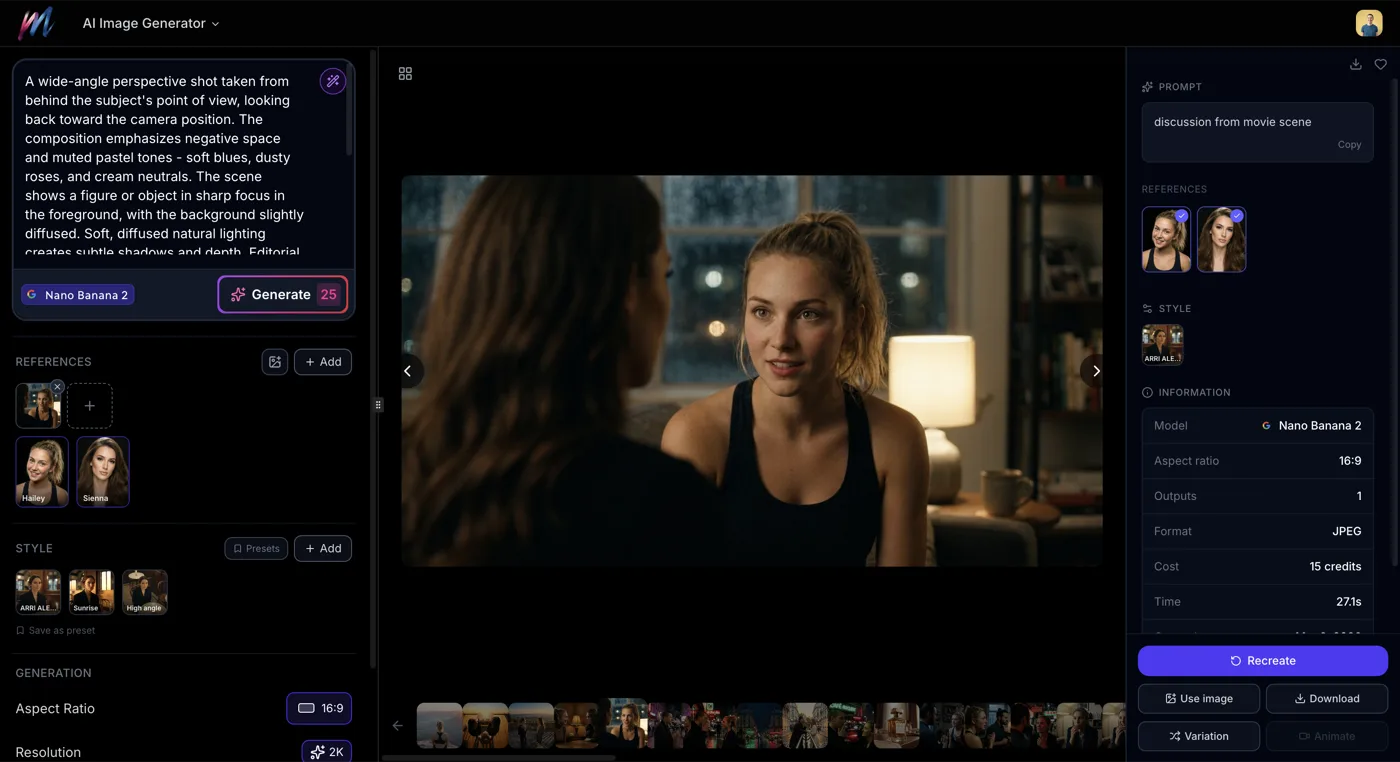
- 16 AI models including Flux 2, Seedream 4.5, Grok Imagine, and Nano Banana 2
- 9 aspect ratios -21:9, 16:9, 4:3, 3:2, 1:1, 2:3, 3:4, 9:16, and Auto
- Resolutions up to 4K for print-ready and high-quality output
- Extract subject from any image to reuse in new generations
- 100+ variation presets across 11 categories: camera angles, shot size, expressions, lighting, time of day, weather, color grading, mood, art style, era, and aspect ratio
- 148 AI Actors with consistent character generation across scenes
- Right-click context menu -copy prompt, reuse, generate variation, use as reference
- Image upscaling to enhance resolution and detail
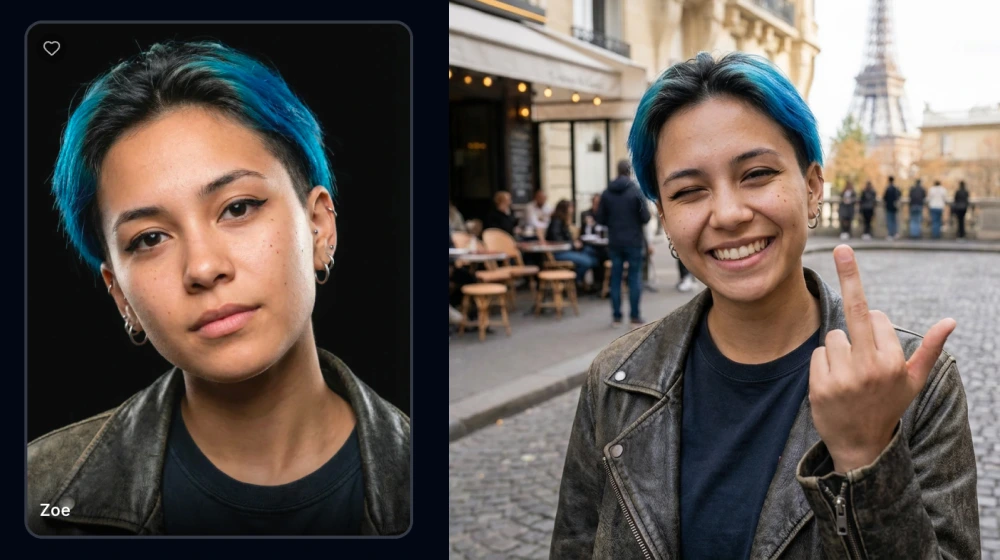
AI Video Generator
Turn images or text into cinematic video clips with 8 AI models, camera presets, and lip sync.
- 8 video models including Veo 3.1, Kling v3 Pro, Hailuo 02, WAN v2.2, Seedance v1 Pro, and LTX 2 Pro
- Text-to-video and image-to-video generation
- 3 to 15 second durations with configurable length
- Up to 4K resolution output
- Camera movement presets -Dolly, Jib, Static
- Multi-shot sequences with per-shot prompts (Kling v3 Pro)
- Lip sync and Voice ID support for talking characters
- Extend video to make clips longer
- Native audio generation with Veo 3.1
- Character consistency via reference images
- Export as MP4 or WebM
AI Movie Poster Generator
Design professional movie posters in 20 styles with custom titles, taglines, and full prompt control.
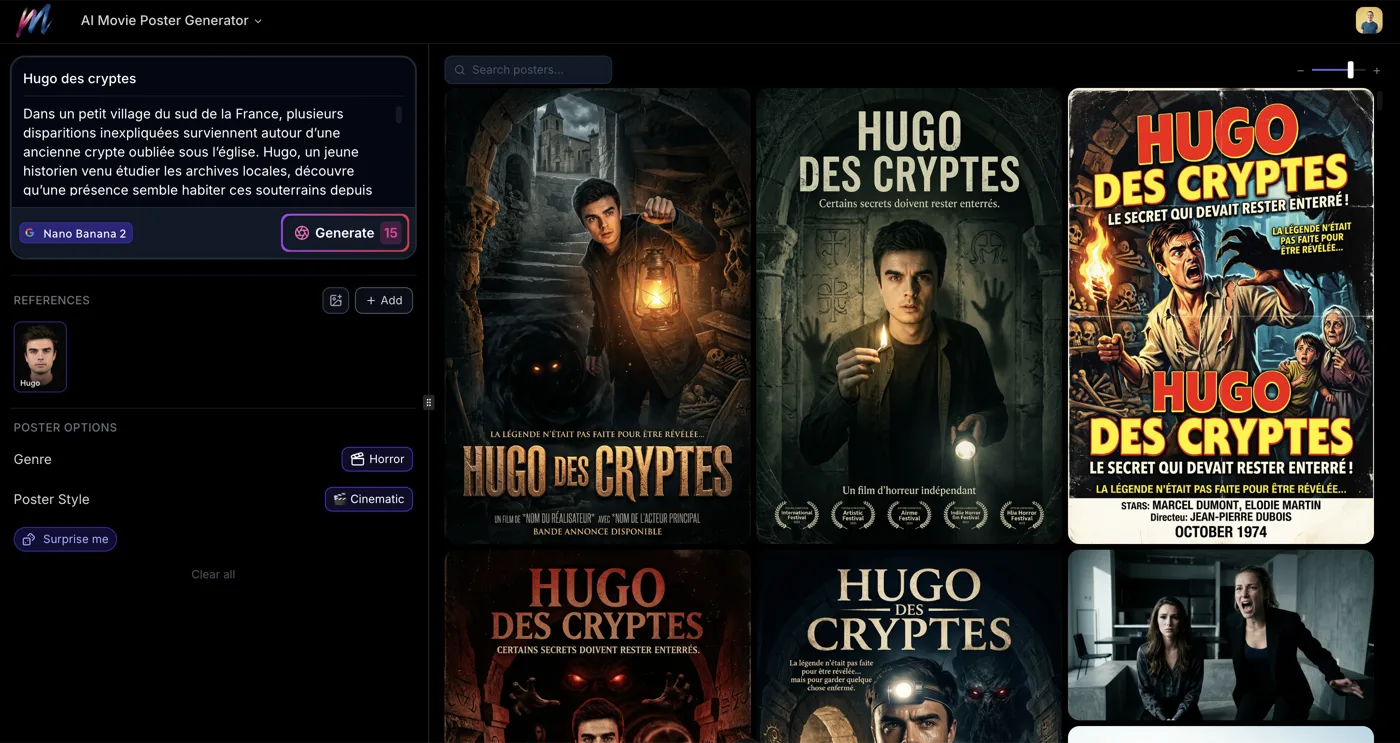
- 20 style templates -Cinematic, Anime, Retro, Film Noir, Minimalist, Horror, Sci-Fi, Watercolor, Comic Book, Art Deco, Grindhouse, Bollywood, Western, Pixel Art, Surrealist, Documentary, Cartoon, Epic Fantasy, Indie Film, and Neon Noir
- Text overlay for title and tagline
- Full prompt customization for complete creative control
Movie Idea Generator
Generate unique movie concepts with a guided wizard that builds your story step by step.
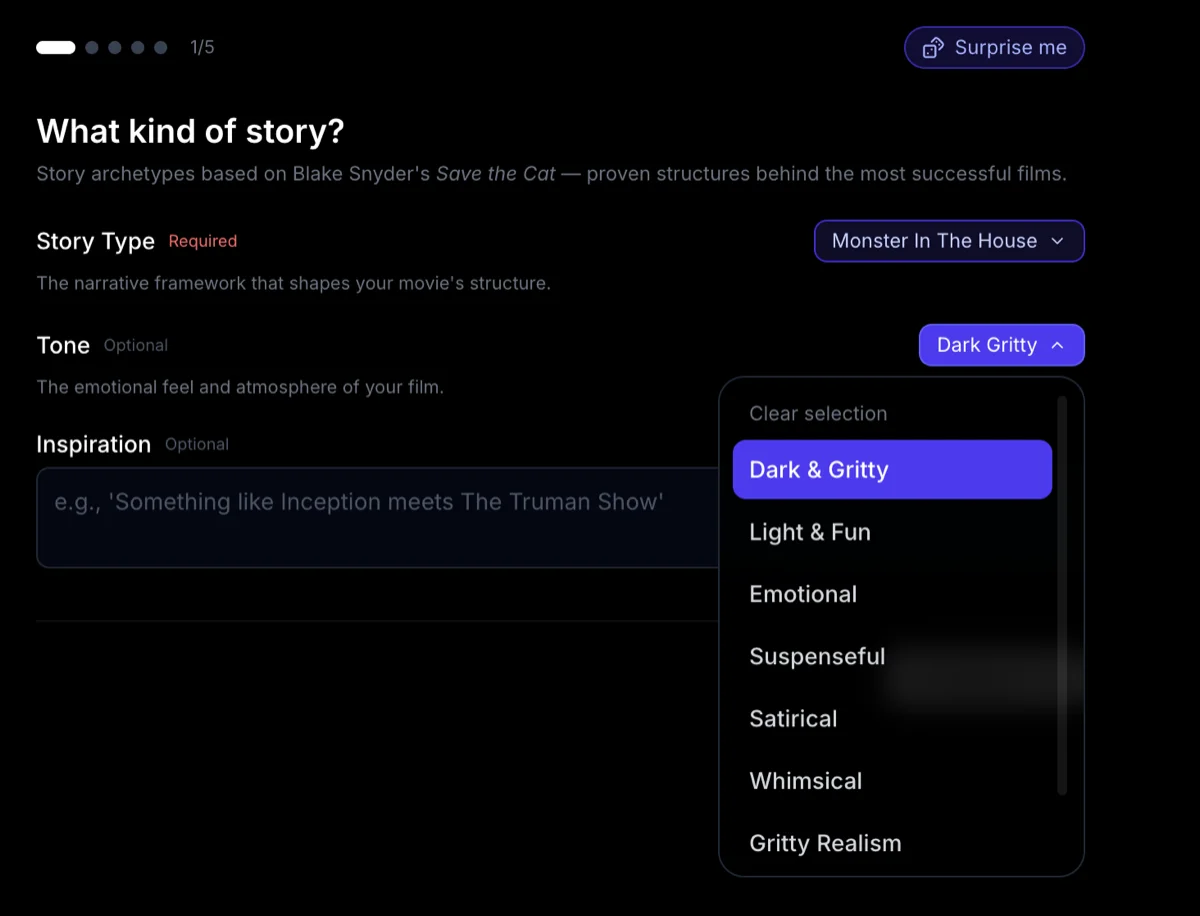
- Guided 9-step wizard -archetype, tone, time period, location, hero type, flaw, antagonist, catalyst, and theme
- 10 story archetypes including Monster in the House, Golden Fleece, Out of the Bottle, and more
- AI-generated title, logline, synopsis, and characters
- 1,000+ pre-generated ideas gallery for instant inspiration