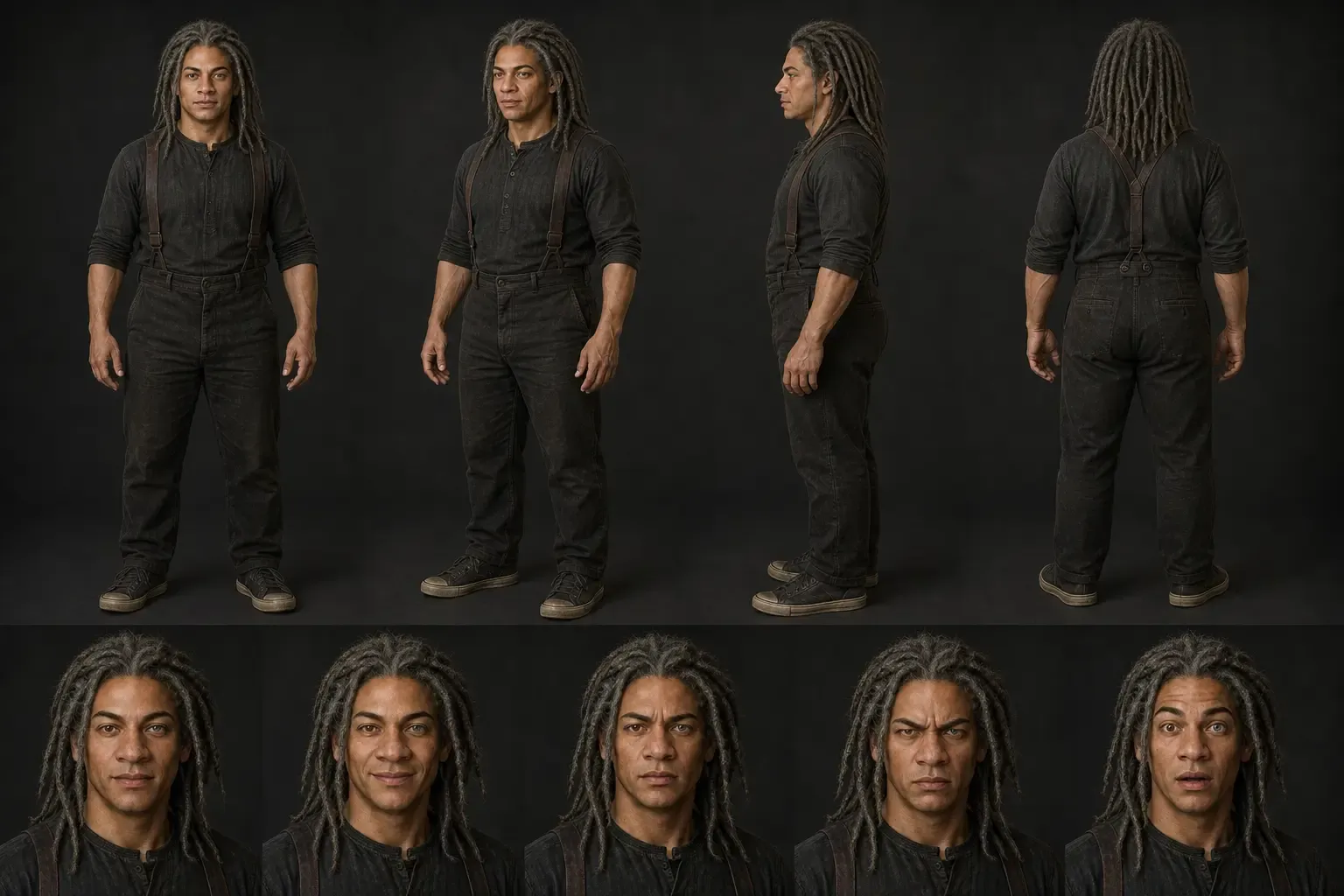
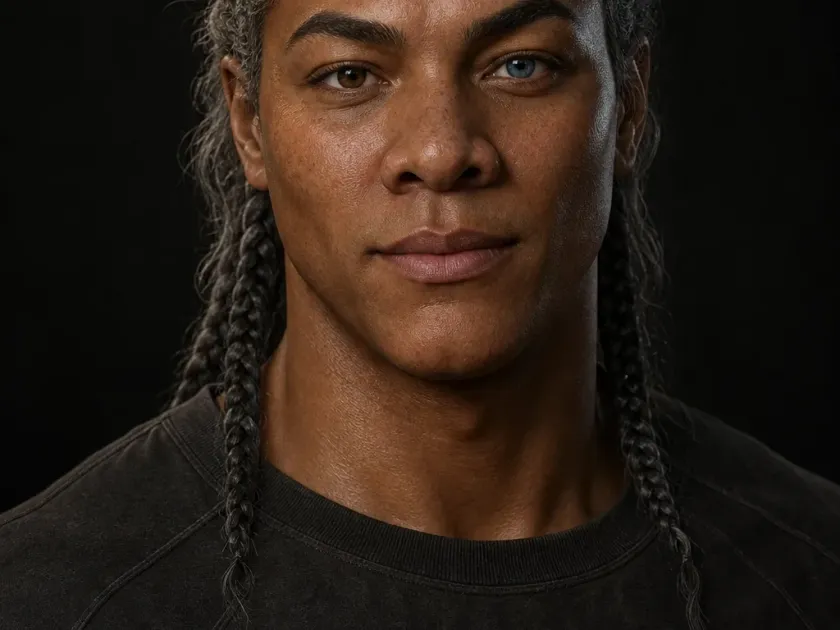
Cinematic portrait of Elias, an original character with grey braids and heterochromia
Story casts · Character references · Image-to-video ready

AI Character Creator

Design original AI characters for films, storyboards, comics, games, and branded content. Describe the character's face, wardrobe, personality, and visual style, then keep the result as a reusable image reference for the rest of your Melies project.

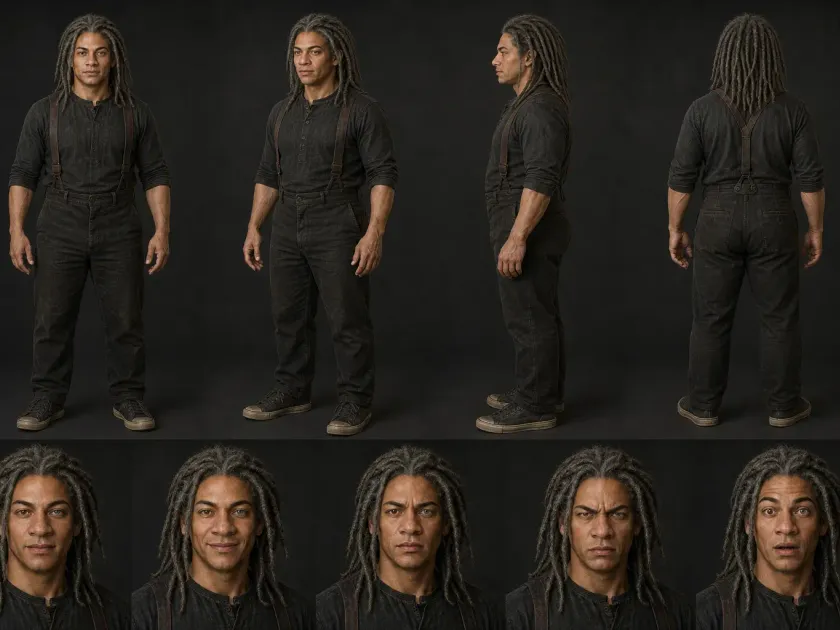
Elias production character sheet with four body angles and five matching expressions

One visual system, many worlds

One editor. Any character.

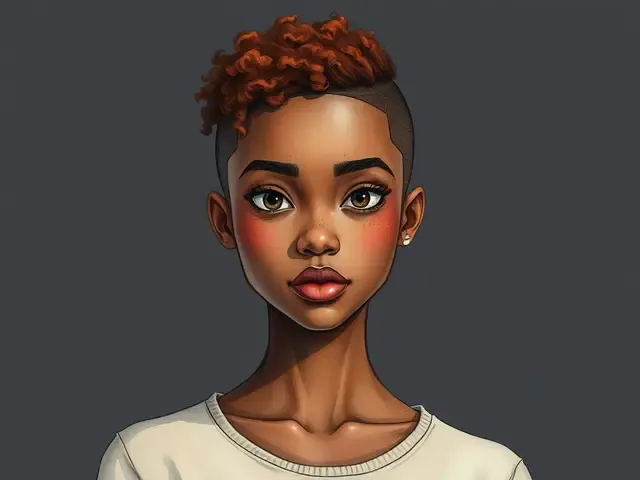
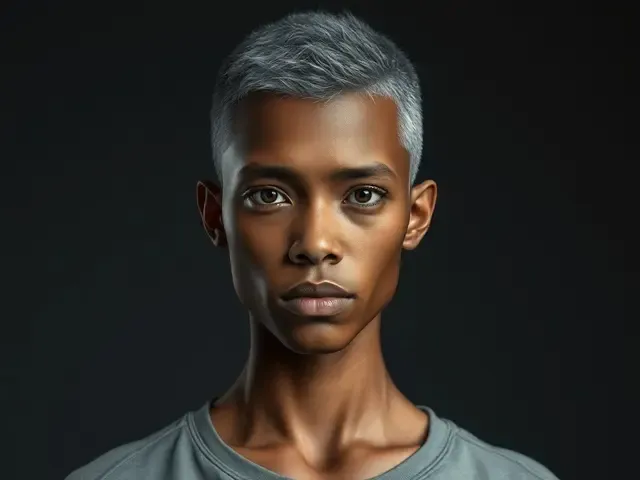
Every face below came out of the character editor's live preview stage: realistic, stylized 3D, anime, watercolor, illustration, and fantasy builds.

Realistic character with a silver buzz cut created in Melies
Cinematic realism
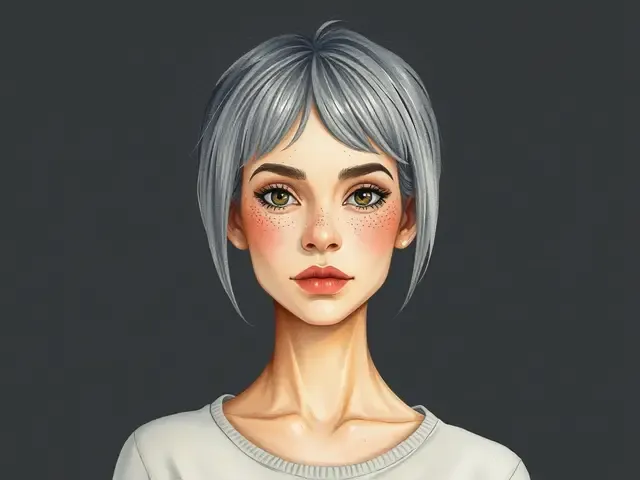
Watercolor character with a silver bob and freckles
Watercolor
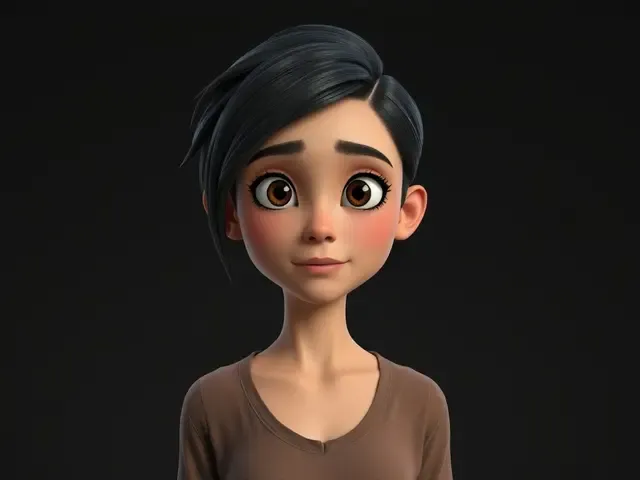
Stylized 3D character with side-swept black hair
Stylized 3D
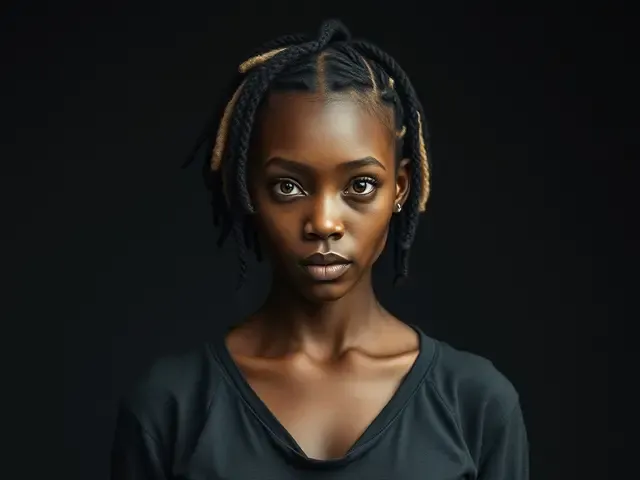
Realistic character portrait with braids
Portrait realism
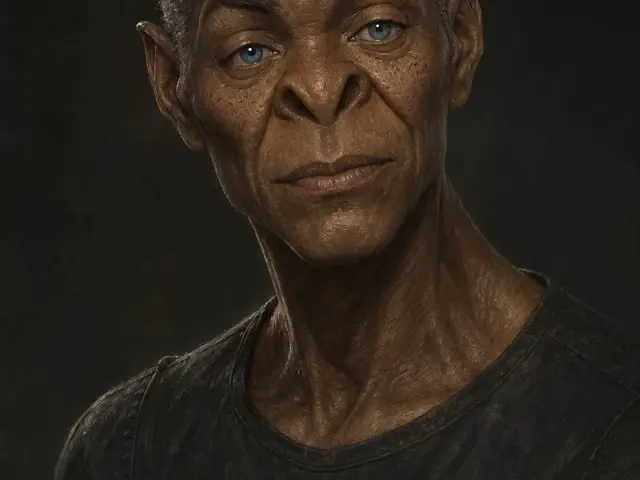
Fantasy elder character with pale blue eyes
Fantasy
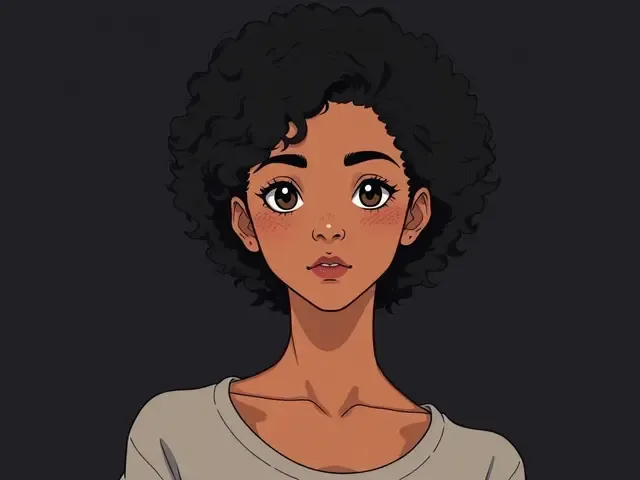
Anime character with a curly afro
Anime

The editor

How to create an AI character

Shape the identity visually, compare art directions in context, then commit one character to production.

Character editor walkthroughSeven guided decisions
  1. 01

    Describe the character

    Write the age, face, body type, expression, clothing, personality cues, era, and art direction. Add a reference image or actor reference when you need the generation to follow a specific face or style.

  2. 02

    Generate character images

    Choose an image model, aspect ratio, and output format, then generate character options. Iterate on details such as wardrobe, lighting, pose, camera angle, and art style.

  3. 03

    Reuse the reference

    Save the result in your gallery, reuse it as an image input, or extract the person as a character reference so future images and videos have a stronger visual anchor.

Built for continuity

What makes this AI character creator different

Perchance, Canva, and Fotor are useful for one-off character images. Melies is built for creators who want those characters to keep working across a larger image and video pipeline.

01

Identity

Lock what makes them recognizable

Reusable Character References

Turn generated faces, uploaded images, or built-in actor references into reusable inputs for future generations. This helps keep the character direction stable across scenes.

Prompt + Image Control

Combine text prompts with reference images, previous Melies outputs, actor references, and style references instead of relying on a single text prompt.
02

Direction

Explore the look without losing the person

Styles for Stories

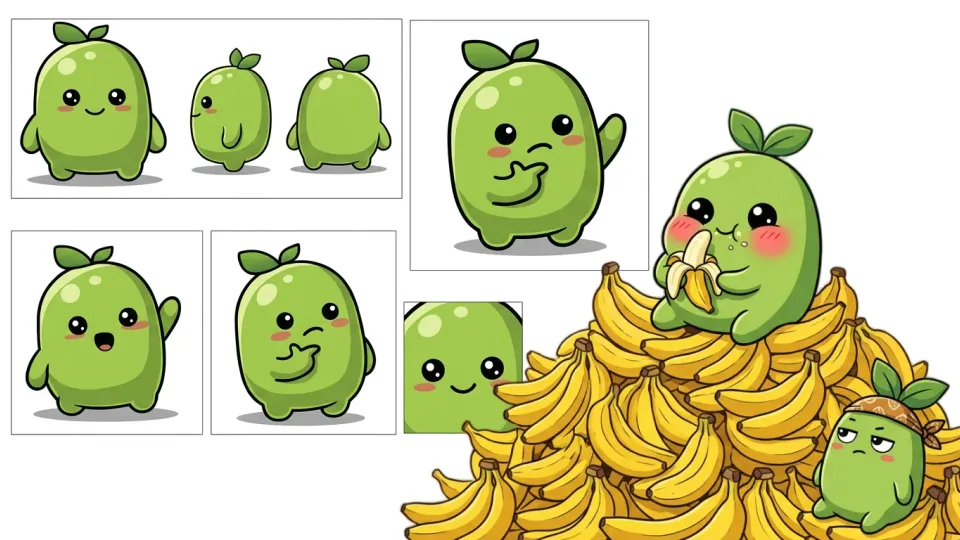
Create realistic actors, animated heroes, fantasy characters, game concepts, comic casts, brand mascots, and cinematic portraits with prompt and model control.

Built-in Actor Library

Start from Melies actor references when you need a ready-made face for a storyboard, concept frame, or video idea.

03

Production

Carry the cast into the rest of the film

Character to Video Workflow

Use a finished character image as a first frame, reference, or input for image-to-video, lip-sync, talking head, and scene generation tools.

Project-Level Cast Building

Create multiple character references for the same story and keep them available in your Melies gallery instead of scattering assets across separate apps.

Production notes

AI character creator product facts

What the Melies character tool currently supports after you sign in.

Input
Prompt + referencesUse text, uploaded images, previous outputs, actor references, and style references to guide the character.
Output
Image assetCharacters are generated as image assets and saved to your Melies gallery.
Formats
WebP, PNG, or JPEGAvailable output formats depend on the selected image model and settings.
Cost
Model-based creditsCredit usage depends on model, resolution, and number of outputs.

From cast design to final frame

What can you create with AI characters?

From film storyboards to branded mascots, character references make AI visuals easier to reuse.

Cinematic lead character portrait prepared for a film project
01

Film & Short Film

Create cast references for short films, trailers, pitch decks, and pre-production visuals before generating scene frames.

Production character sheet used as a storyboard reference
02

Storyboarding

Build storyboard frames with clearer character continuity by reusing character images and actor references.

Fantasy game character concept portrait
03

Game Characters

Explore RPG heroes, villains, NPCs, skins, and promotional character art before committing to a final direction.

Recurring virtual host character portrait
04

Social Media Personas

Design recurring creator personas, virtual hosts, and social characters that can move into video workflows later.

Illustrated graphic novel character portrait
05

Comic & Graphic Novel

Create character portraits, mood boards, and panel references for different poses, outfits, and expressions.

Stylized 3D brand character portrait
06

Marketing & Brand

Develop mascot, spokesperson, or brand-world characters for campaign concepts and visual testing.

Your next cast starts here

Build a character before you build the scene

Generate the face, wardrobe, and style first. Then reuse that character as a reference when you create storyboards, images, and video shots.

AI character creator: frequently asked questions

Practical answers before you start creating.

Create your first AI character

Describe a character, generate visual options, and keep the result ready for your next image or video workflow.

Credit cost depends on the selected image model and output settings.