
AI Image Generator
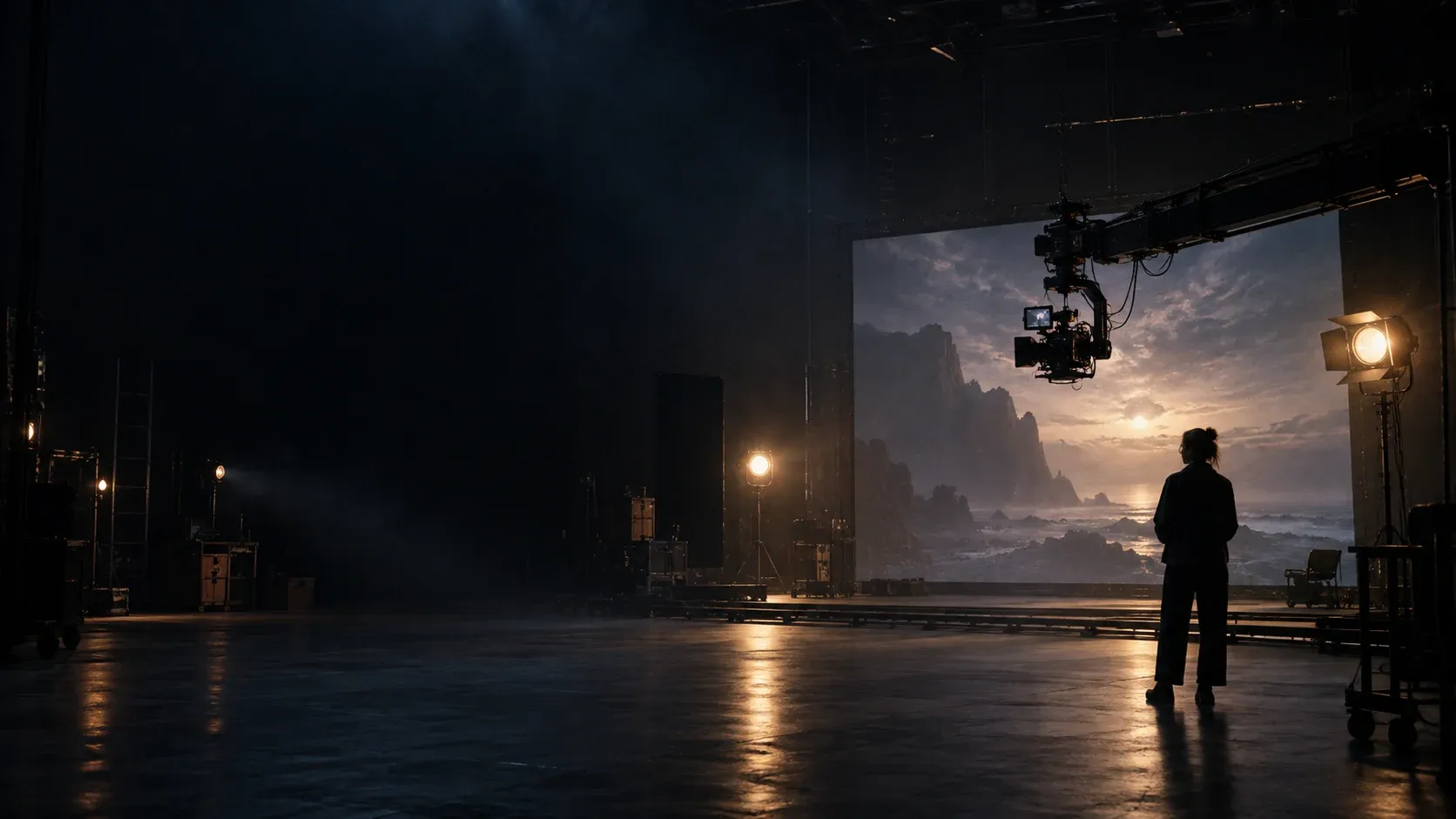
The AI image generator built for filmmakers and visual storytellers. Generate cinematic stills, storyboard frames, and character concepts from text — with 30+ models, character references, and cinematography-grade visual controls.
Start with a frame, not a blank page
Choose an example to borrow its prompt, then adapt the scene, character, or mood.
03 06
The interface stays close to the frame
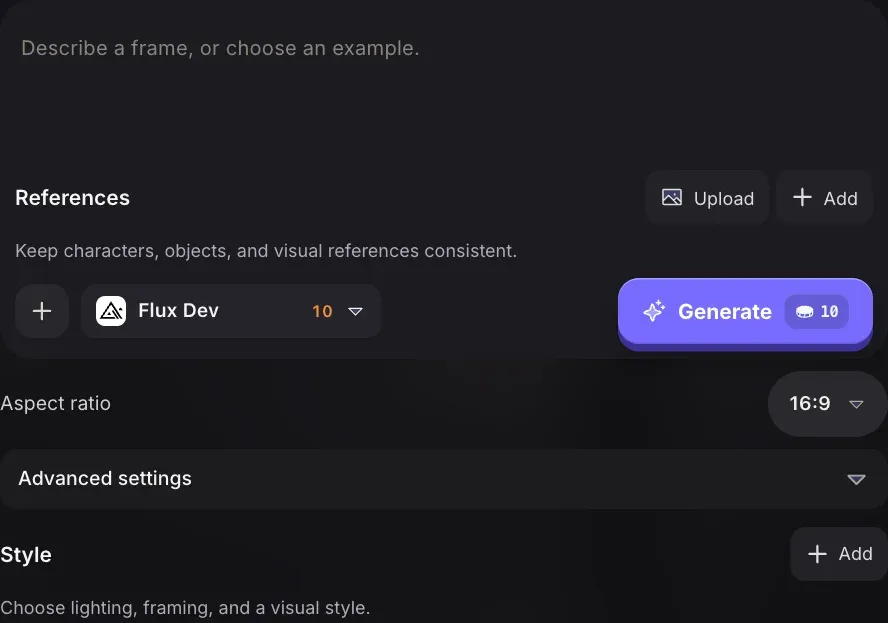
Prompt, model, and references stay visible in one working surface, so you can make the next creative decision without losing the shot.
Write the shot
Start with a plain-language description, then add the camera, light, and mood that make the frame yours.
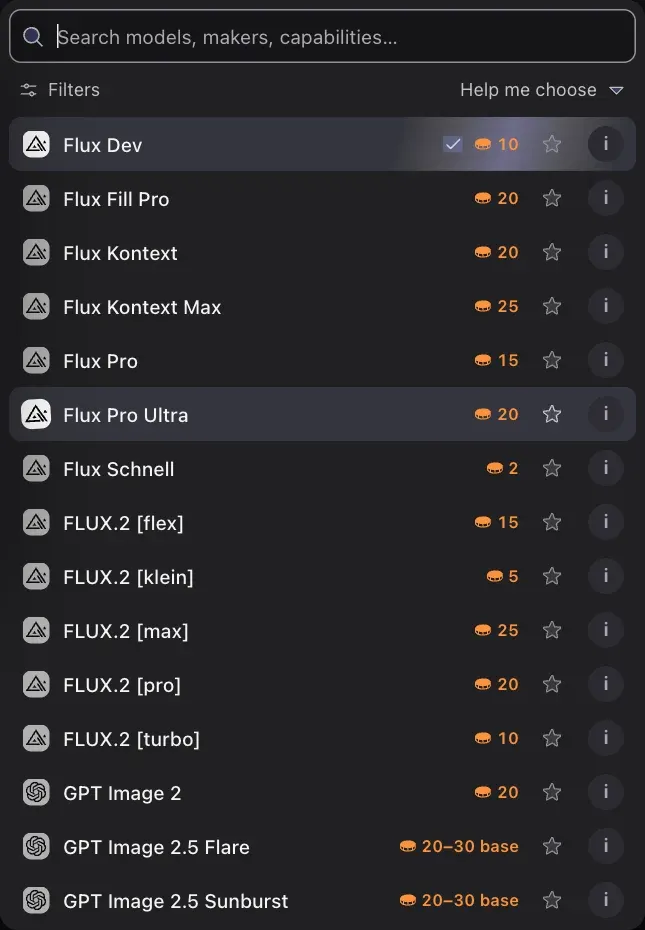
Choose the right model
Search the live model roster, compare capabilities and credit cost, then keep the choice attached to the draft.
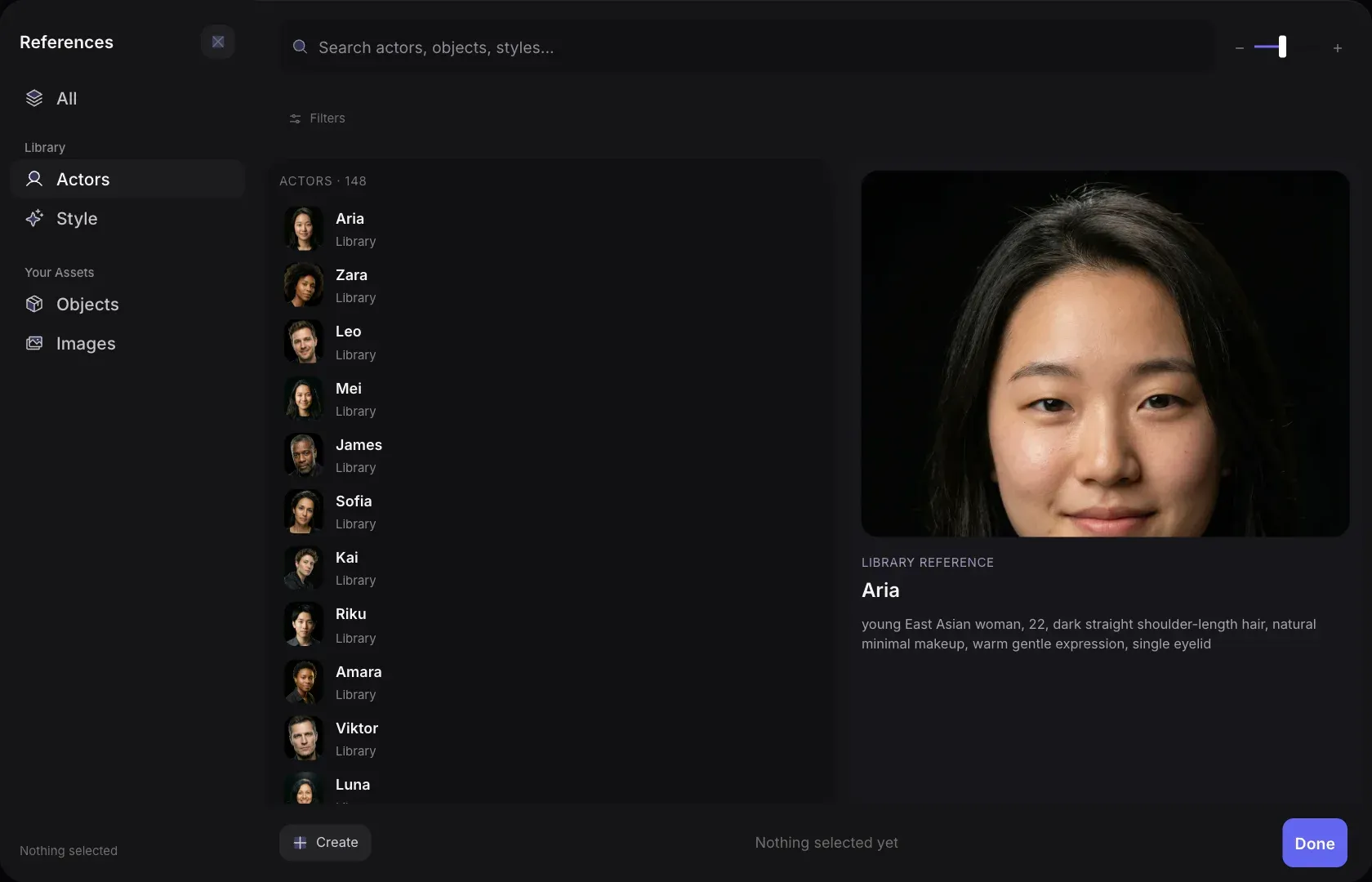
Keep references in context
Bring in an actor, object, or style reference and inspect it before you generate the next variation.
See what each creative decision changes
Choose a control to see a concrete example, then bring the idea into your own prompt or reference library.
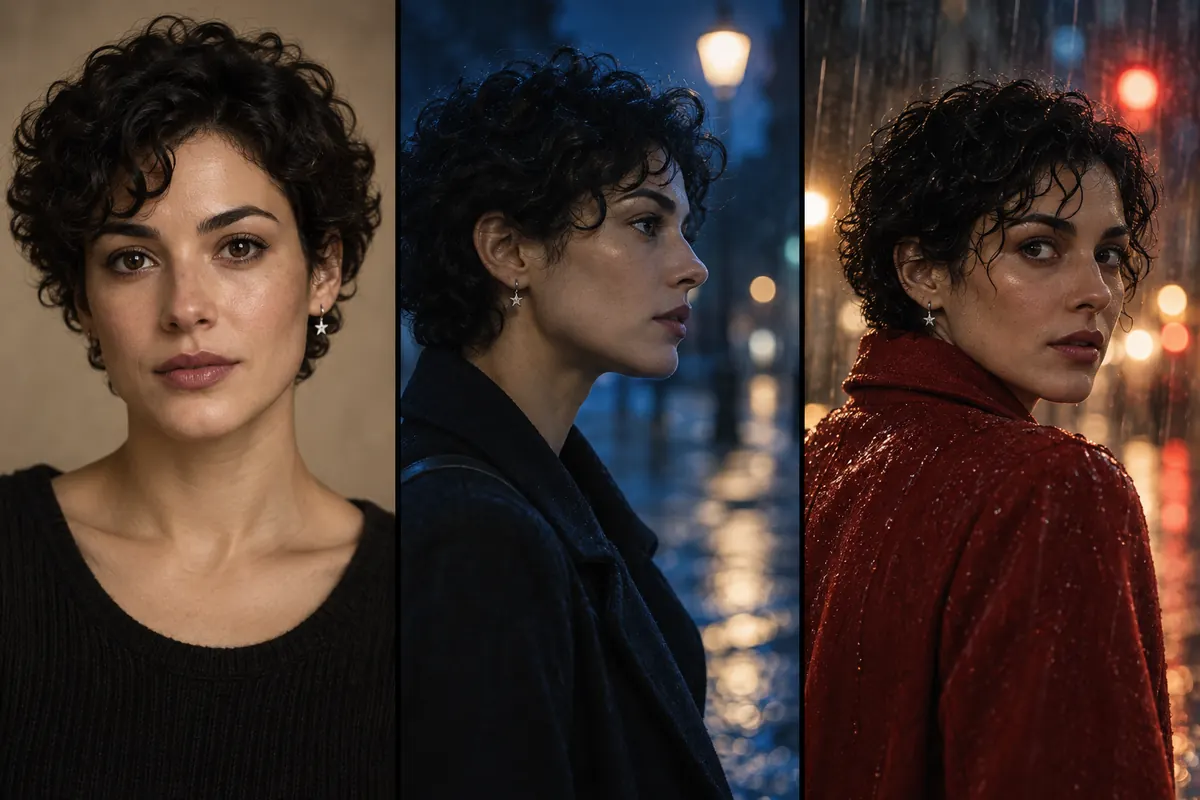 Illustrative concept
Actor references
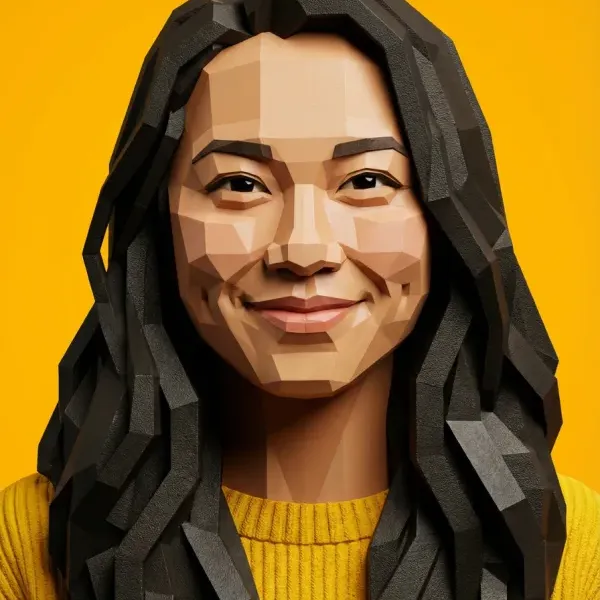
Keep the same person across new shots
Add an actor or character reference, then change the scene, angle, or expression while keeping that person as the visual anchor.
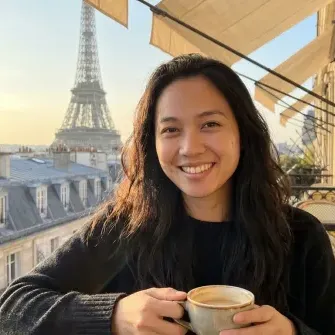
Start with a clear portrait that establishes the face.
Make the images your project actually needs
Choose a deliverable to inspect an illustrated example and start from a specific prompt.
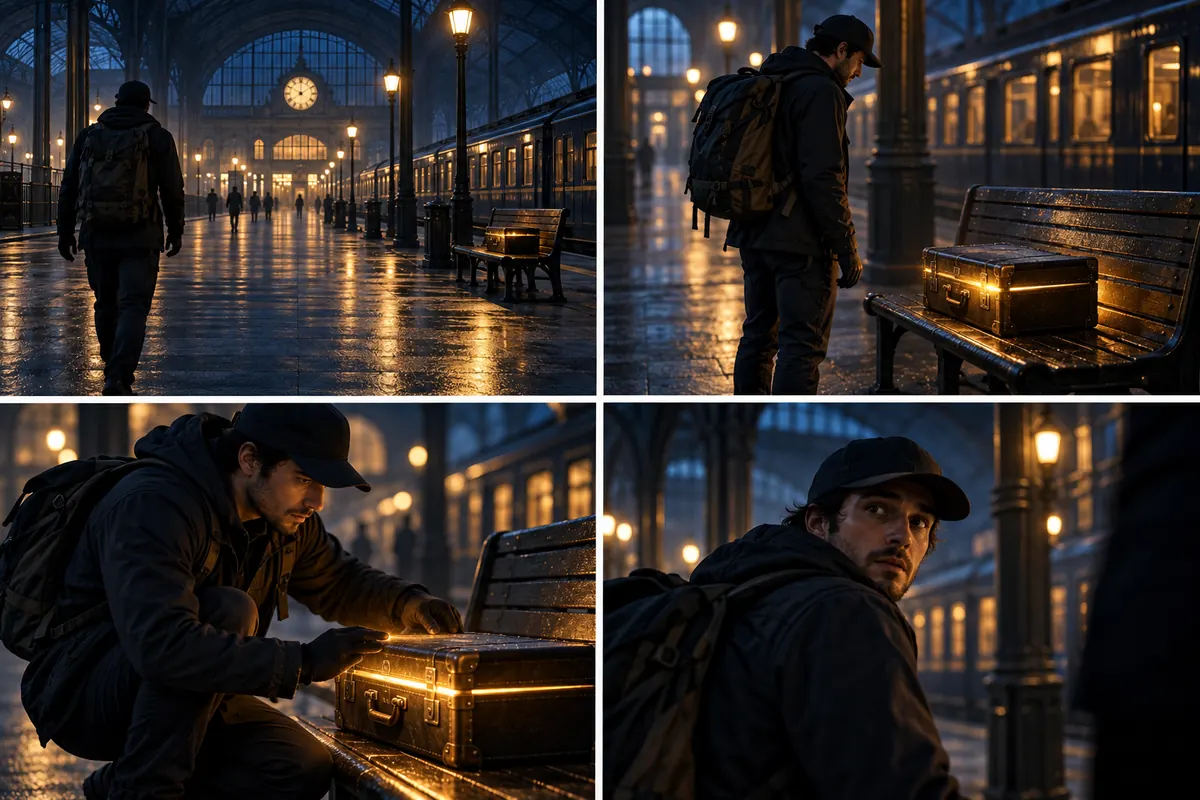 Illustrative concept
Storyboard a scene
Explore the same action as a wide shot, medium shot, close-up, and reaction shot before planning the shoot.
Describe the shot. Let the controls carry the jargon.
A useful cinematic prompt gives the model a subject, a setting, a camera intention, and a feeling. Melies keeps the visual decisions editable after you write the sentence.
- 01Subject
Who or what is in the frame, and what are they doing?
- 02Setting
Where are we, what time is it, and what should stay recognizable?
- 03Camera
Name the shot size, angle, lens feel, or point of view you want to explore.
- 04Light and mood
Give the scene an emotional temperature: hard side light, golden hour, quiet tension, and so on.
“Close-up of a tired detective outside a rain-soaked Paris cafe at night, practical tungsten light, shallow depth of field, restrained film-noir tension.”
From visual idea to a ready draft
Keep the creative decisions visible before you generate.
Describe your image
Type a text prompt describing the image you want. Be specific about mood, style, lighting, and composition. You can also borrow one of our example prompts to get started instantly.
Pick an AI model
Choose from 30+ models. Flux Pro and Seedream v4 for photorealism, Nano Banana Pro for creative styles, Flux Kontext for character consistency. Every model has a distinct aesthetic.
Generate and refine
Your image appears in seconds. Add character references, swap the lighting preset, or use image-to-image to iterate on the result until it matches your vision exactly.
Pick the model for this shot
Browse the Melies artwork from our model picker. These are editorial posters, not sample outputs from each model.
- Nano Banana 2
- Flux Dev
- Flux Fill Pro
- Flux Kontext
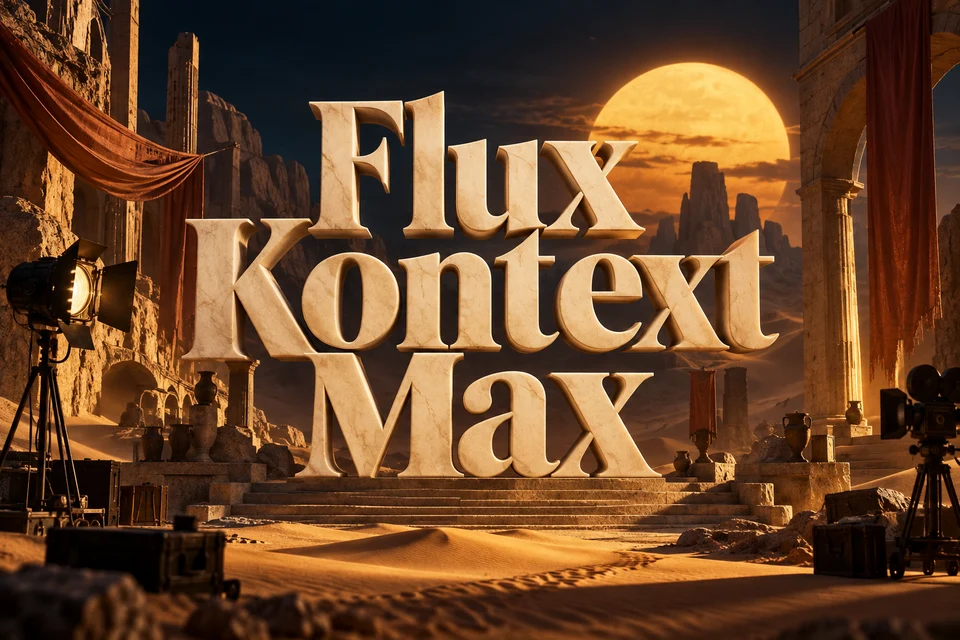
- Flux Kontext Max
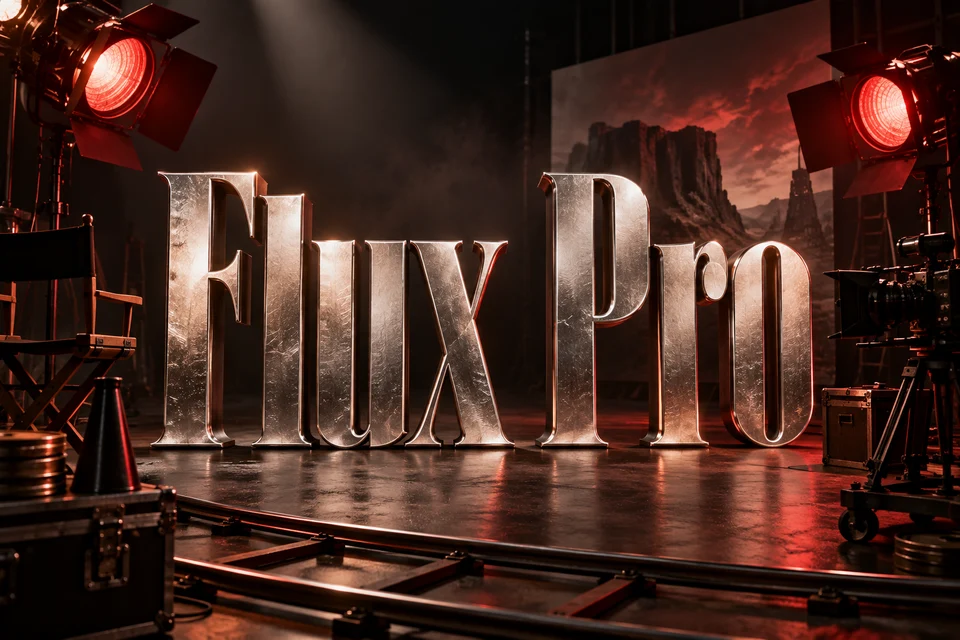
- Flux Pro
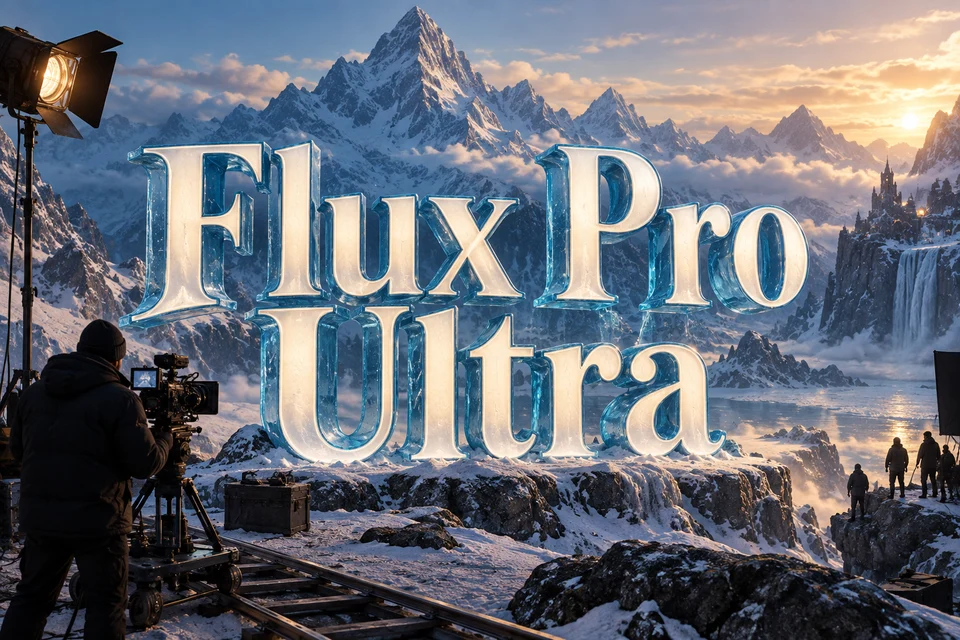
- Flux Pro Ultra
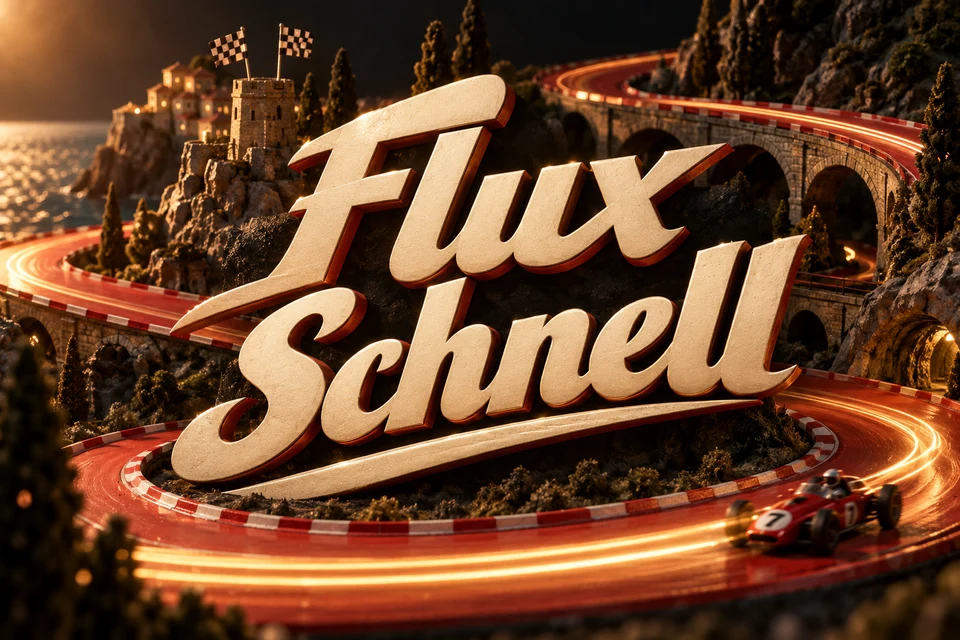
- Flux Schnell
- FLUX.2 [flex]
- FLUX.2 [klein]
- FLUX.2 [max]
- FLUX.2 [pro]
- FLUX.2 [turbo]
- GPT Image 2
- GPT Image 2.5 Flare
- GPT Image 2.5 Sunburst
- Grok Imagine Image 2.0
- Ideogram V4
- Imagen 4 Fast
- Imagen 4 Ultra
- Krea 2 Large
- Luma Uni-1 Max
- Meta Muse Image
- Qwen Image 3
- Recraft V4.1 Pro
- Reve 2.1
- Seedream 4 Edit
- Seedream 4.5
- Seedream 5 Lite
- Seedream 5 Pro
AI image generation, without the guesswork
Learn how prompts, references, and credits work before you begin.
What is an AI image generator?
An AI image generator is a tool that creates images from text descriptions using deep learning models. You write a prompt describing what you want (subject, style, lighting, mood) and the AI generates a matching image, usually in a few seconds.
Is this AI image generator free?
You can create a Melies account and explore the image generator. Generating and saving images requires credits from a paid plan. Paid plans unlock higher limits, priority generation, and additional models.
Do I need to sign up to use the AI image generator?
You can explore the page and try a prompt without logging in, but generating and saving images requires a Melies account and a paid plan.
Which AI image models are available on Melies?
Melies supports 30+ models including Flux Pro, Flux Dev, Flux Kontext Pro, Seedream v4, Seedream v4 Edit, Nano Banana Pro, and more. Each model has a different aesthetic: Flux Pro for photorealism, Seedream v4 for cinematic quality, Nano Banana Pro for creative styles.
What is the best AI image generator for filmmakers?
Melies is purpose-built for filmmakers. It combines text-to-image generation with cinematography tools (camera angle controls, lighting presets, color grades, and character references) in a single interface. Unlike generic tools, it's designed around the actual pre-production workflow.
What is Flux AI and why is it popular?
Flux is a family of high-performance text-to-image models developed by Black Forest Labs. Flux Pro is known for photorealistic output and strong prompt adherence. Flux Dev is a faster, more experimental version. Flux Kontext is optimized for consistent character generation. All three are available in Melies.
How do character references work?
Character references let you specify a face or character for the AI to include in the generated image. Upload a portrait photo or choose from our actor library. The AI uses that reference to place the same person into any scene you describe, without writing complex prompts.
What is image-to-image generation?
Image-to-image lets you upload an existing image as a reference. The AI generates a new image that follows the composition, structure, or style of the original while applying your text prompt on top. It's ideal for transforming sketches, iterating on a look, or adapting one image across different visual styles.
Keep the frame. Make the next decision.
Your prompt and settings are kept when you create an account.