
Character reference · 7 production formats
AI Character Sheet Generator
Turn one portrait into a consistent visual reference for animation, film, games, comics, and AI video.
Create visual production sheets, not RPG statistics or printable game forms.
Generated output
Complete sheet
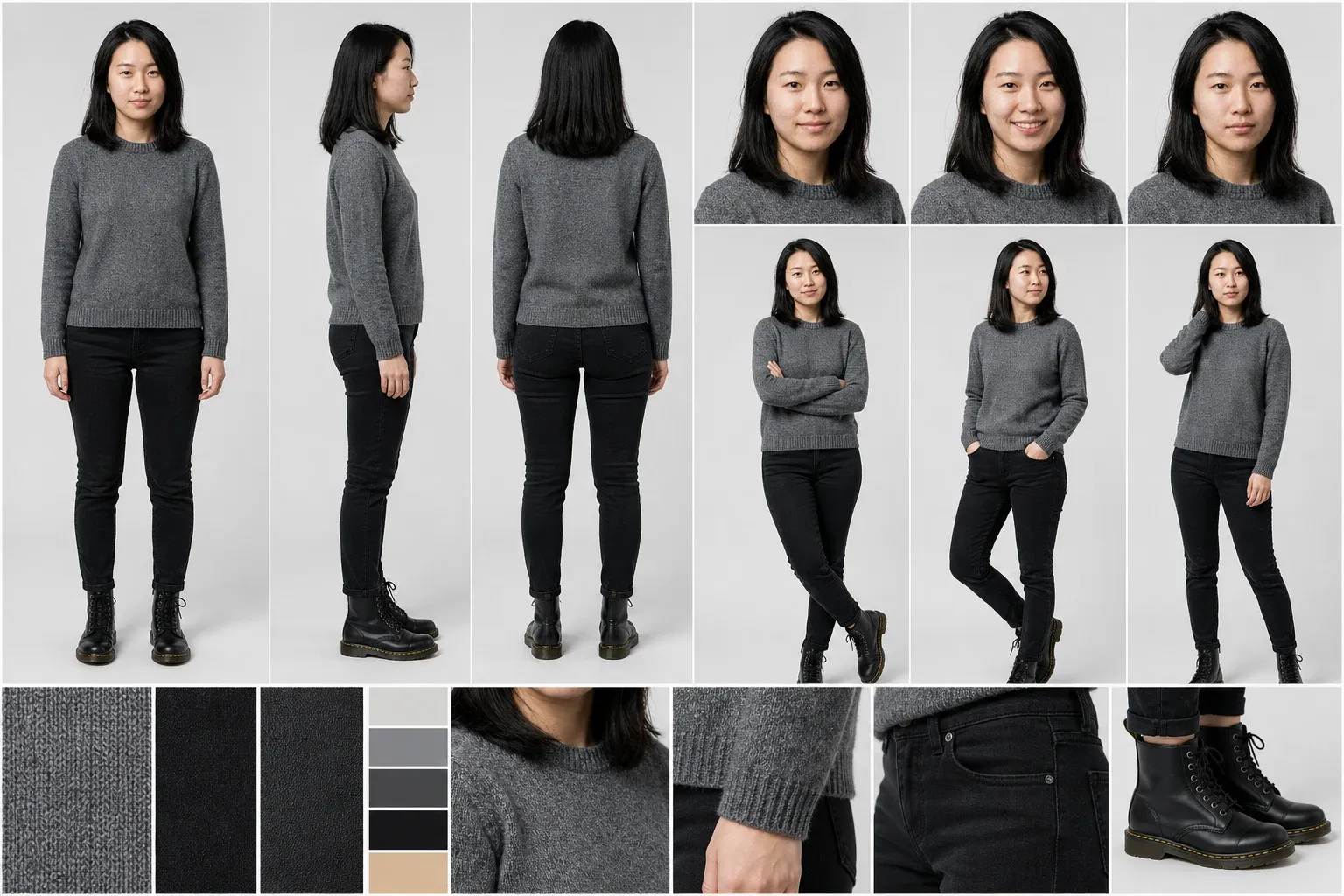
One identity, ready for production
Face, proportions, costume, palette, and materials remain consistent.
Production presets
Choose the sheet
Every format stays in view. Select one to inspect the production reference at full size, or start custom and choose every detail yourself.
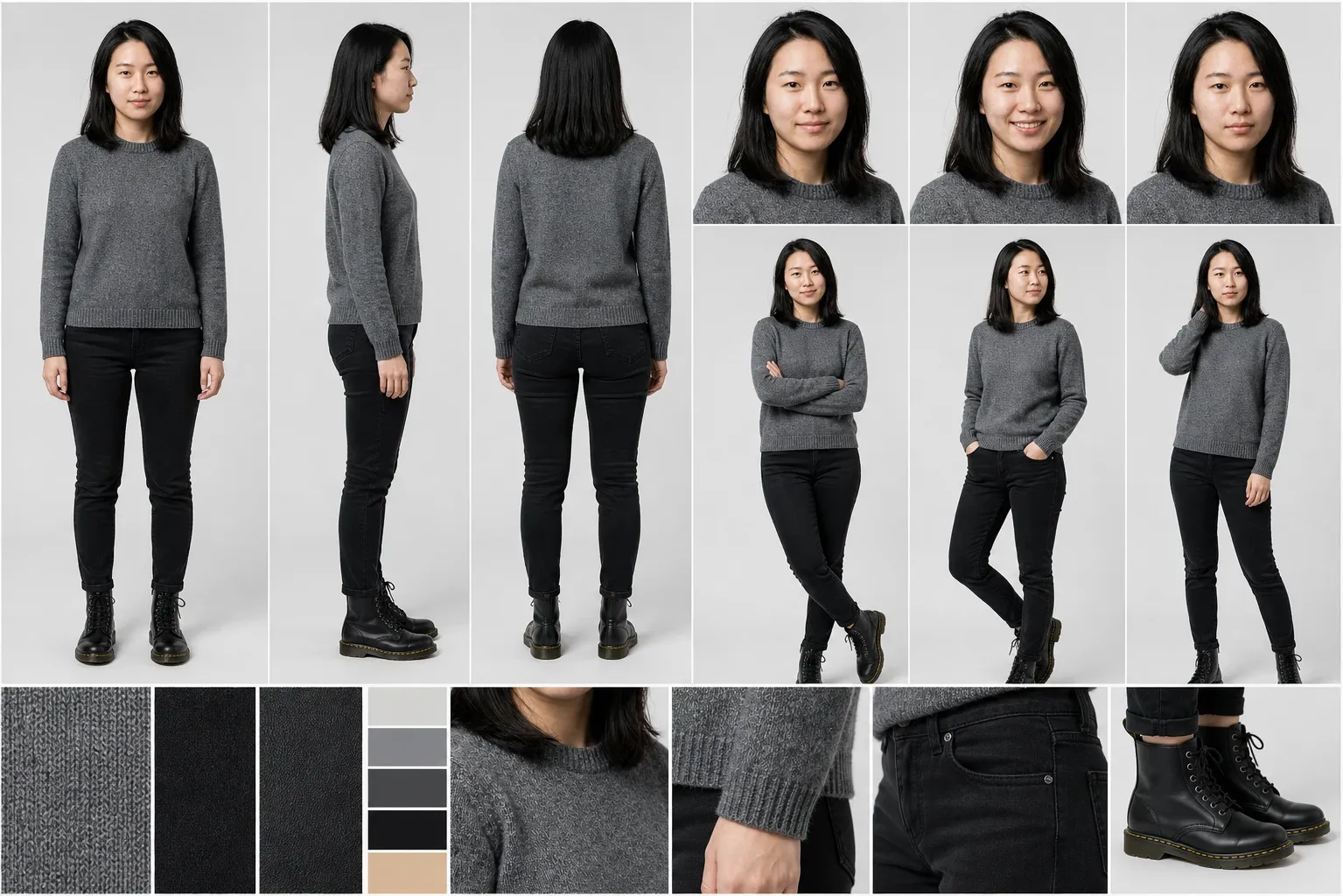
One source of truth
From one character to every useful view
Start wherever the character already lives. The same workflow accepts a Melies character, an existing asset, an uploaded image, or a written description.
- 01 · Source
Choose the character
Select a Melies character or asset, upload an image, or describe a new character.
- 02 · Format
Choose the sheet
Pick a focused production preset or compose a custom layout.
- 03 · Output
Generate one reference
Create an organized board that preserves identity, proportions, wardrobe, and style.
Style continuity
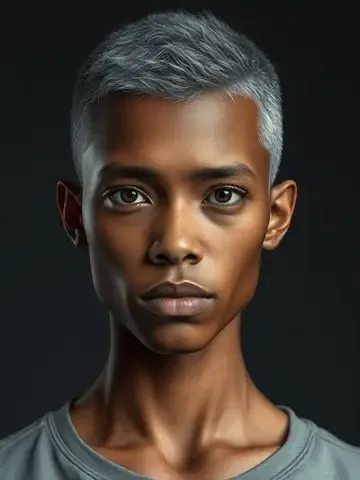
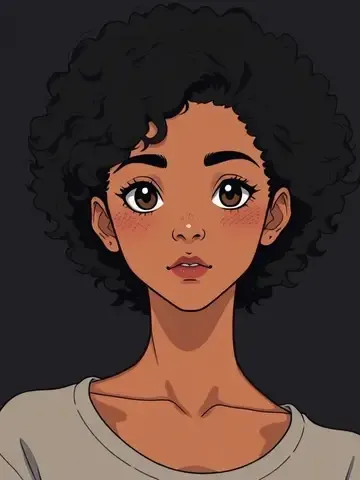
Keep the medium, not just the face
Preserve Source Style keeps photography photographic and retains the design language of anime, 3D, illustration, watercolor, pixel art, and other stylized characters.
You can also restyle the full sheet. Every view, expression, pose, and callout then follows the selected medium consistently.
Connected workflow
Built to continue inside Melies
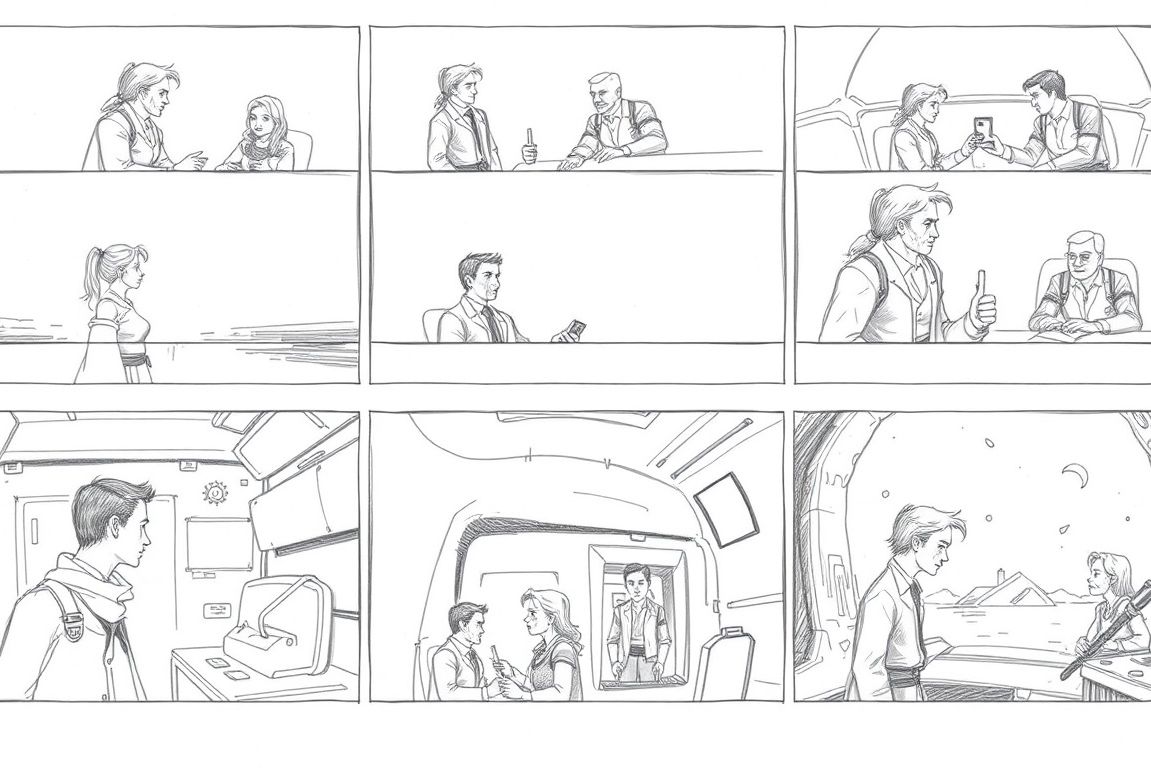
Generated sheets keep their character references, selected format, model, and production brief. Reuse them in the same visual workflow as your storyboards, scenes, and videos.
AI Character Sheet Generator FAQ
Practical answers before you start creating.
Give every recurring character a production reference
Start from a Melies character, your own image, or a written description. Choose the sheet, preserve the style, and generate.