

Campaign Variants
Turn one product or creator image into several visual directions for ads, thumbnails, and social tests.
Source-guided restyling
Upload an image, choose a preset or add a visual reference, then control how strongly the new style should reshape the result. Keep the subject and composition while changing color, texture, line, and atmosphere.
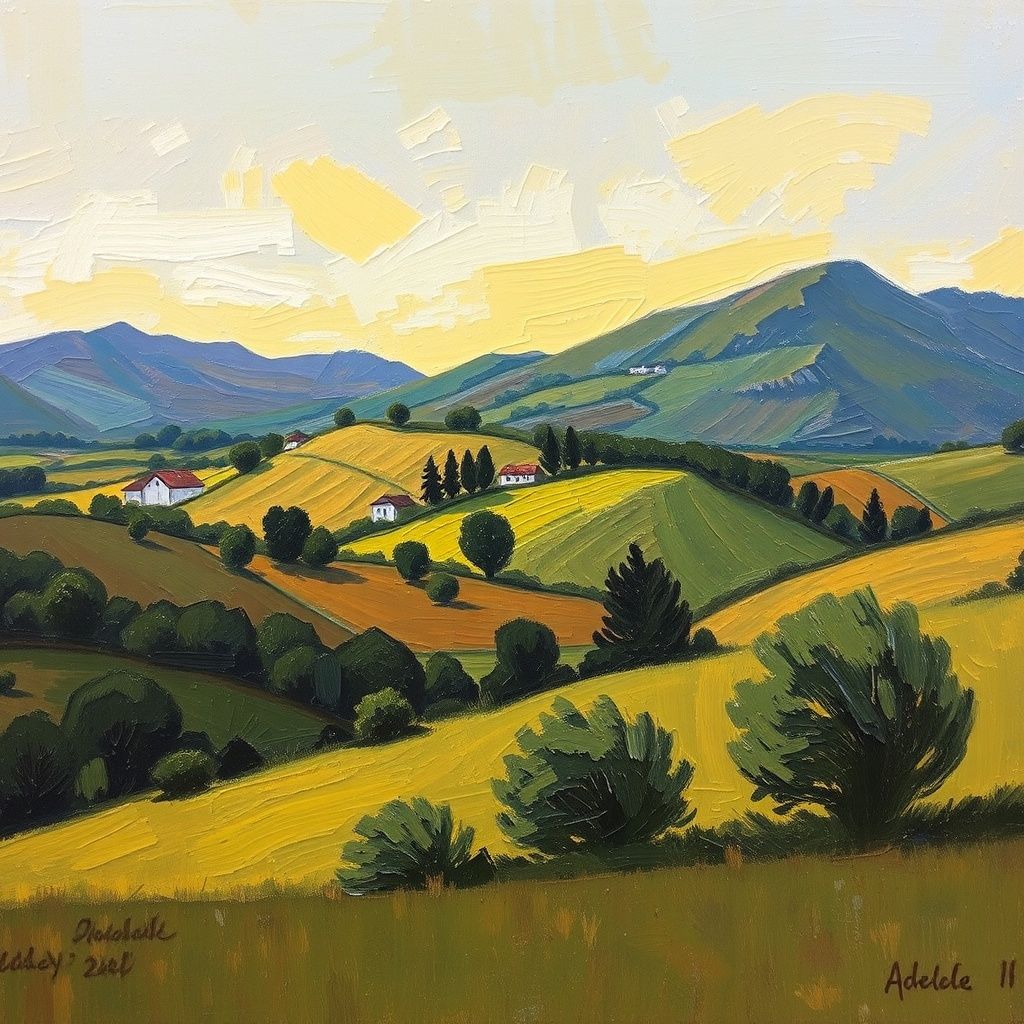
These examples demonstrate different styles and source images. They are not presented as one before-and-after set.
Three creative inputs
The source supplies the scene. A preset, text direction, or reference supplies the look. Strength determines how far the output can move away from the original image.
Or choose a preset
3. Transfer strength
60%The preservation contract
Style transfer is useful when the content still needs to read as the same scene. Strength lets you negotiate between fidelity and transformation.
Dial the result
A restrained treatment that keeps texture, color, and photographic detail close to the source.
A visible stylistic shift while the scene and subject remain immediately recognizable.
A stronger reinterpretation where materials, line, lighting, and detail can move further from the source.
Production uses
Restyle references, concepts, boards, and campaign frames while keeping the underlying visual information recognizable.
Turn one product or creator image into several visual directions for ads, thumbnails, and social tests.
Explore a shot in anime, noir, watercolor, comic, cinematic, or editorial styles before producing final assets.
Try a character reference in multiple art styles while keeping the strongest outputs for future image generation.
Create visual references for clients, directors, artists, and brand teams without starting every image from scratch.
Restyle frames to align a storyboard with the tone of the final film or video.
Create stylized images that feel native to Instagram, TikTok thumbnails, YouTube, or portfolio posts.
Practical answers before you start creating.
Transfer a new aesthetic onto an image you already care about.