
Image to Video AI Generator

Turn a still image into a short AI video clip. Upload a frame, describe the motion, choose a video model, and generate a clip for storyboards, product shots, social content, and AI film experiments.
Upload your image
JPG, PNG, or WebP
Camera Movement
Settings
Duration
Aspect Ratio
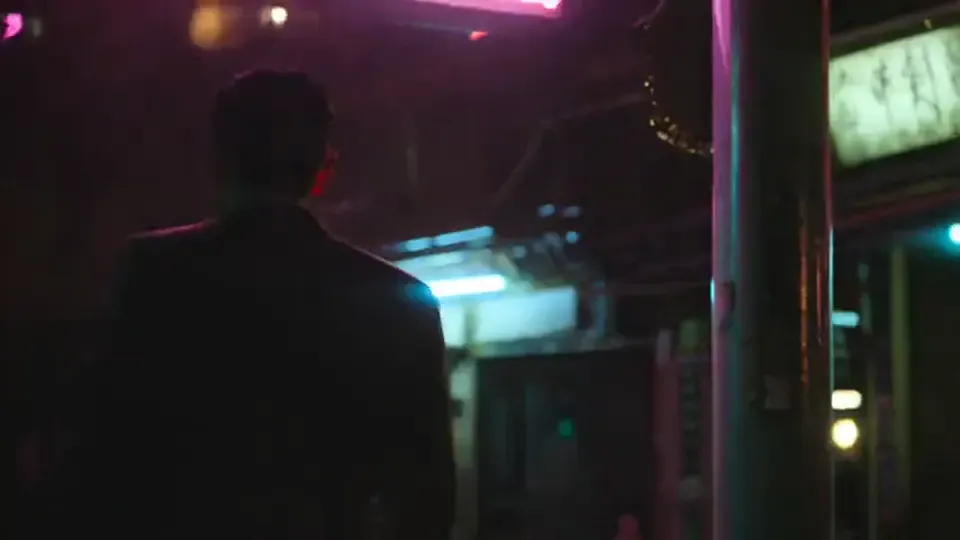
Image to video product facts
What the Melies image-to-video workflow currently supports.
- Input
- Still image + prompt
- Upload an image and describe camera movement, subject motion, environment, and mood.
- Backend
- Model-based video generation
- Available models, duration, size, speed, and credit cost vary by selected provider.
- Output
- Generated video asset
- The result is saved as a video clip in Melies and can be downloaded or reused in projects.
- Limits
- Motion varies
- The model may reinterpret faces, hands, text, logos, physics, or exact camera moves. Review before production use.
How to turn an image into a video with AI
Upload a still image
Use a photo, AI-generated frame, product shot, storyboard panel, or character image. The image acts as the starting visual context for the clip.
Prompt the motion
Describe subject movement, camera direction, atmosphere, and timing. Short, concrete camera language usually works better than long abstract prompts.
Generate and review
Choose a model, spend the required credits, then review the MP4 result for identity, motion, artifacts, and usable framing.
Control and fidelity
Image-to-video control for practical creative work
Runway, Kling, Luma, and Pika pages lead with model quality and examples. Melies focuses on the workflow: pick the model, prompt the shot, and keep the generated clip with your other assets.
- Model Choice
- Use the available video model that fits your shot style, cost, and expected motion quality.
- Camera-Style Prompts
- Prompt push-in, orbit, pan, tilt, handheld drift, crane up, or static lock-off. Exact execution depends on the model.
- Character and Product Starting Frames
- Animate portraits, product images, concept frames, and storyboards while keeping the source image as the visual anchor.
- Video Asset Workflow
- Generated clips remain in Melies so they can support scenes, ads, thumbnails, subtitles, sound, and later video tools.
- Prompt Recipes
- Use concise recipes: subject action, camera move, environment motion, style, lens feel, and what should stay stable.
- Quality Caveats
- AI video can introduce warping, temporal artifacts, identity drift, or unexpected motion. Strong stills and specific prompts help.
Choose the right video model for the shot
Melies routes image-to-video through provider models. Availability, durations, resolutions, and credit costs can change as model support evolves.
 Kling
Kling Veo
Veo Sora
Sora Wan
Wan Hailuo
 Seedance
Model availability, duration, resolution, and credit cost are shown in the live selector before generation.
Motion Presets
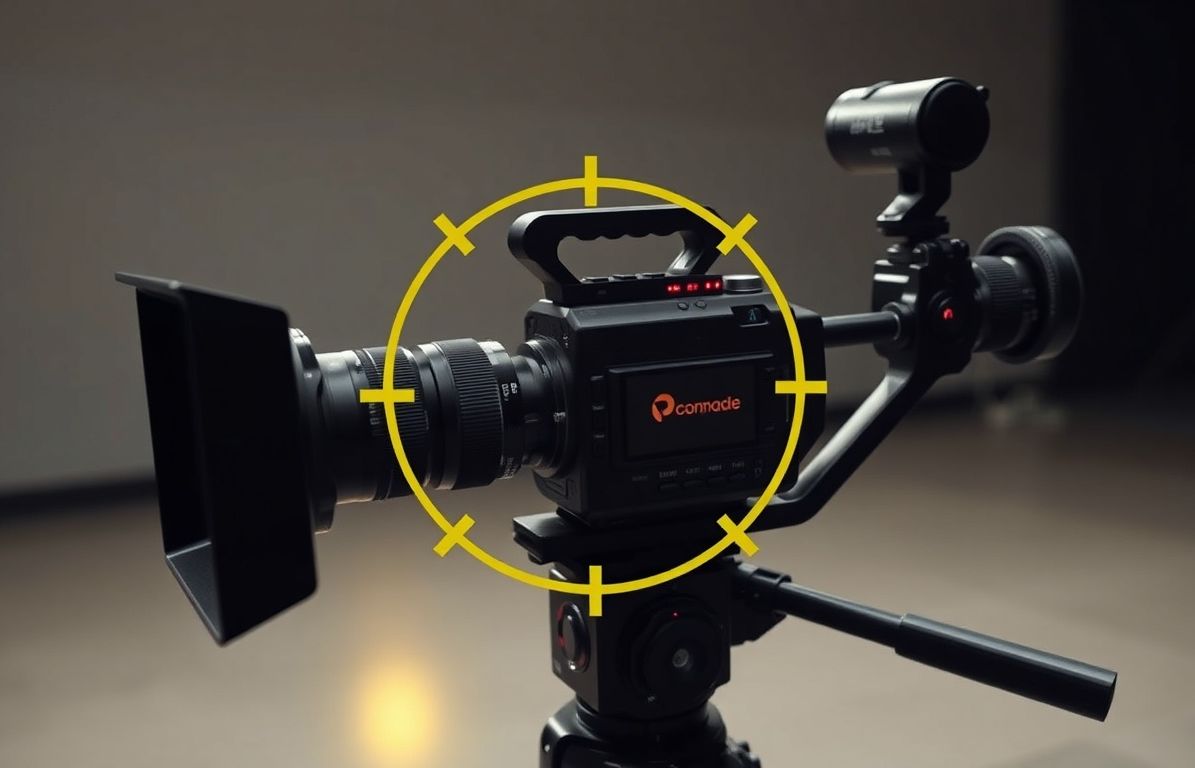
Write motion like a shot brief
A strong image-to-video prompt names the subject action, camera direction, environment motion, and visual style in one compact sentence.
Consistency
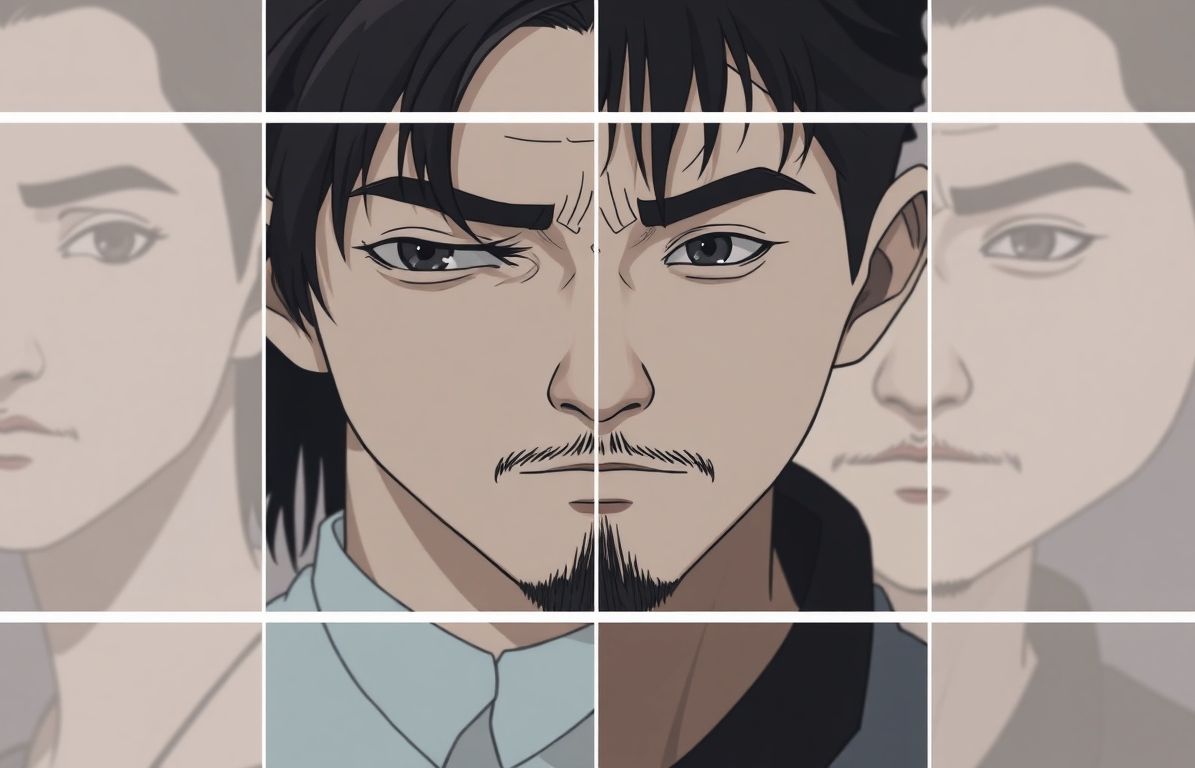
Use the still image as the anchor
The source image gives the model composition and identity cues. Clear faces, products, and backgrounds usually produce more controllable clips.
Workflow
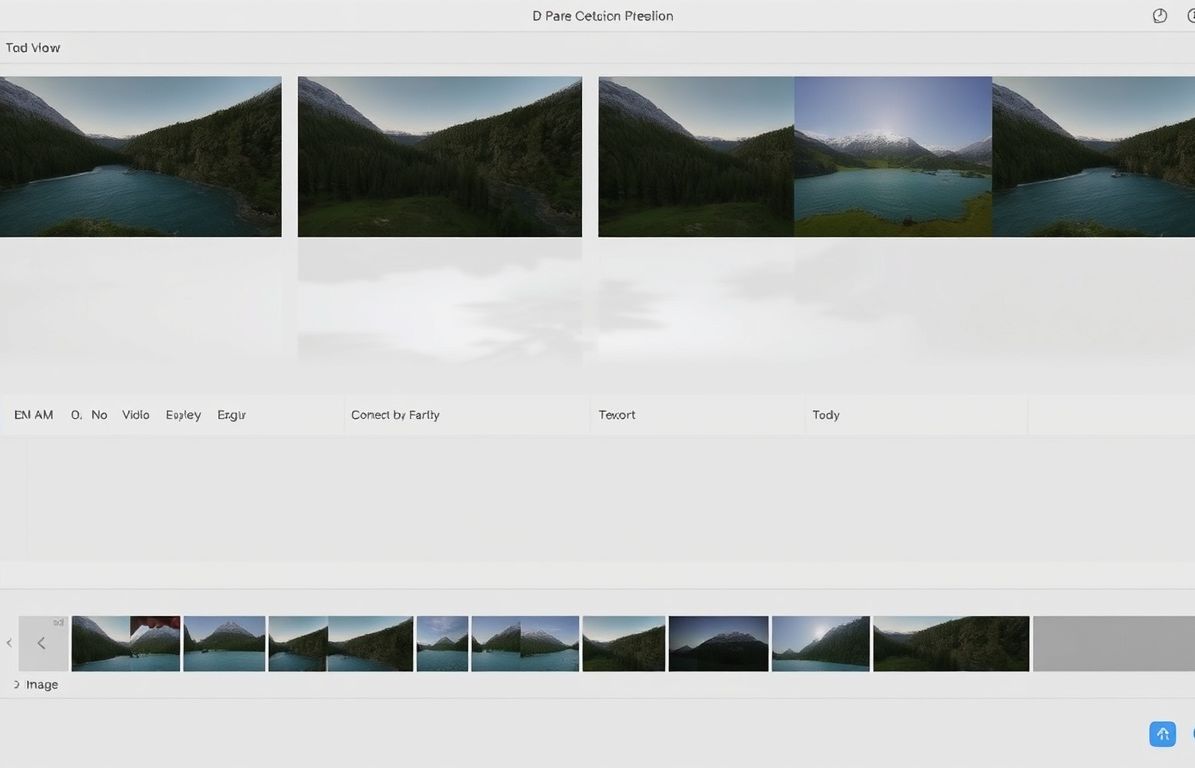
Keep the clip in your creative workflow
Animate an image, then continue with sound, subtitles, translation, slow motion, or other Melies tools as the project develops.
What can you create with image-to-video AI?
Image-to-video works best when you already like the still frame and want motion around it.
- 01Storyboard AnimationAnimate key frames into rough previz clips for pacing, camera feel, and client review.
- 02Social Video HooksTurn a strong static visual into a short vertical clip for TikTok, Reels, Shorts, and paid social tests.
- 03Product Motion TestsAdd subtle push-ins, turntable-like motion, or lifestyle movement to product concepts.
- 04Film PrevizTry camera movement on concept art before production or before generating longer sequences.
- 05Portrait AnimationAdd subtle motion to portraits, avatars, and creator images before moving to talking head or lip sync workflows.
- 06Ad Creative VariantsCreate several moving versions of one image to test pacing, motion, and visual hooks.
Turn a still frame into a motion test
Upload an image, describe the movement, choose a model, and review the generated video clip before using it in a project.
Image to video AI: frequently asked questions
Practical answers before you start creating.
Animate your still image
Upload a frame, prompt the motion, choose a model, and generate an AI video clip.
Choose a plan to generate and export