

Example scenePage 12
EXT. LIGHTHOUSE · NIGHT
MARA fights the rusted door. Behind her, DANIEL raises the lantern as the storm closes in.
DANIEL
It was never meant to open again.
Upload an FDX, Fountain, or TXT screenplay, or choose one already written in Melies. Review one editable storyboard sheet per screenplay page, choose a model, see the exact cost, then generate selected sheets or the full storyboard.
Accepted screenplay files: FDX, Fountain, and TXT. Image generation requires sign in and credits.
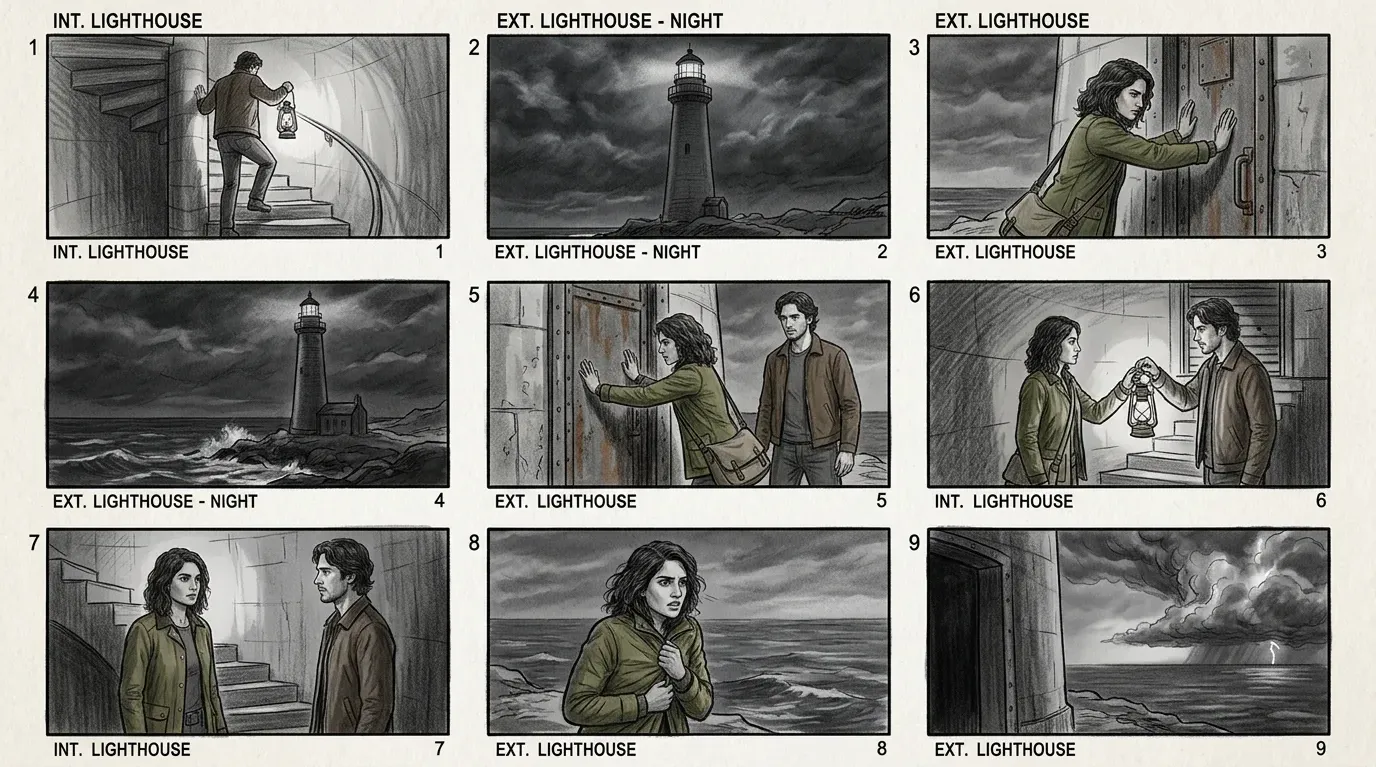
Coverage that carries a scene forward
Nine panels establish the location, follow the action, preserve the two characters, and land on the story beat.
Melies keeps analysis separate from rendering. The screenplay is broken into scenes and visual beats first, so you can direct the board before any image credits are used.
Start in Melies AI Screenwriting or bring an FDX, Fountain, or TXT screenplay.
Review scene headings, action, dialogue, characters, locations, and proposed visual beats.
Edit the image brief, coverage, references, and style before generating.
Render one sheet, a selection, or the complete screenplay with a model you choose.
EXT. LIGHTHOUSE · NIGHT
MARA fights the rusted door. Behind her, DANIEL raises the lantern as the storm closes in.
DANIEL
It was never meant to open again.
Scene analysis
Panel 01
Wide exterior. Establish the lighthouse and storm.
Panel 02
Medium tracking shot. Mara forces the door.
Panel 03
Insert and reaction. The lantern reveals the lock.
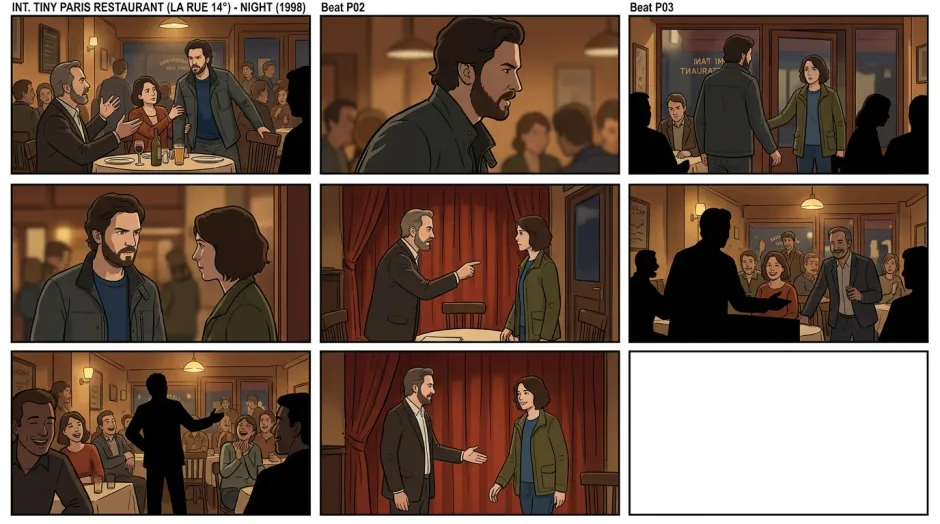
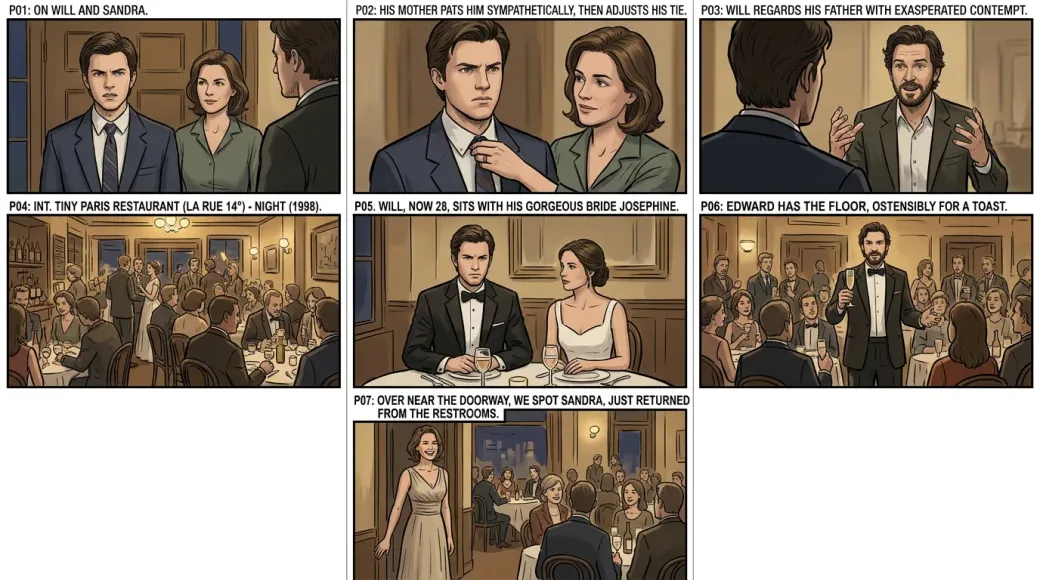
A good storyboard is not a folder of attractive images. Every sheet carries the scene heading, action, dialogue context, and the characters or location needed for that part of the story.
Headings, action, and dialogue stay available to the visual breakdown, so each image has a reason to exist.
Completed reference images can guide the specific scenes where those people and places appear.
Refine an image or motion brief without losing its connection to the screenplay and storyboard sheet.
Use a readable sketch when the team is solving coverage, or a cinematic model when lighting, casting, and production tone need to be judged. The structure remains editable before either render.
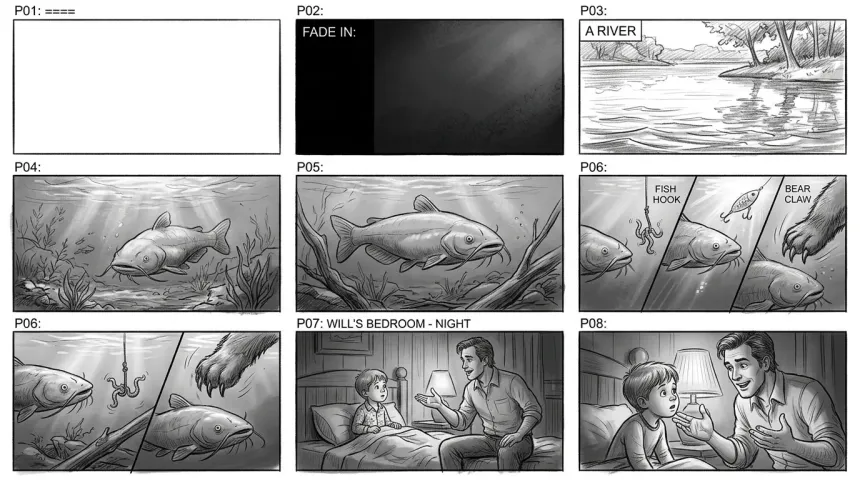
Sketch planning
Fast visual coverage for rhythm, staging, and editorial discussion.
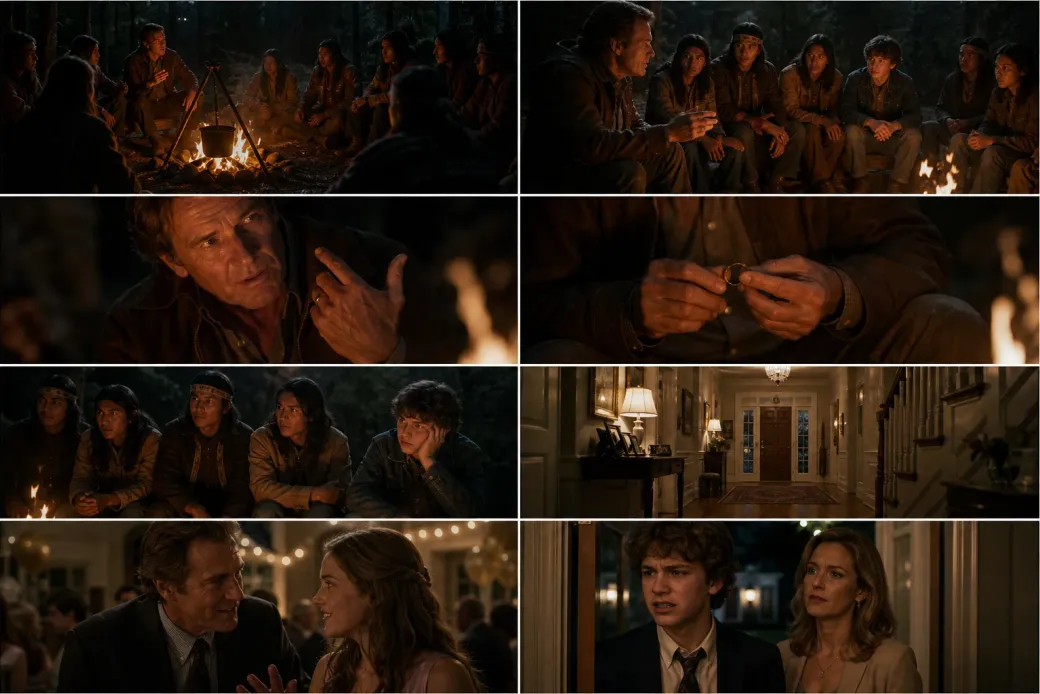
Cinematic previsualization
Richer lighting and lens intent for pitching, look development, and image to video tests.
The analysis is a production plan, not a locked result. Refine the visual brief, references, model, and render scope before the expensive step begins.
Read and edit the proposed coverage before generating any images.
Select the model that fits a rough planning board, illustration, or cinematic previsualization.
Melies calculates the current per sheet cost and total for the sheets you selected.
Generate one sheet while directing, a selected group, or the full storyboard when the plan is ready.
Start inside Melies AI Screenwriting or bring an existing script. The resulting frames stay in the same workspace for image generation, image to video, and production review.
Explore AI ScreenwritingDevelop the screenplay, scene structure, action, and dialogue inside Melies or import an existing draft.
Turn script pages into editable scene plans, add references, choose a model, and approve the visual beats.
Keep generated boards in the same production workspace, then reuse the strongest frames for image to video and timeline work.
Practical answers before you start creating.
Choose an existing Melies screenplay or upload an FDX, Fountain, or TXT file. Review the scene plan, choose the image model, and generate only the frames you need.