Profile Pictures & Social Media
Generate polished avatar portraits for LinkedIn, Instagram, YouTube, Discord, newsletters, and gaming profiles.
Create avatar portraits for profiles, creators, brands, and story characters. Describe the person, expression, outfit, background, and visual style, or add a reference image, then generate an avatar you can reuse inside Melies creative workflows.
Photo Reference
Upload a photo
Transform into any avatar style
Style
After generation
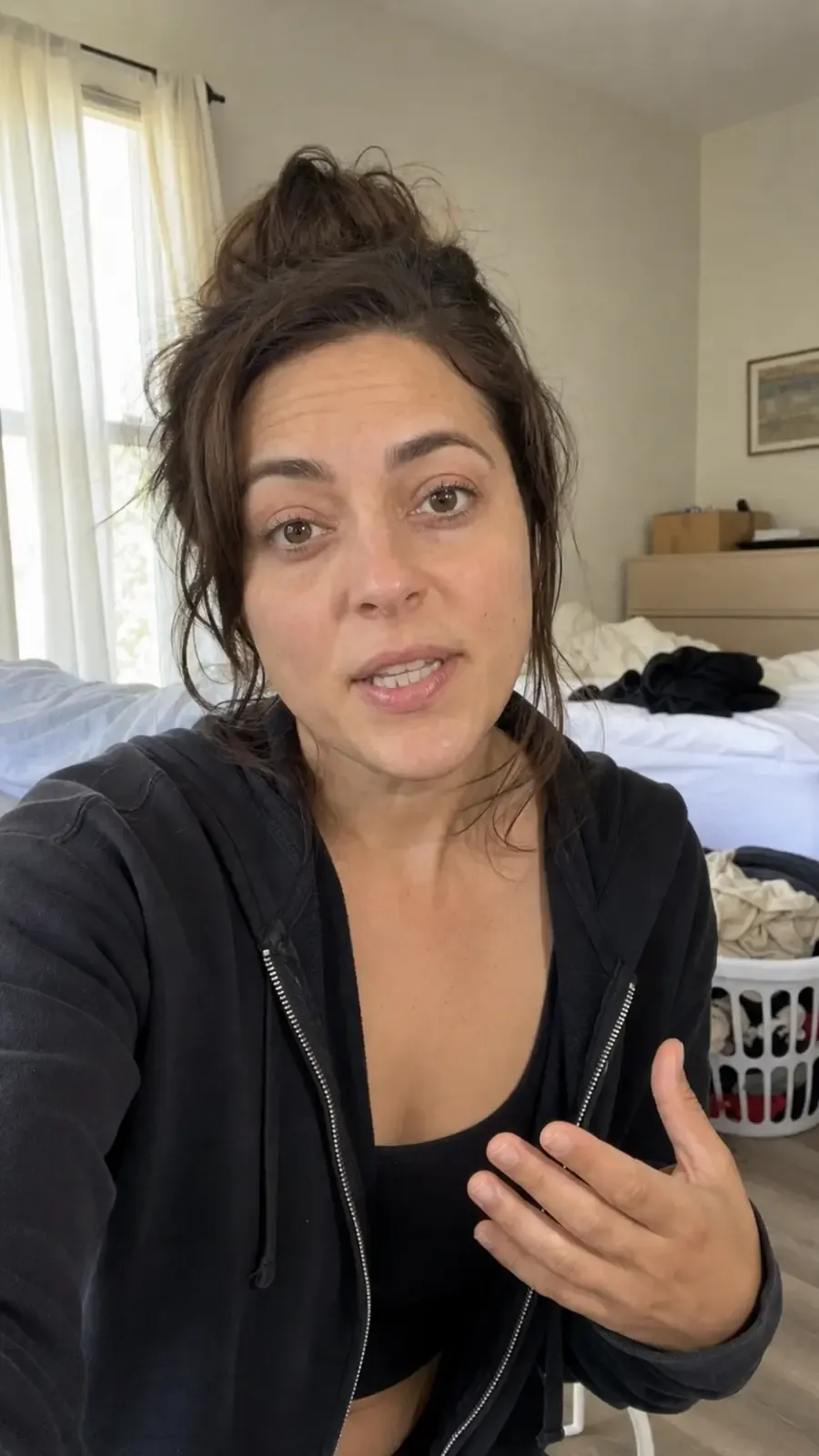
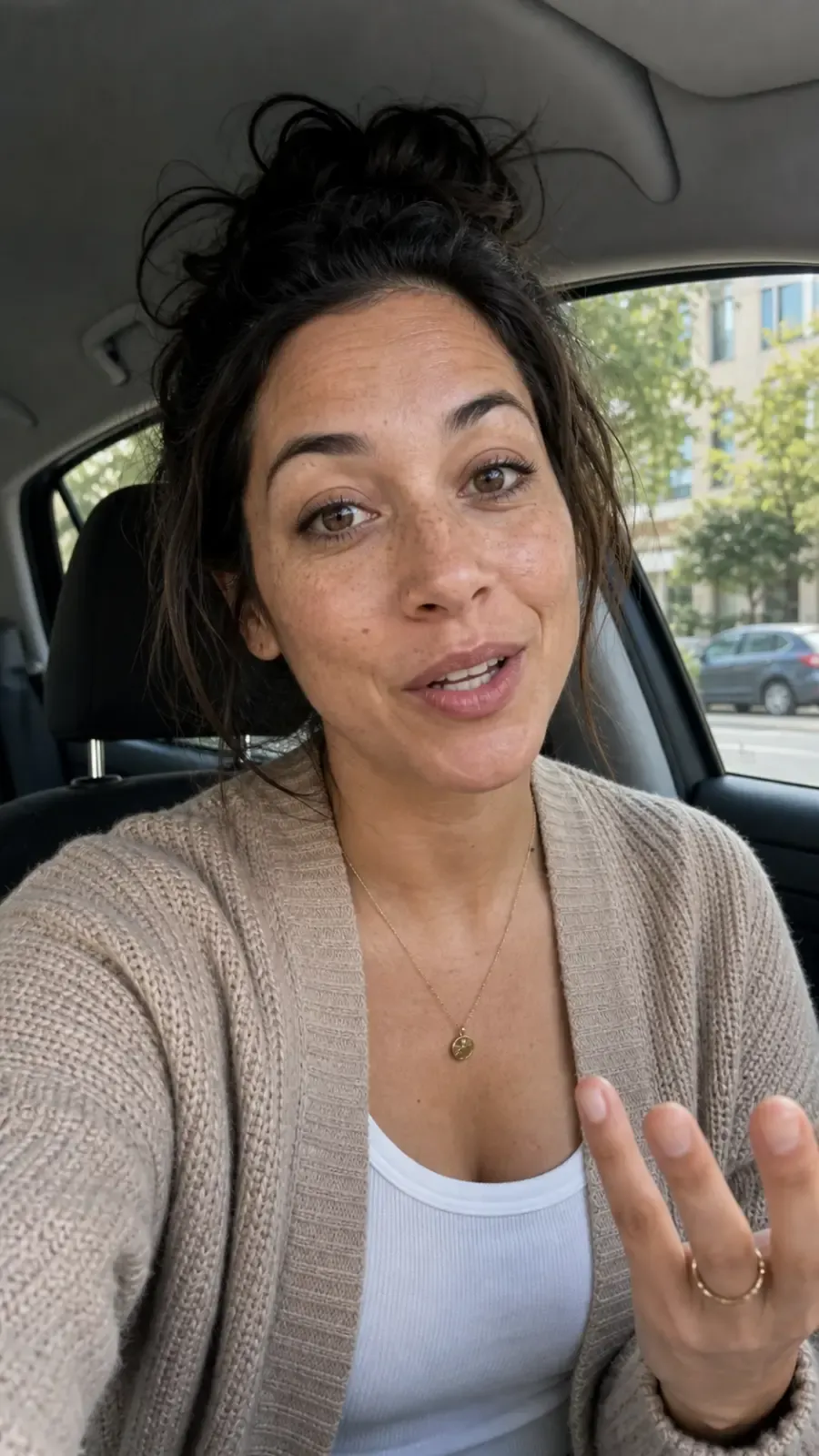
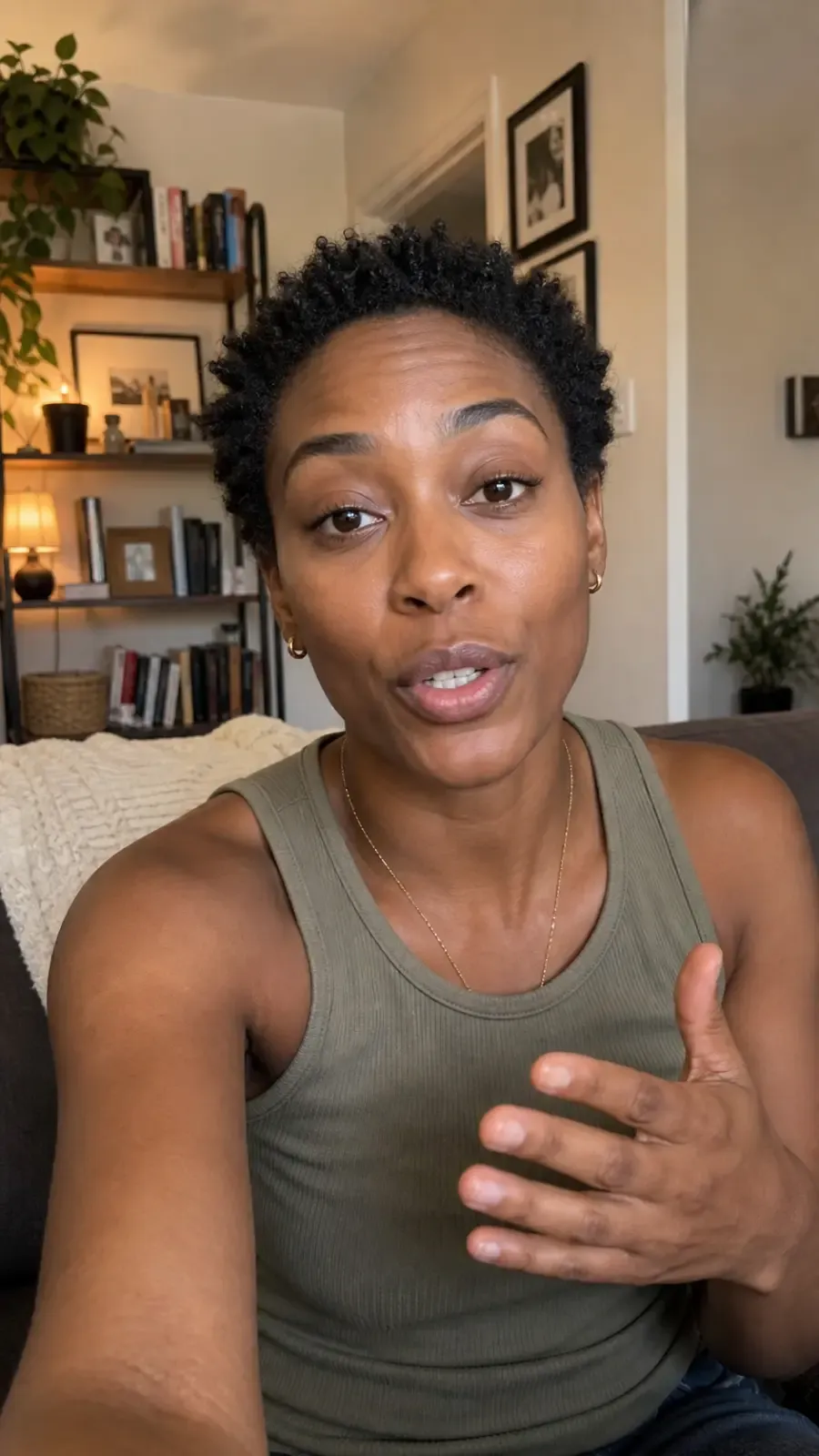
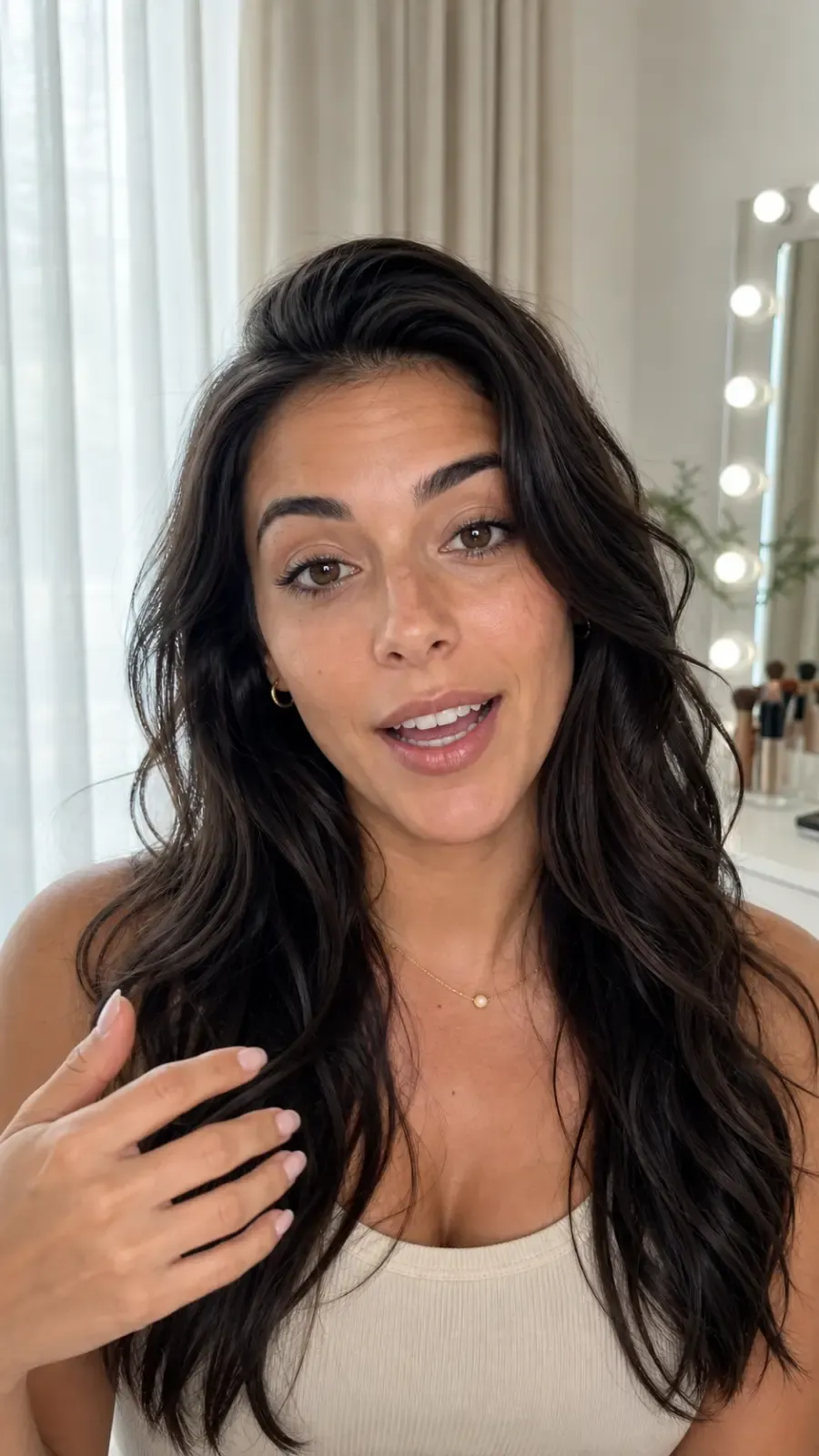
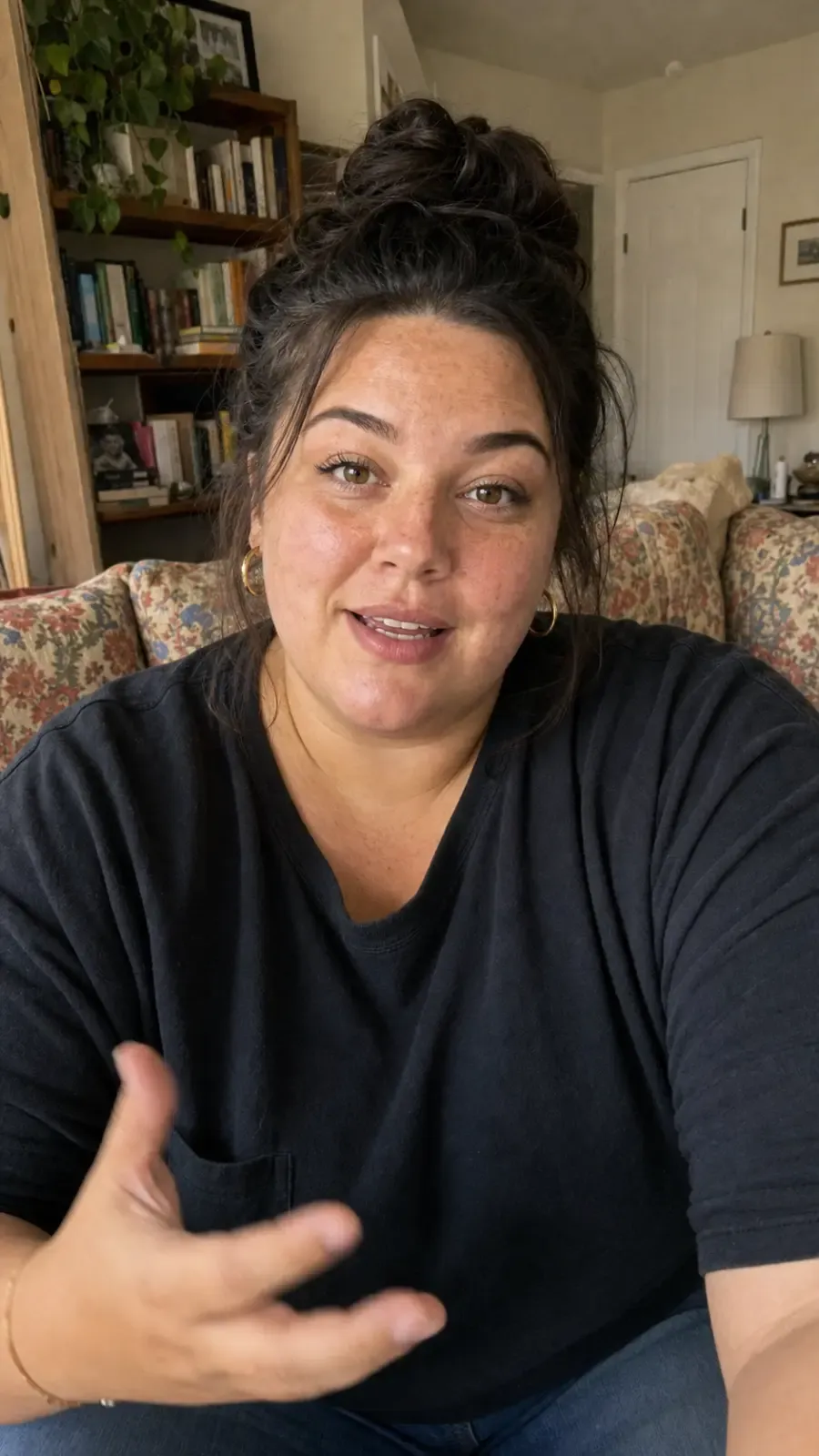
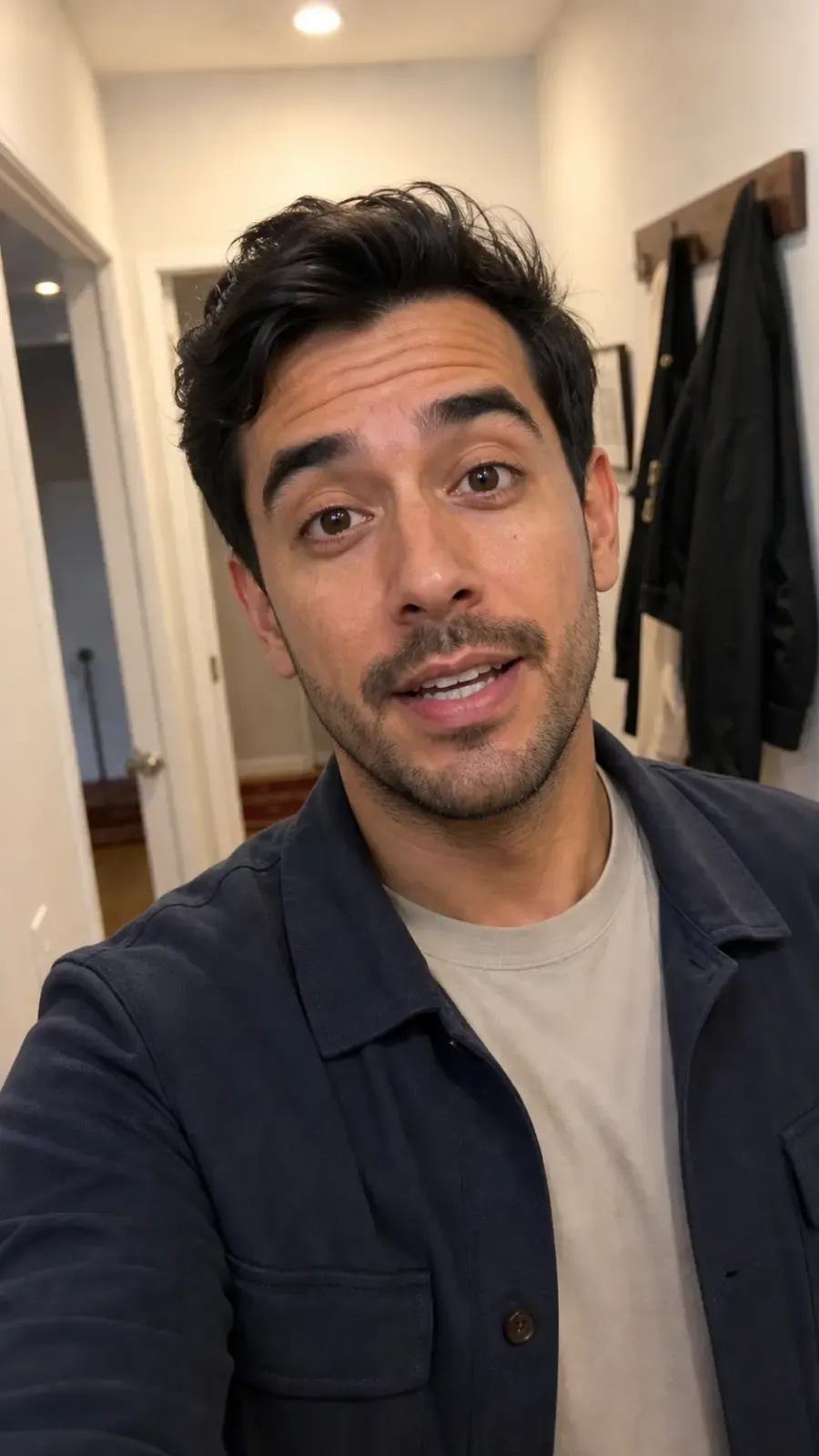
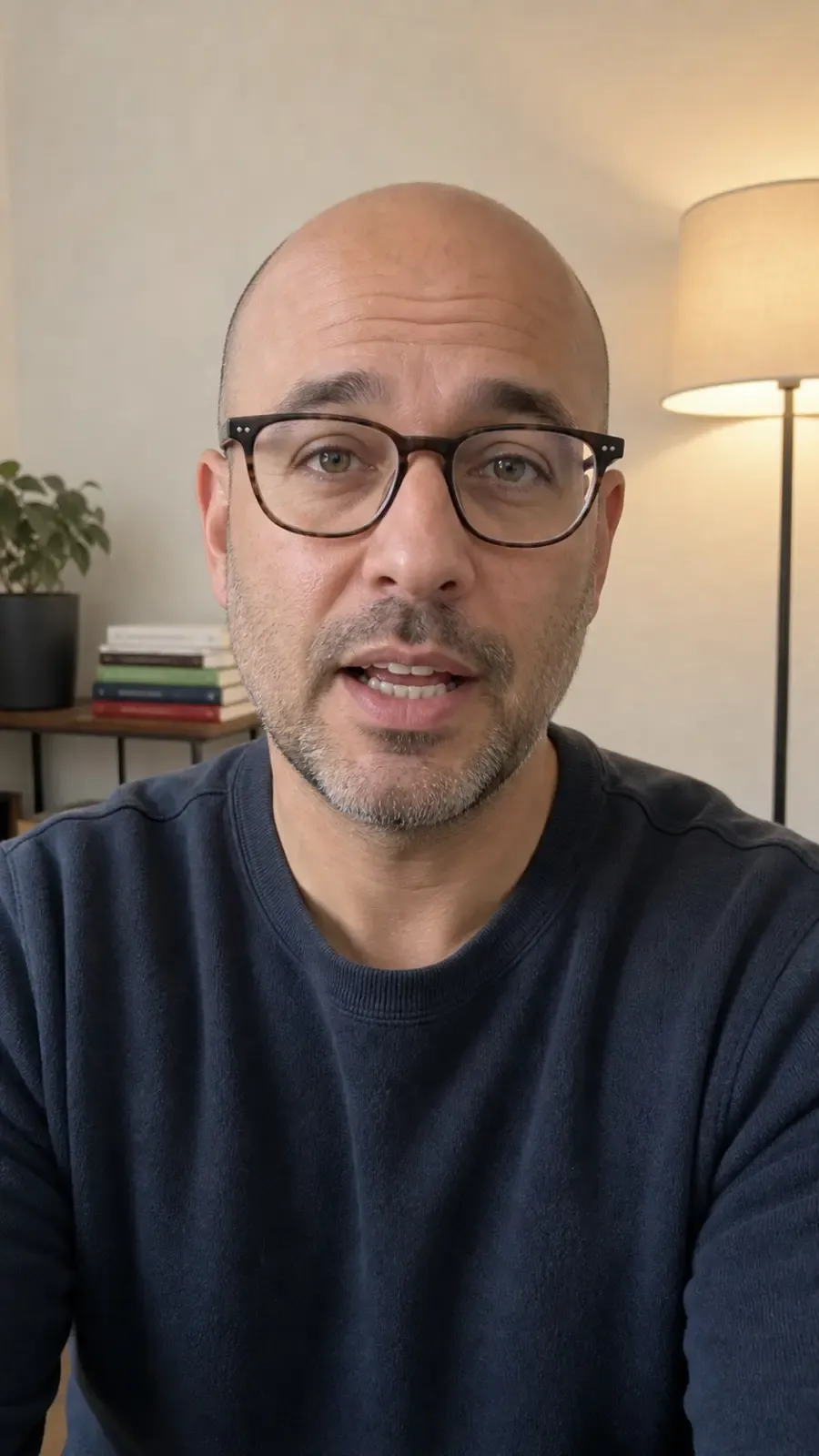
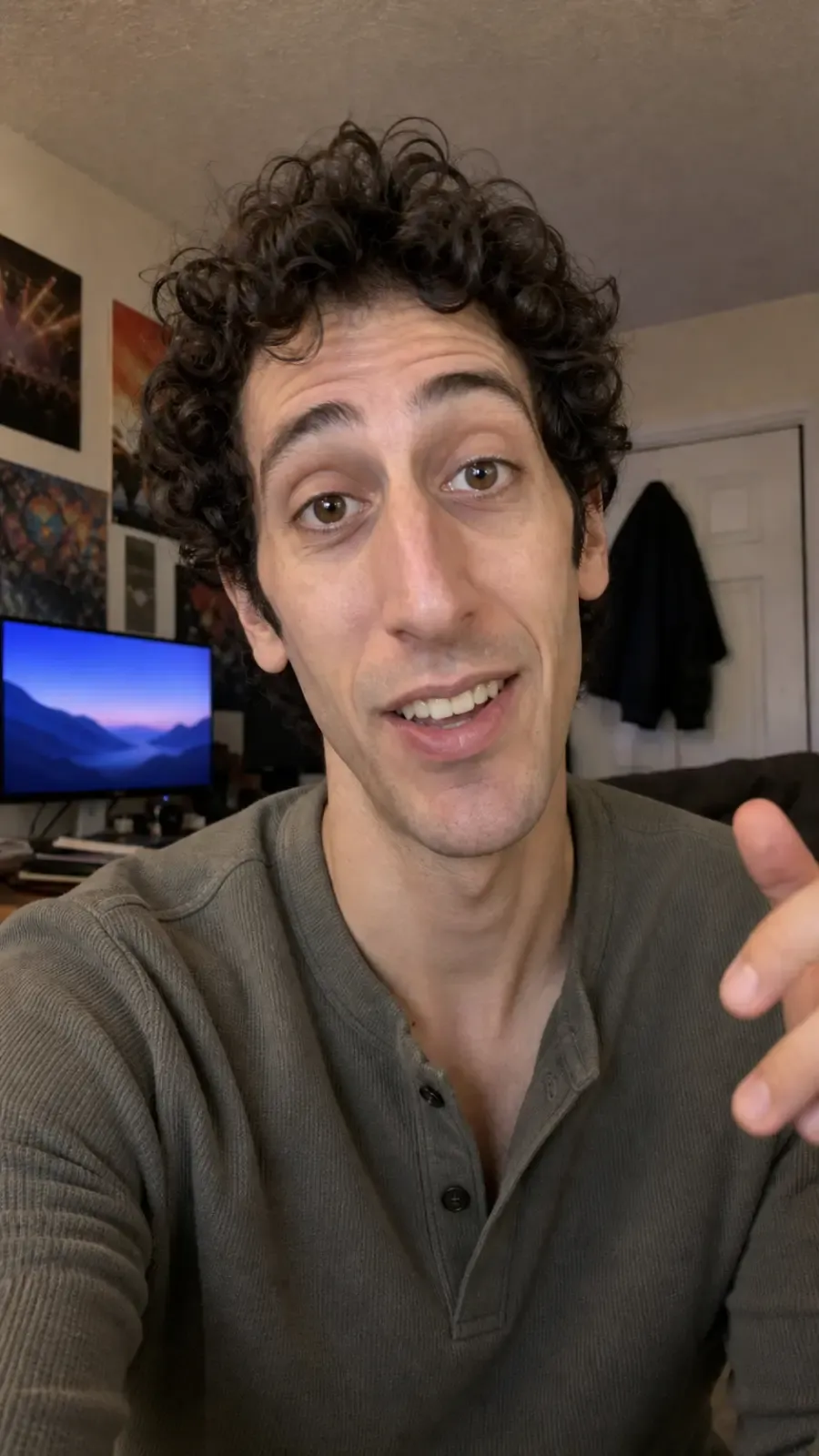
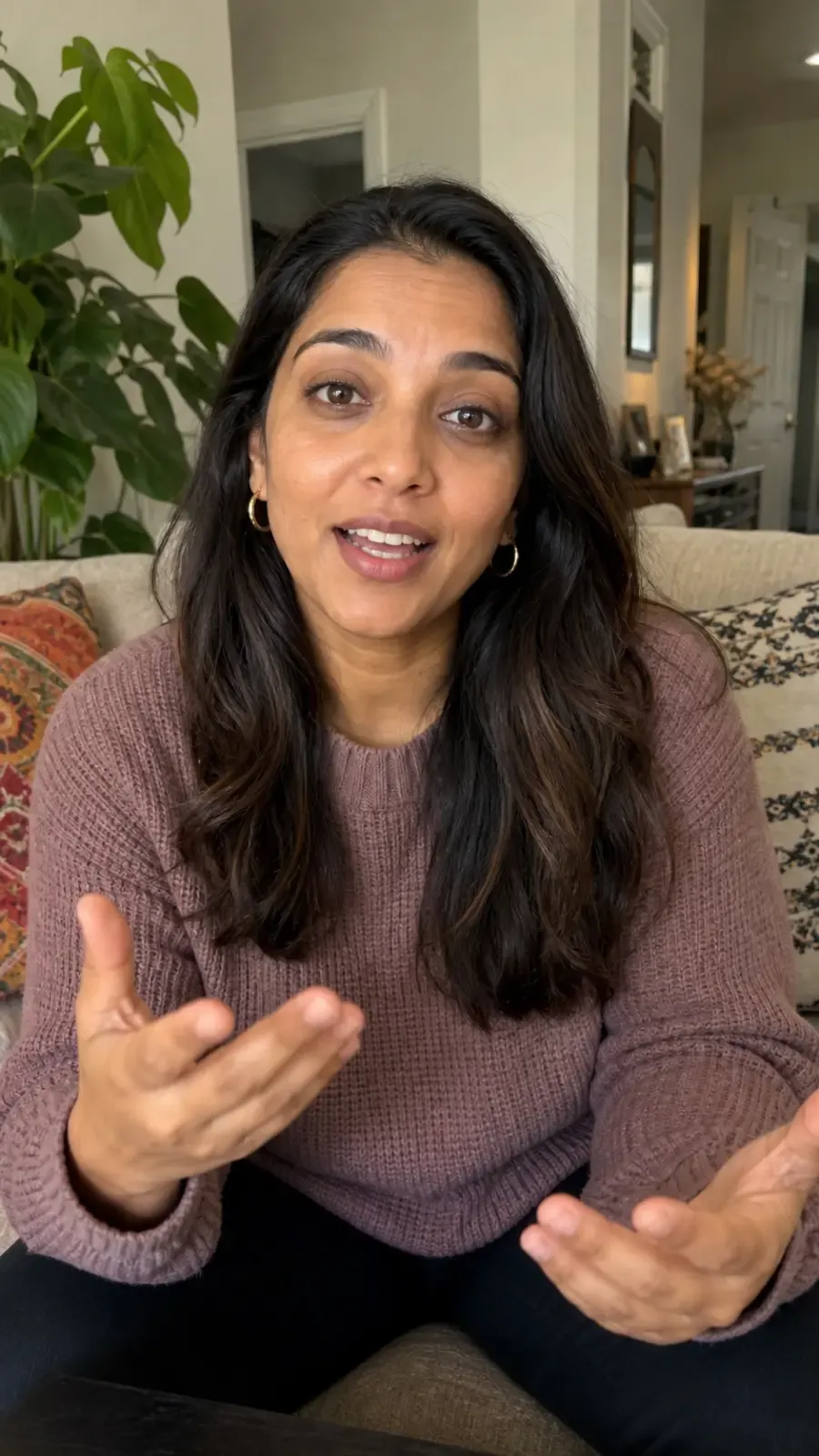
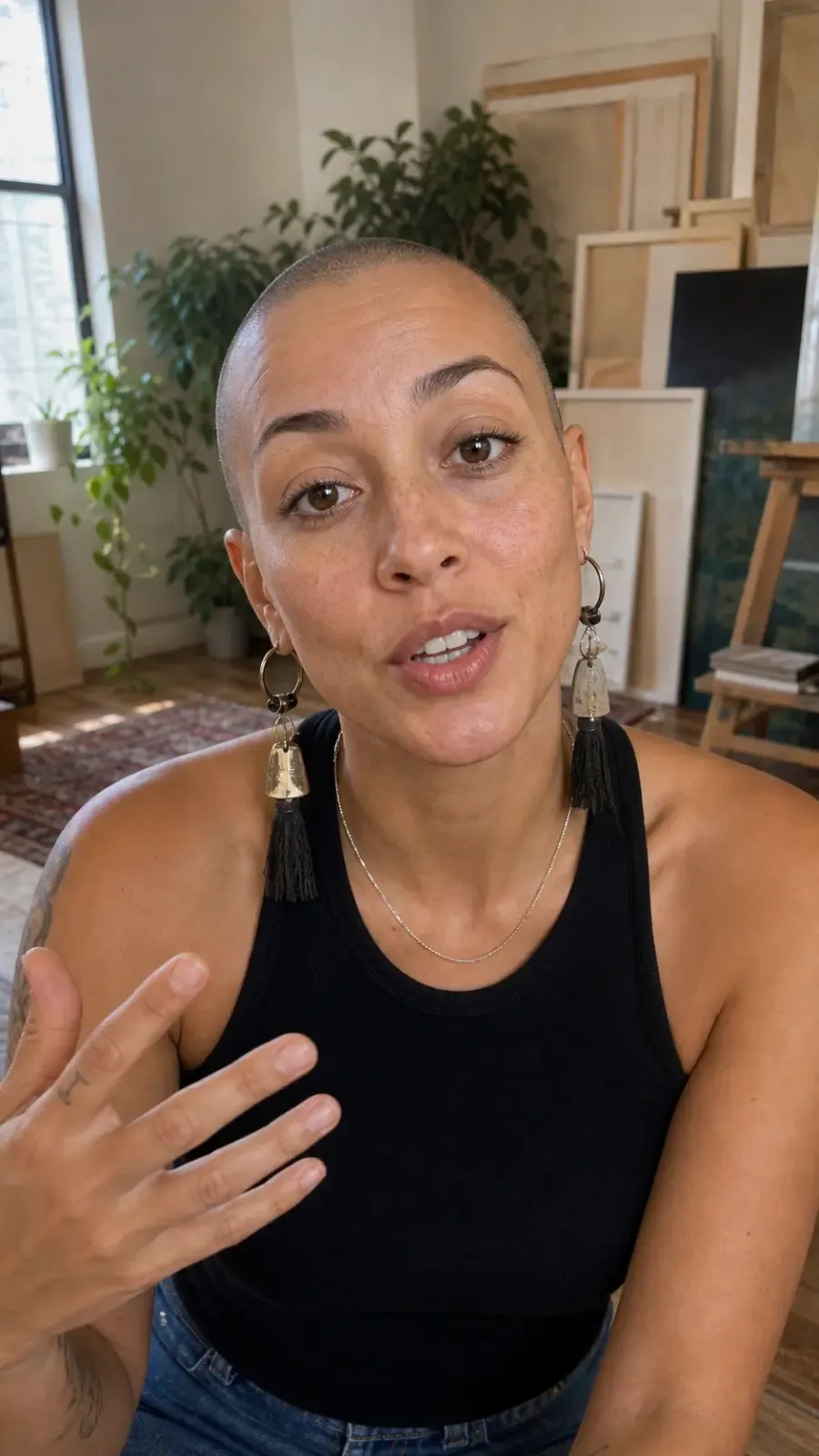
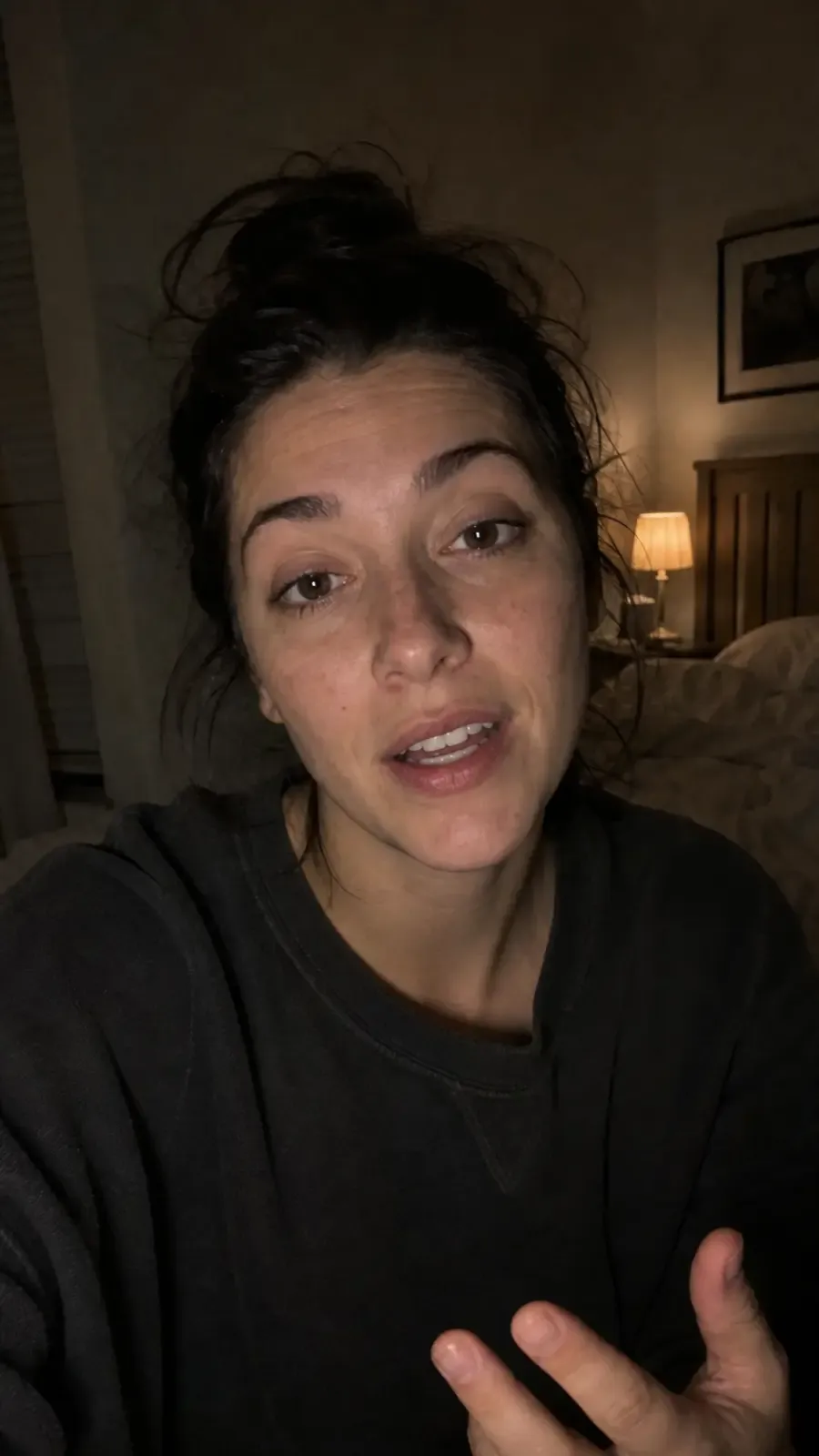
Write the avatar's appearance, expression, outfit, background, and style. You can also add a reference image when you want the generation to follow an existing look more closely.
Pick the image model and output settings that fit the job. Use realistic portrait language for profile pictures, or push the prompt toward cartoon, anime, 3D, editorial, or cinematic styles.
Save the result, download it as an image, use it as an input for new images, or send the avatar into related Melies tools such as image-to-video, talking head, and lip-sync workflows.
Most avatar pages stop at a profile picture. Melies turns the avatar into a creative asset you can keep using across images, video experiments, thumbnails, and character-driven projects.
Start from a text prompt, an uploaded reference image, a previous Melies image, or a built-in actor reference. The clearer the reference and prompt, the easier it is to keep the avatar direction stable.
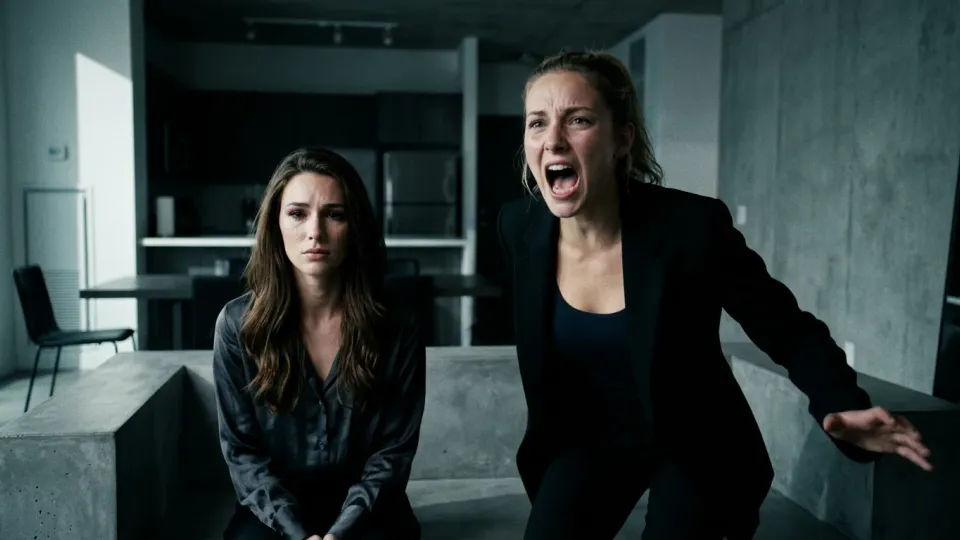
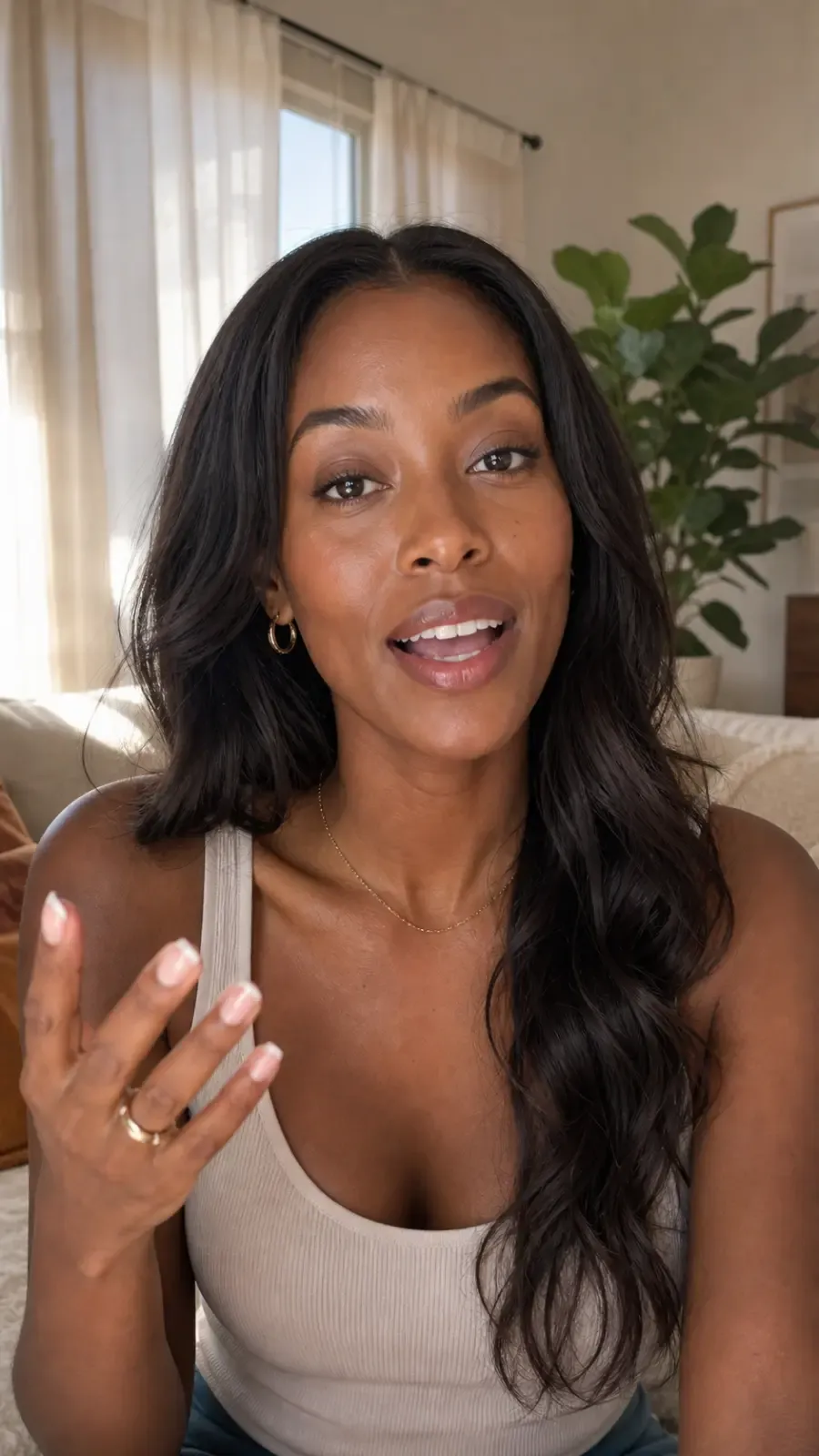
Generate avatar portraits in realistic, cinematic, cartoon, 3D, anime, watercolor, comic, pixel-art, or editorial looks by changing the prompt and selected image model.
Prompt for square headshots, clean backgrounds, expressive close-ups, or branded portraits for LinkedIn, Discord, YouTube, newsletters, pitch decks, and social profiles.
Melies includes a library of actor references you can use when you need a starting face or a reusable persona without designing one from scratch.
Use an avatar image as a reference for future generations, extract a person reference from a finished image, or keep the result in your gallery for related video tools.
This page creates still avatar images. When you want motion, continue with image-to-video, talking head, or lip-sync tools instead of rebuilding the avatar elsewhere.
What the Melies avatar tool currently supports after you sign in.
Input
Describe an avatar from scratch or guide the result with uploaded images and actor references.
Output
Generated avatars are saved in your Melies gallery and can be downloaded as WebP, PNG, or JPEG depending on your settings.
Cost
Credit cost depends on the selected image model, resolution, and number of outputs.
Next step
Avatar images can become inputs for image-to-video, talking head, or lip-sync workflows.
Use style language in your prompt and model settings to steer the avatar toward the right visual direction.
Realistic & Professional
Creative & Artistic
Cinematic & Film
From profile pictures to creator personas, AI avatars fit into practical content and production workflows.
Generate polished avatar portraits for LinkedIn, Instagram, YouTube, Discord, newsletters, and gaming profiles.
Design a recurring creator identity or virtual presenter look before turning the image into motion with related tools.
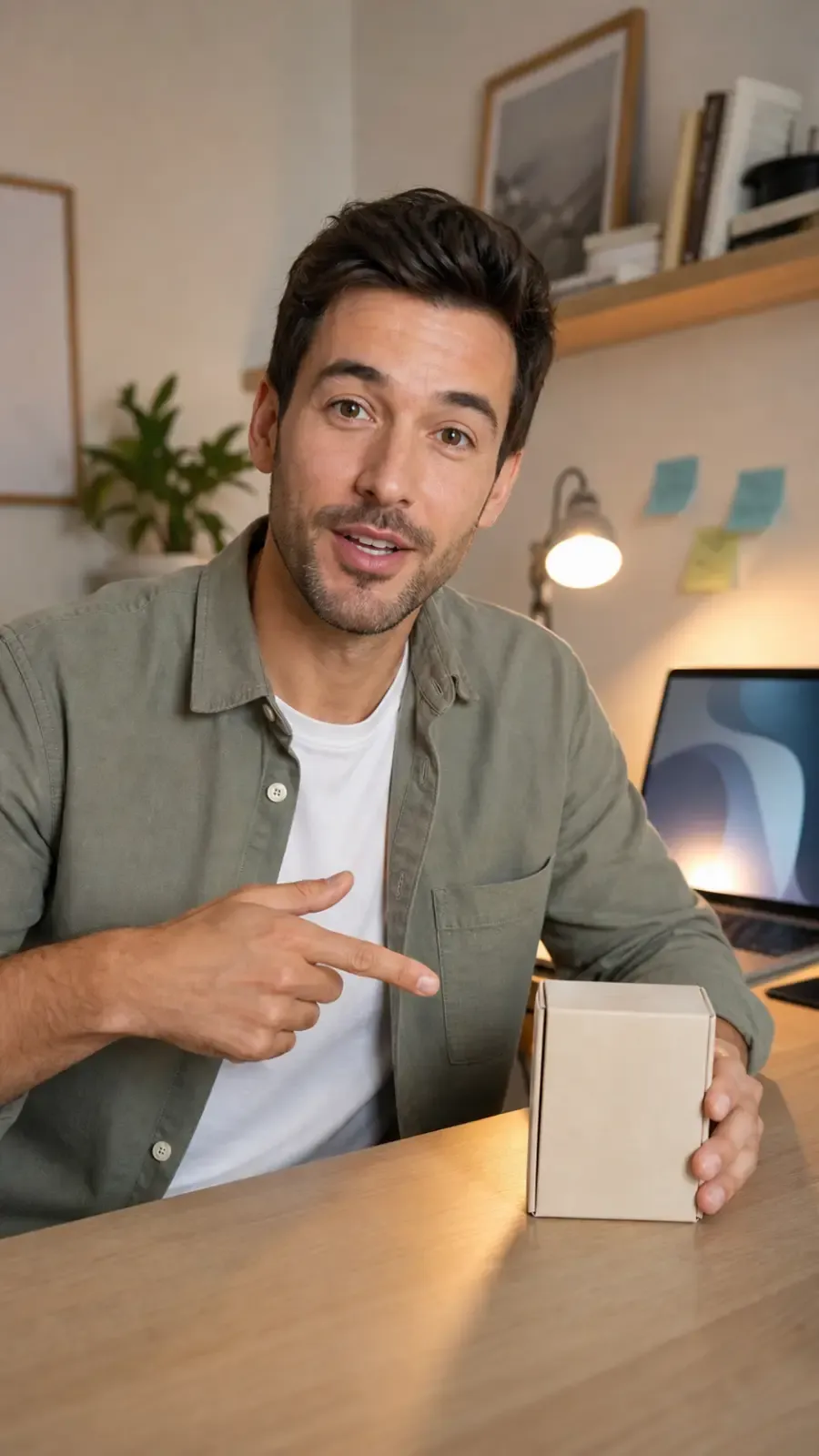
Create the still avatar first, then use a talking head or lip-sync workflow when you need spoken video.
Create mascot-like portraits and virtual spokespeople for campaign concepts, ad mockups, and social posts.
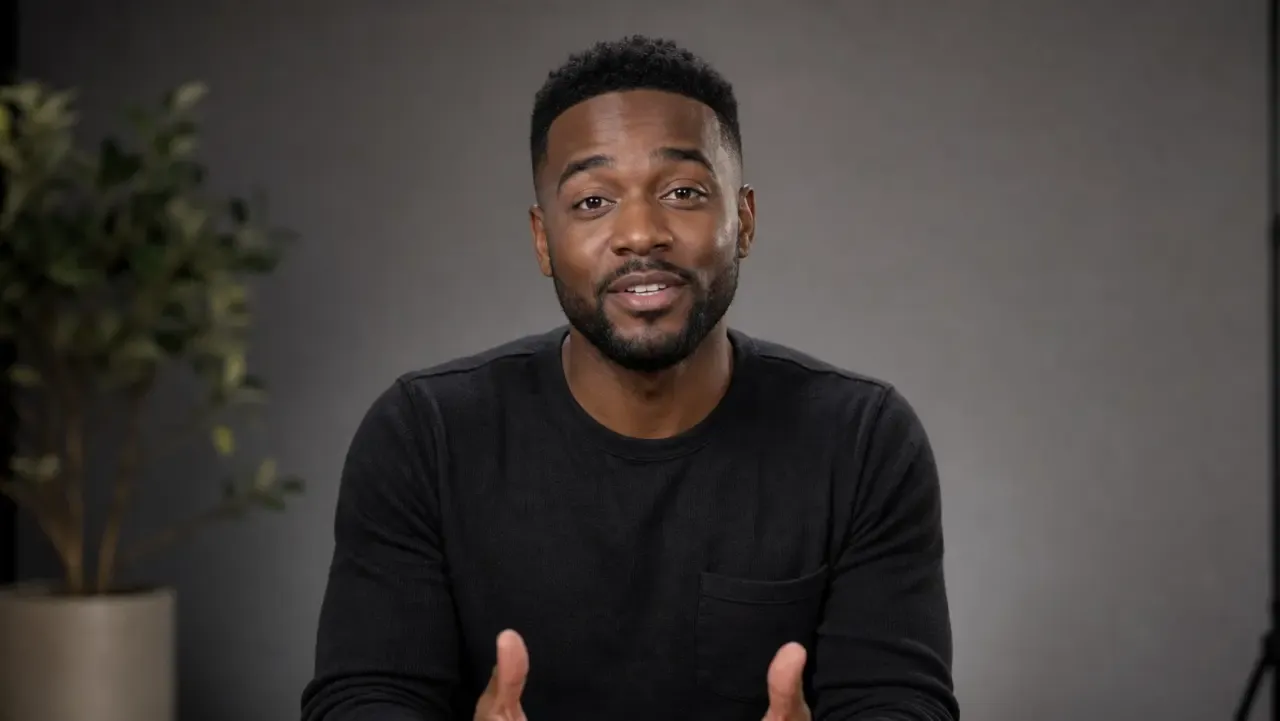
Generate consistent-looking portrait concepts for decks, mockups, and internal creative explorations.
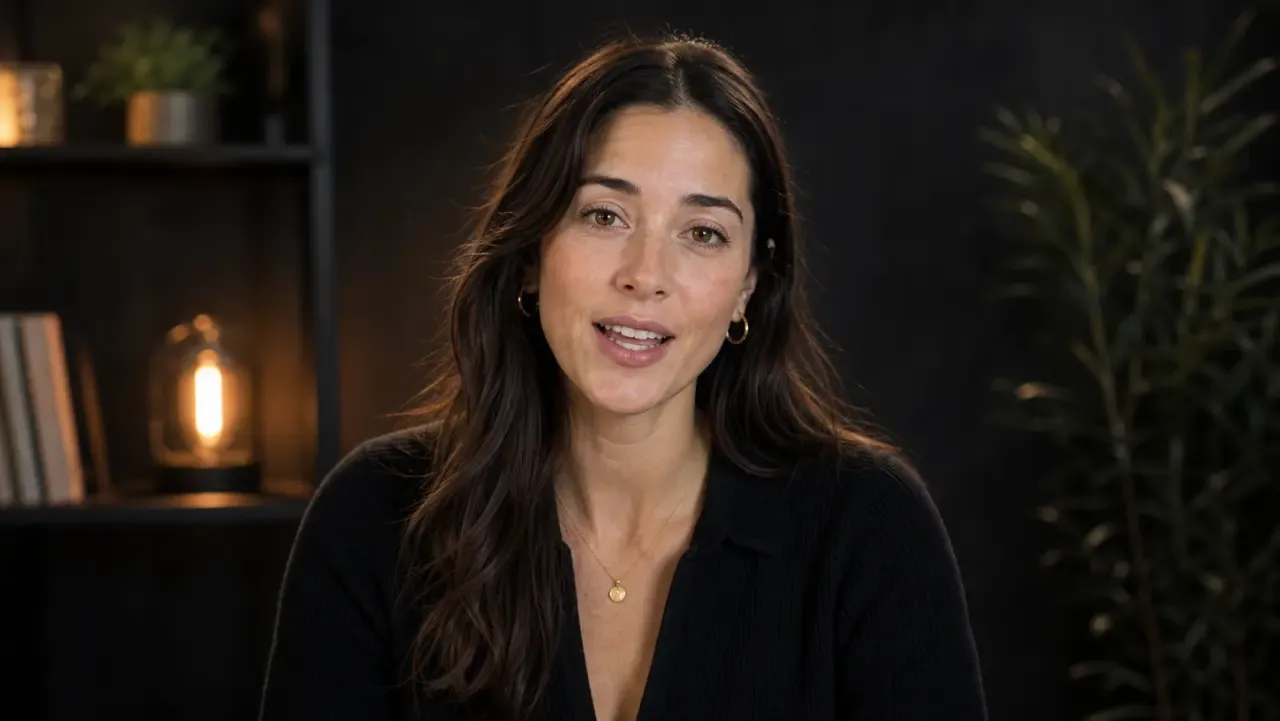
Turn avatar portraits into reference assets for storyboards, mood boards, thumbnails, and scene concepts.
Generate a profile or persona portrait, keep it in your Melies gallery, then reuse it in image, video, talking head, or lip-sync workflows.
Practical answers before you start creating.
Describe a persona, choose a style, and generate an avatar image you can reuse across your Melies project.
Credit cost depends on the selected image model and output settings.