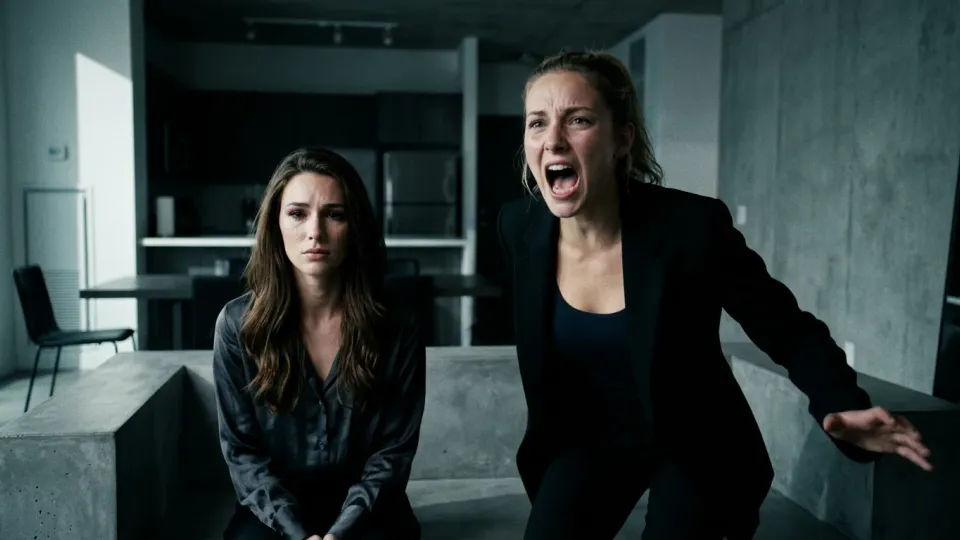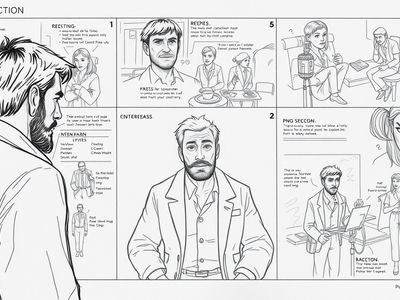
Film Storyboards
Create storyboard frames where the lead character stays recognizable from shot to shot.
Same face · Same character · New poses, outfits, and scenes
Generate multiple images of the same person from one face reference. Upload a photo or create a character, then keep the face consistent while you change the pose, outfit, lighting, and scene. Built for storyboards, comics, brand characters, and recurring campaigns.
Add a character reference
Sign in to upload or reuse images
Style Preset
Aspect Ratio
After generating
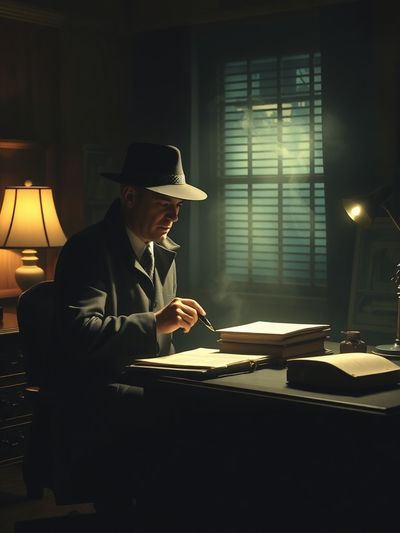
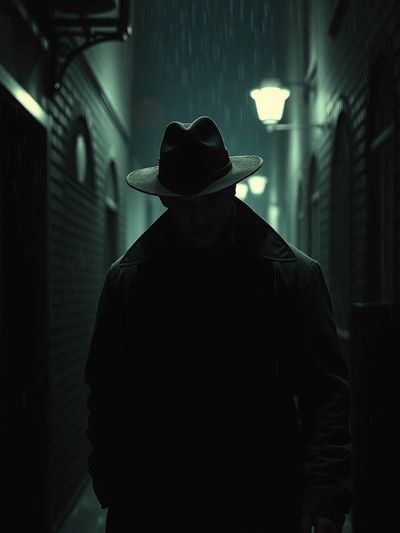
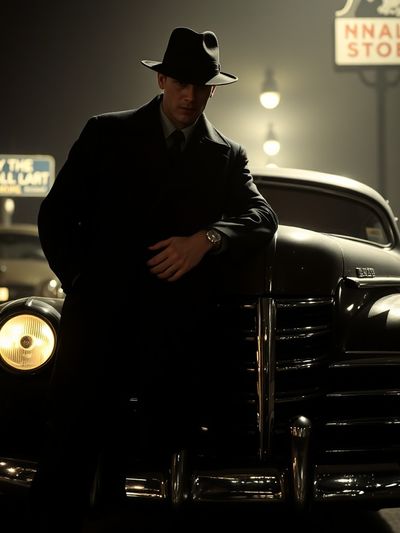
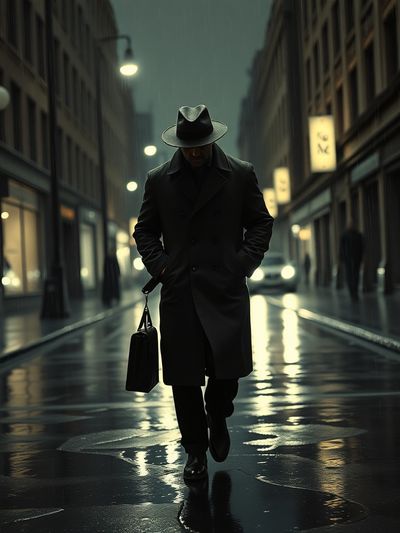
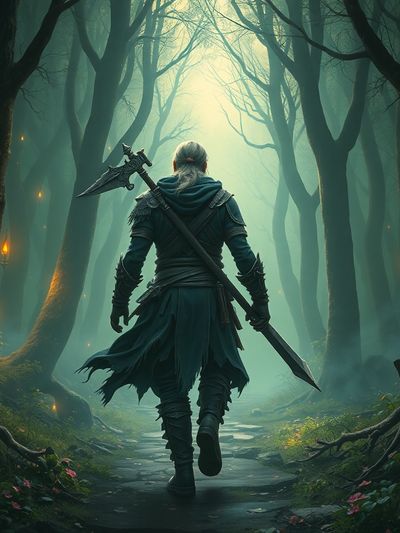
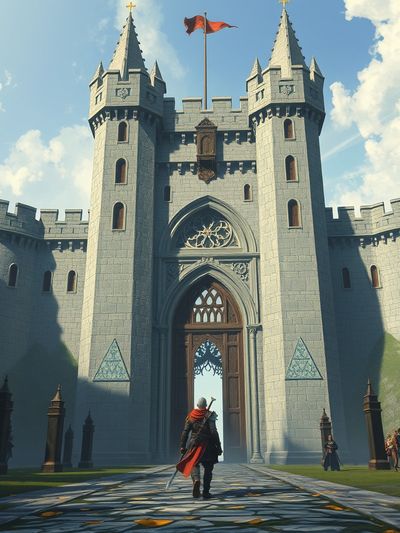
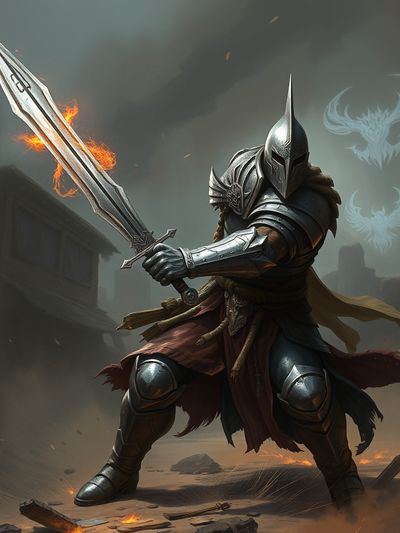
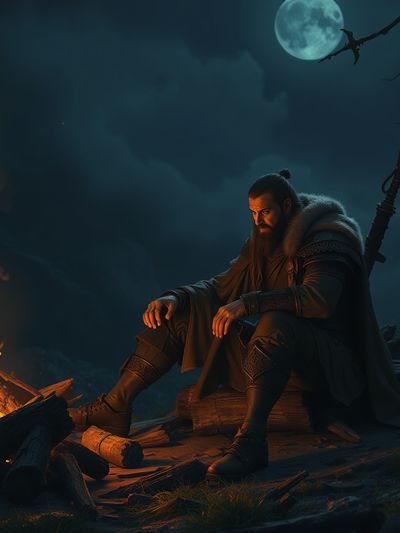
An AI consistent image generator creates several images where the same person or character stays recognizable. Instead of prompting from scratch each time, you keep a stable face reference and change only the scene, pose, outfit, style, or camera angle.
Use an existing Melies actor, upload an image, or write a detailed prompt for the character you want to keep recognizable.
Add the pose, outfit, background, lighting, camera angle, and style while keeping stable identity details in the prompt.
Keep the strongest generations as references for future scenes, storyboards, comics, or brand visuals.
Standard image prompts can drift from one generation to the next. Melies keeps references close to the image workflow so you can build a repeatable character library.
Use character references to keep the person recognizable across new generations.
Move a character into new locations, outfits, expressions, and camera angles while preserving the core identity cues.
Build a small cast by saving useful character references and reusing them across visual story assets.
Combine identity and style references when you need a recurring look for a comic, campaign, or storyboard.
Start from a prompt, an uploaded image, or an existing generated asset.
Choose the image model and resolution that fit the style, quality, and credit budget of the project.
Stable identity details plus a clear variation usually work better than asking for a vague duplicate.
Keep the same young detective reference: tired eyes, sharp jaw, short black hair. Place them in a rainy Tokyo alley, trench coat, neon reflections, cinematic wide shot.
Use the same character face and hairstyle. Change outfit to a white astronaut suit, helmet under arm, standing in a desert sunrise, realistic film still.
Same red-haired inventor character, round glasses and teal jacket. Three-quarter view, surprised expression, cluttered workshop, clean graphic novel line art.
Same friendly fox mascot reference, blue scarf, holding a coffee cup outside a small cafe, warm morning light, polished marketing illustration.
Character continuity is useful anywhere the audience needs to recognize the same person or mascot again.
Create storyboard frames where the lead character stays recognizable from shot to shot.
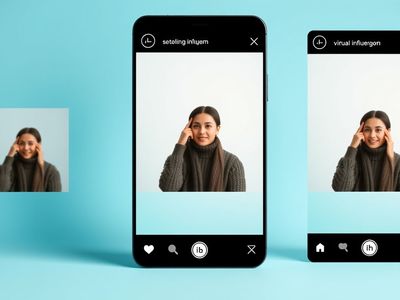
Build recurring creators, mascots, or spokespeople for posts, thumbnails, and campaign variants.
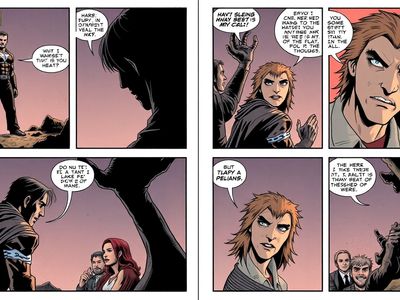
Generate panels with familiar characters in different expressions, actions, and environments.
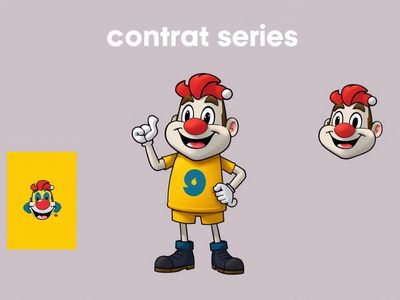
Create a recognizable mascot that can appear in product shots, ads, presentations, and social visuals.
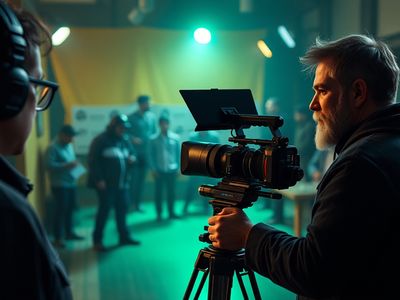
Keep the same actor, costume, or mascot reference recognizable across lookbooks, pitch frames, and production visuals.
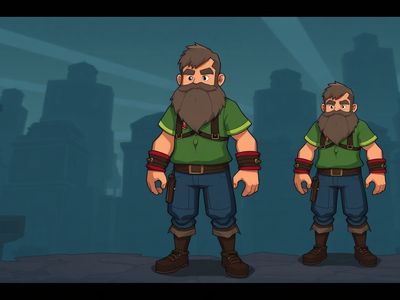
Explore concept art, portraits, and promotional images for the same playable character.
AI consistency is a workflow, not a magic switch. These habits improve repeatability.
Start with a front-facing or well-lit image when identity matters most.
Keep the same age, hair, face shape, key accessories, and wardrobe anchors in the prompt.
When testing, alter pose, outfit, or location separately so you can see what causes drift.
Use successful generations as new references for later scenes and storyboards.
| Workflow | Best for | Tradeoff |
|---|---|---|
| Melies reference-guided generation | Fast storyboards, recurring campaign visuals, and AI film pre-production | Consistency improves with good references and iteration; it is not a hard identity lock. |
| Generic image generator | One-off images where exact character continuity is less important | Faces and details often drift between prompts. |
| Trained custom character model | Large projects that require a very stable custom character over many images | Usually needs more setup, training images, and a slower workflow. |
Start from a reference, describe the next shot, and generate new character images for storyboards, comics, brand worlds, and social series.
Practical answers before you start creating.
Start with a reference, describe the next shot, and generate same-character images for your visual story.
Choose a plan to generate and export