
AI Talking Head Generator

Create a talking-head video from a portrait and speech. Upload a source image, add audio or a script, and generate an MP4 for presenters, characters, explainers, education, and social video.
Upload a source image
JPG, PNG, or WebP - clear face works best
Upload audio or type text
Upload audio file
MP3, WAV, or M4A
or type text
Language



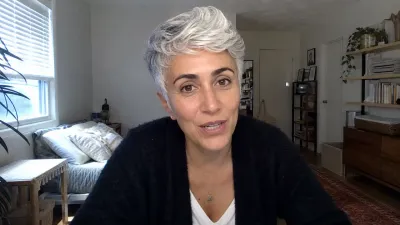



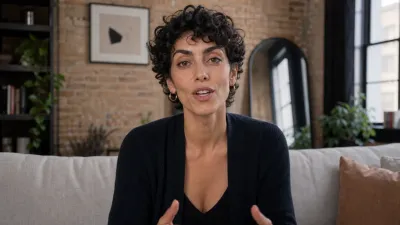
AI talking head product facts
What the signed-in Melies talking head tool supports today.
- Input
- Image + audio or script
- Use a clear source image and either upload speech audio or type dialogue for generation.
- Model
- OmniHuman
- The current talking head workflow uses OmniHuman-style media transformation.
- Cost
- 25 credits
- Each talking-head generation uses 25 credits in the signed-in tool.
- Output
- Rendered MP4
- The result is a generated talking-head video asset. Quality depends on face visibility and audio clarity.
How to create AI talking head videos
01
Upload a portrait
Use a clear frontal or three-quarter face image. Avoid heavy occlusion, low resolution, extreme angles, or hidden mouths.
02
Add speech
Upload MP3, WAV, or M4A audio, or type a script. Clean speech and reasonable pacing usually produce better mouth movement.
03
Generate the MP4
Spend credits, render the talking-head clip, review lip sync and face motion, then export or continue with subtitles and editing.
Talking-head generation with clear inputs
HeyGen, Synthesia, and D-ID lead with avatar libraries and enterprise video templates. Melies focuses on turning source images into usable talking clips inside an AI creative workflow.
Source Image Workflow
Start from a portrait, AI character, avatar image, or presenter concept instead of recording a new video.
Audio or Script Input
Use uploaded speech audio or typed dialogue depending on what you already have.
MP4 Output
Generate a rendered clip that can move into subtitle, translation, lip sync, or broader video workflows.
Character Use Cases
Make still characters speak for story prototypes, explainers, tutorials, and social content.
Consent and Rights Reminder
Only upload faces and voices you have rights to use, especially for client, ad, or public content.
Quality Caveats
Every AI talking-head workflow has limits. Lighting, face angle, occlusion, audio, and language affect results.
What can you create with AI talking heads?
Talking-head clips help when a still face needs to deliver speech without a camera setup.
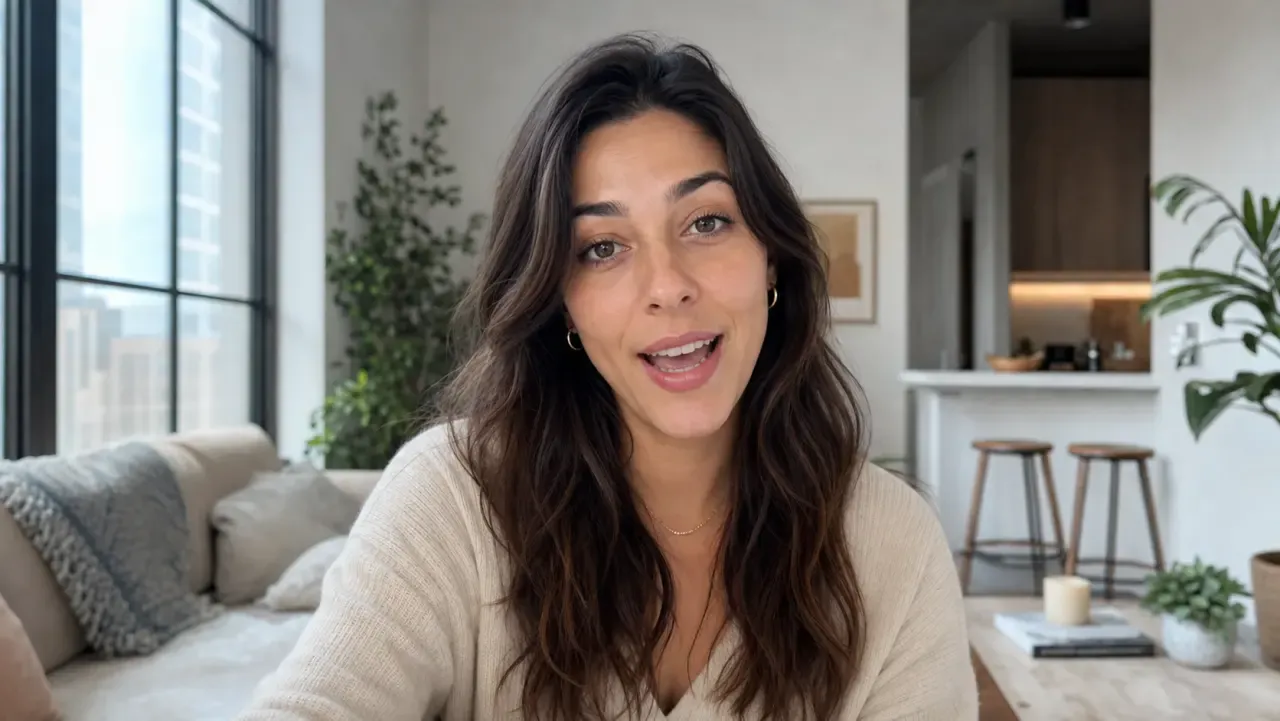
Training and Education
Generate instructor-style clips for course prototypes, internal updates, or explainer videos.
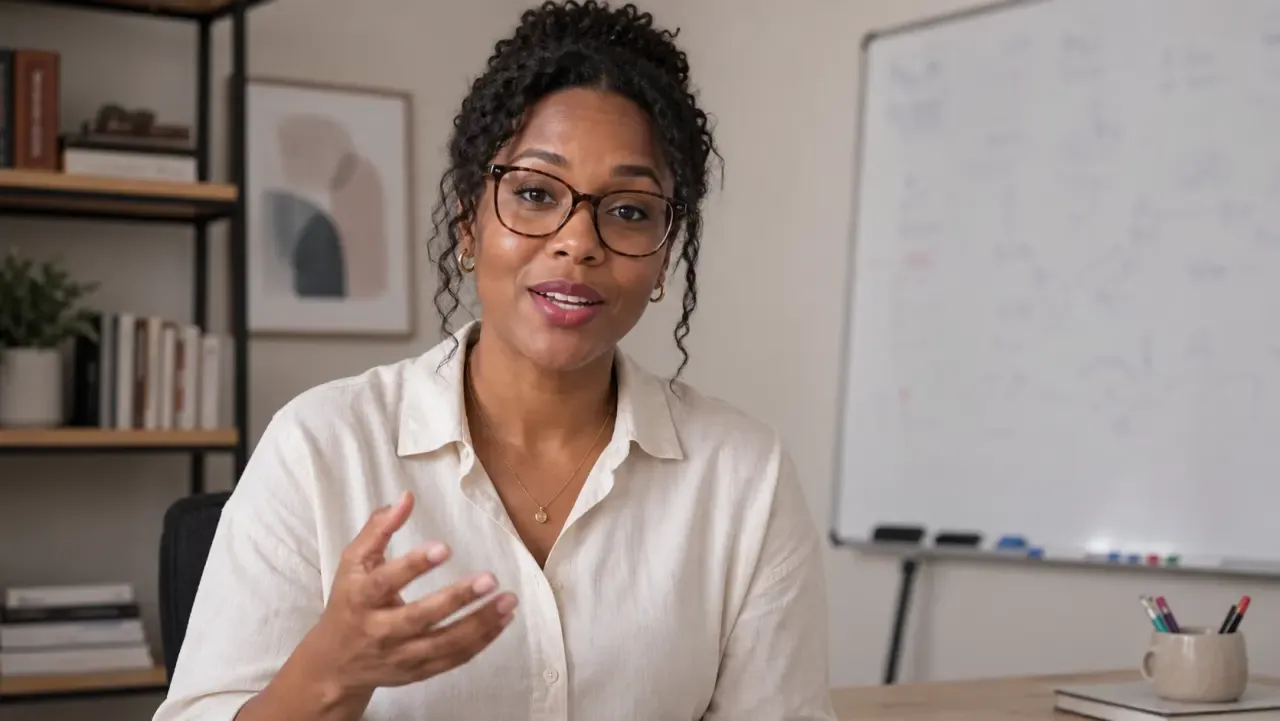
Social Content
Create short presenter, avatar, or character clips for vertical feeds and creator tests.
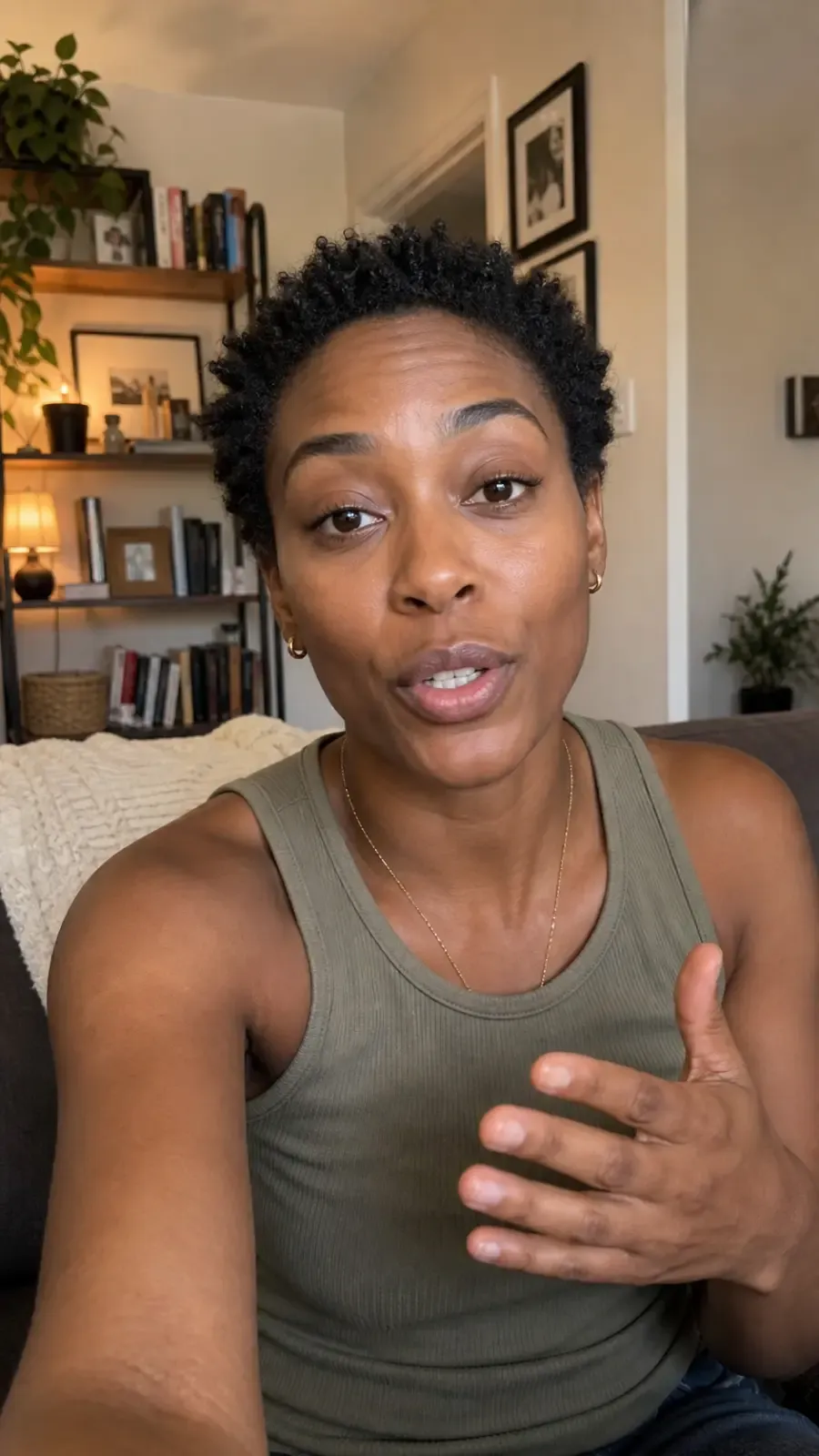
Product Demos
Add a speaking presenter to walkthroughs, landing pages, or feature announcements.
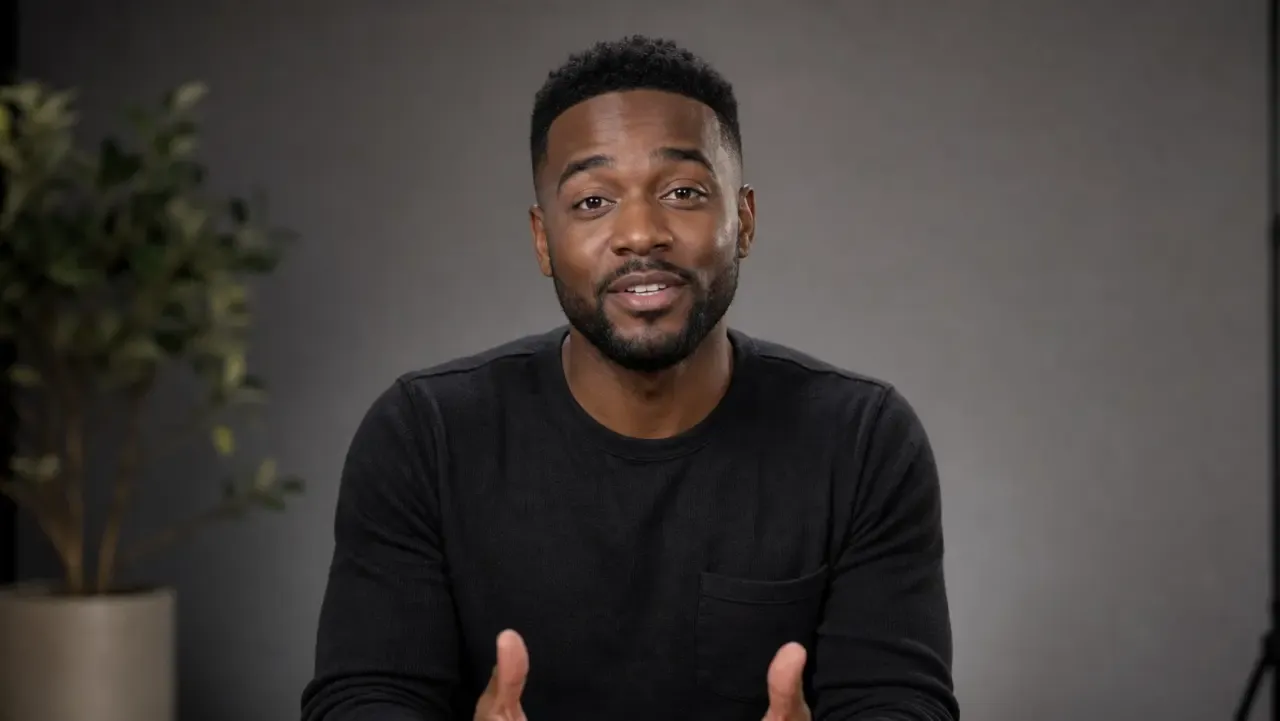
News and Updates
Turn recurring presenter images into update-style videos with new scripts.
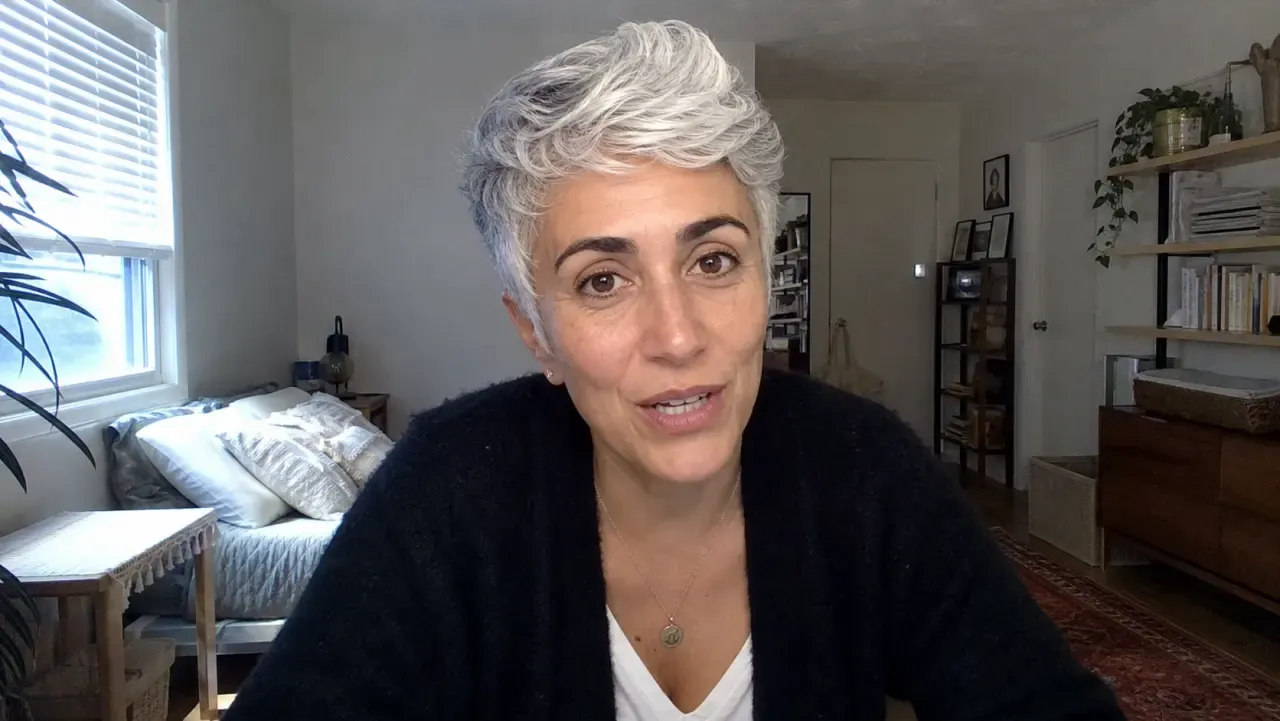
Character Dialogue
Prototype dialogue for AI film, animation, or game characters before building a full scene.
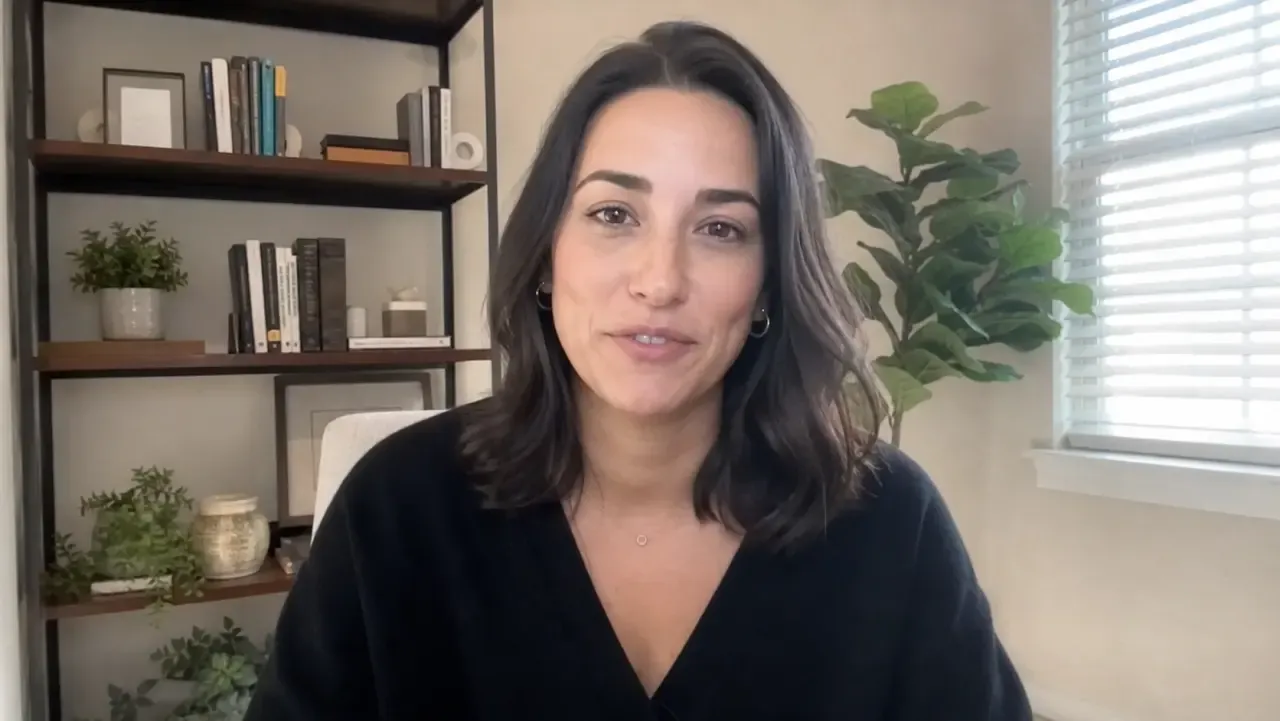
Localized Messages
Create speech-led variants, then pair with subtitles or translation tools where needed.
Turn a portrait into a talking MP4
Upload a face image, add speech, and generate a talking-head clip you can review before using.
Already have a face video? Use the AI lip sync generator. Need a still persona first? Start with the AI avatar generator.
AI talking head generator: frequently asked questions
Practical answers before you start creating.
Create a talking-head clip
Upload a portrait, add speech, and generate a rendered MP4 with AI.
Choose a plan to generate and export