

Place
Name the location or backdrop type.
Text to environment
Describe a location, studio backdrop, atmosphere, or abstract field. Melies generates a standalone background image you can use as a storyboard environment, video starting frame, product backdrop, or design asset.
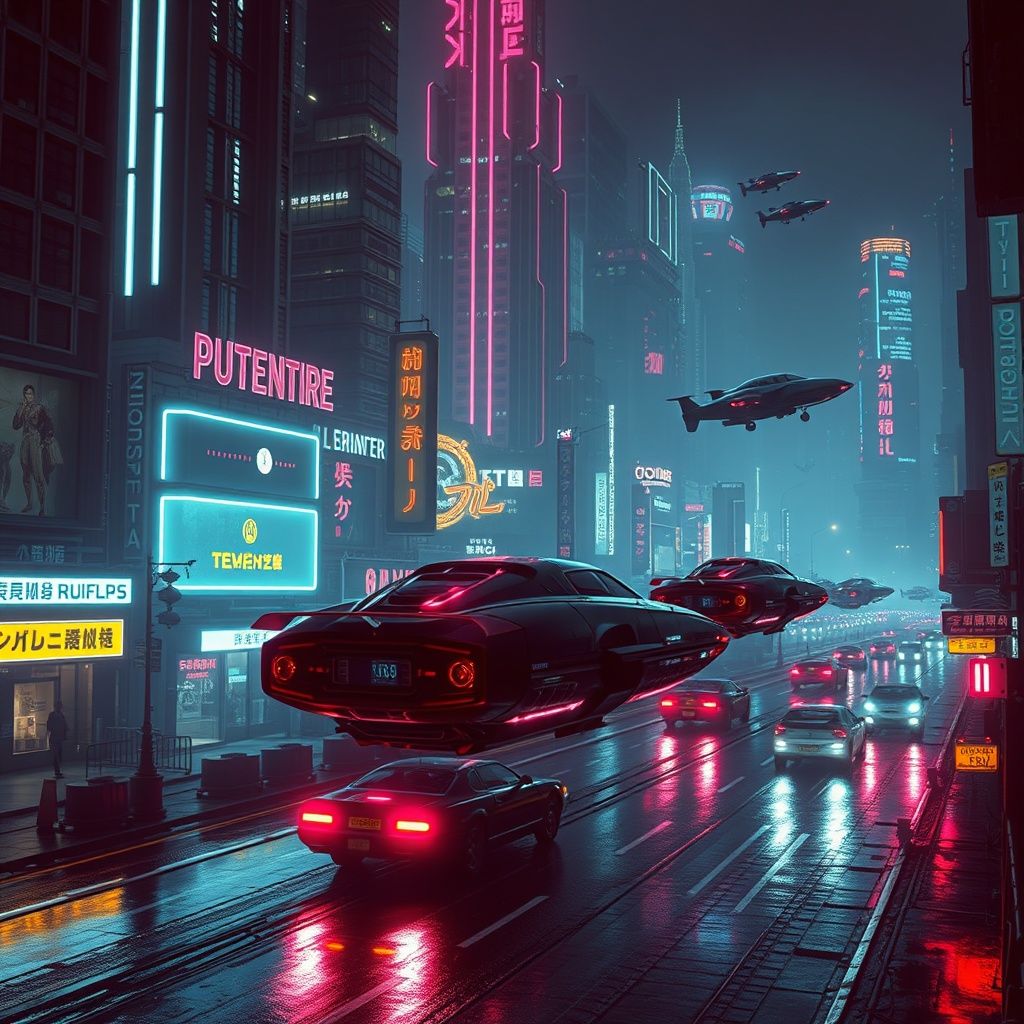
Direct the empty stage
Write the background as a shot, not a keyword list. Specify the environment, time of day, lighting direction, camera height, depth, and where the future subject should sit.
Background direction
Generate an environment without a foreground subject
Aspect ratio
Standalone image · no automatic subject compositing
Prompt anatomy
A useful background already anticipates framing. These five decisions keep the generated environment adaptable to the next production step.
Name the location or backdrop type.
Set direction, softness, and time.
Choose viewpoint and depth.
Define the dominant color world.
Reserve room for a future subject.
Outputs, not categories
Generate white studio, marble, wood, countertop, seasonal, or lifestyle backgrounds before committing to a shoot.
Create clean profile, editorial, creator, or character backgrounds that match a brand or story world.
Make vertical or square backgrounds for posts, ads, carousels, thumbnails, and campaign variants.
Design interiors, streets, landscapes, and mood frames that can later become storyboard or image-to-video inputs.
Create subtle branded backgrounds for decks, pitch frames, and concept boards.
Explore environment art, worldbuilding, and scene directions before producing final assets.
Know the boundary
Choose the tool based on what you already have. Background Generator begins from text. It does not automatically cut out a person or replace an existing backdrop.
Practical answers before you start creating.
Generate a custom environment from a precise visual direction.