
Want to animate a picture and turn it into a video? AI makes this surprisingly simple - upload an image, describe the motion, and get a realistic animated clip in seconds.
Quick answer: Upload your image to Melies, write a prompt that describes the motion, choose an image-to-video model, and generate. The current model roster covers fast tests, long shots, reference control, native audio, and high-resolution output.
What Is AI Picture Animation?
AI picture animation transforms a static image into a short video clip. Instead of frame-by-frame animation, AI models analyze your image - its depth, lighting, subjects - and generate realistic motion based on a text prompt you provide.
This technique is used for social media content, product showcases, storytelling, concept art previews, and bringing AI-generated images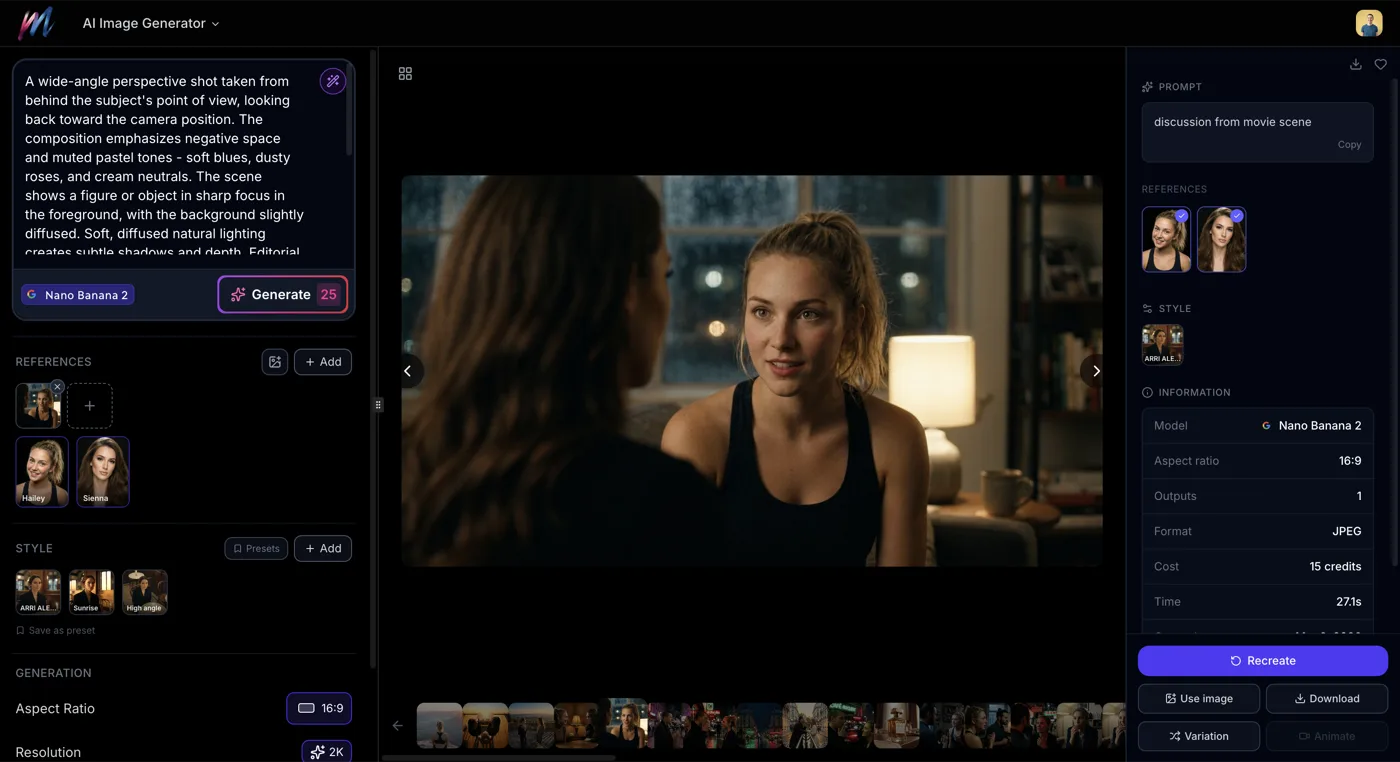 How to Generate AI Images with MeliesLearn how to generate AI images step by step with Melies. Choose from 16 models, write effective prompts, pick the right aspect ratio, and create stunning visuals. to life.
How to Animate a Picture in Melies (Step by Step)
1. Upload Your Image
Go to Melies and start a new project. Upload the picture you want to animate. JPG, PNG, and WebP formats all work. Higher resolution images produce better results.
2. Write a Motion Prompt
Describe how you want the image to move. Be specific about:
- Camera movement: "camera slowly pans right", "dolly zoom into the subject"
- Subject motion: "hair blowing in the wind", "eyes blink and head turns slightly"
- Environment: "clouds drifting across the sky", "leaves falling gently"
The more precise your prompt, the better the result. See our AI image styles guide AI Image Styles: Camera Angles, Lighting, Color Grading & MoreExplore all 11 AI image style categories in Melies including camera angles, lighting presets, color grades, art styles, moods, and more for cinematic visual storytelling. for inspiration on visual direction.
3. Choose a Video Model
Melies provides a growing image-to-video roster. These established and current options show the main tradeoffs:
| Model | Credits | Best For |
|---|---|---|
| LTX 2 Pro | 50 | Fast iterations, testing ideas |
| WAN v2.2 | 60 | Balanced quality and speed |
| Kling v3 Standard | 60 | Reliable general-purpose animation |
| Hailuo 02 | 70 | Smooth, natural motion |
| Seedance 2.5 | 50/sec at 720p | 4-30s shots, references, native audio |
| Kling O3 Standard | 80 | Complex scenes, detailed motion |
| Kling v3 Pro | 100 | High-quality cinematic output |
| Veo 3.1 | 400 | 4K resolution with native audio |
Start with a cheaper model to test your prompt, then upgrade to a higher-quality model once you are happy with the motion.
4. Generate and Refine
Click generate and wait for the result (typically 30 seconds to 2 minutes). If the motion is not quite right, adjust your prompt and try again. You can also try a different model - each one interprets prompts slightly differently.
Here is an example of a picture animated using Hailuo AI in Melies:
Video-Driven Animation
Beyond text prompts, you can also animate pictures using reference video footage. This gives you precise control over facial expressions, head movements, and body motion.
Tools like LivePortrait map movements from a reference video onto your still image, producing natural-looking character animation. This approach works especially well for creating AI actors
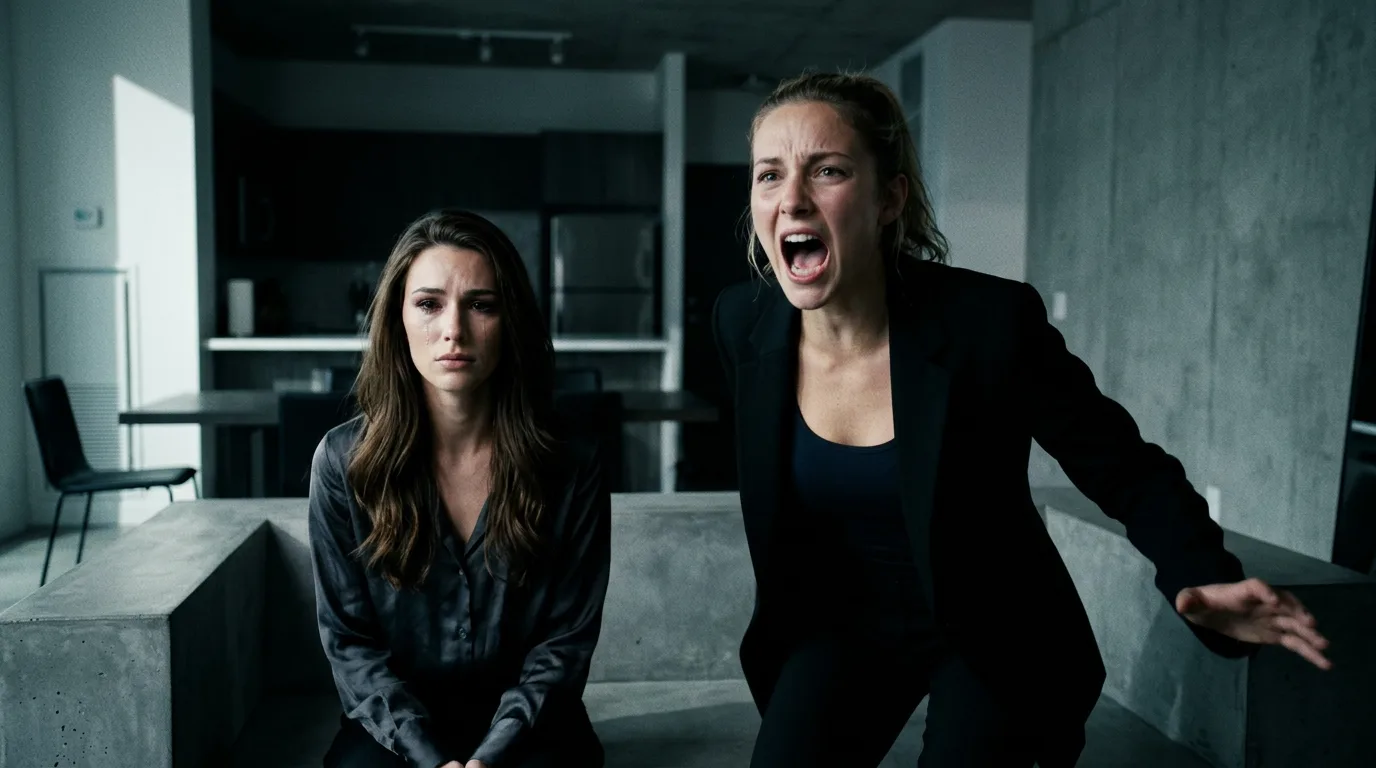 AI Character Generator: Create Consistent AI CharactersUse the Melies AI character generator to create consistent characters across scenes. Browse 148 pre-built AI actors and generate images with the same character every time. and talking head content.
Tips for Best Results
- Use high-resolution images - More detail gives the AI more to work with
- Keep backgrounds simple - Complex backgrounds can confuse motion generation
- Be specific in prompts - "Woman turns head left and smiles" works better than "woman moves"
- Match the model to the task - Use Seedance 2.5 for longer referenced shots and synchronized audio, or Veo 3.1 when 4K output is the priority
- Iterate cheaply first - Test with LTX 2 Pro (50 credits) before committing to premium models
Alternatives to Melies
Other platforms that offer AI picture animation include Runway, Luma Dream Machine, and Pika. Melies brings models from several providers into one filmmaking workspace, so you can compare outputs and change models without rebuilding the project elsewhere.
Ready to animate your first picture? Learn more about the full AI video generation AI Image to Video: How to Turn Any Image into Video with AITurn any AI image into video with Melies. Learn image-to-video generation, model selection, motion prompts, duration, resolution, audio, and references. workflow, or review Seedance 2.5 pricing
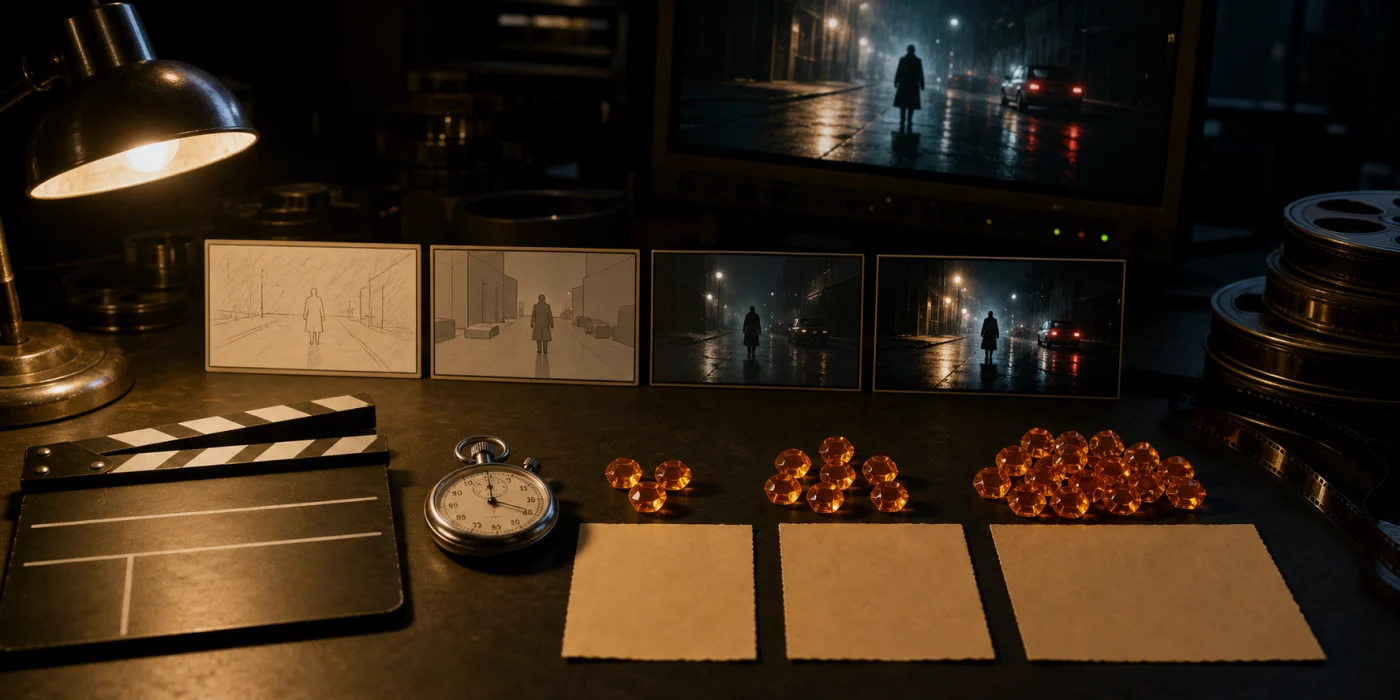 Seedance 2.5 Pricing: Credits, Cost per Second and PlansSee Seedance 2.5 pricing per second in Melies, fal.ai API costs, BytePlus billing, plan capacity, and practical ways to reduce AI video costs in 2026. before planning a long clip.