
What LTX Studio does well
- End-to-end video production positioning
- Strong storyboarding and visual concept workflow
- Professional creative team messaging
- Native LTX models and integrations
 vs
vsAI filmmaking comparison
LTX Studio is an all-in-one AI video production platform for scripting, storyboarding, editing, and final delivery. The comparison with Melies is direct because both products target AI video creators and filmmakers.
Key takeaways
Melies is strongest when you want one AI filmmaking workspace for multiple asset types and models. LTX Studio can still be the right choice when its core workflow matches the exact way you create. The right decision depends less on a feature count and more on where your bottleneck is: script development, visual iteration, video generation, editing, brand consistency, or final delivery.
Feature comparison
Compare the same creative job in both products. The useful question is not who has more buttons, but where each tool gives you control, continuity, and fewer handoffs.
| Feature | Melies | |
|---|---|---|
| Primary audience | Creative teams and filmmakers | Creators, filmmakers, YouTubers, and AI artists |
| Production workflow | End-to-end video studio | Film tool suite plus project workspace |
| Model variety | LTX-centered plus platform models | Visible multi-provider choice |
| Creator utility tools | Less central | Posters, thumbnails, actors, voice, music, upscaling |
| Best use case | Structured AI video production | Flexible AI filmmaking stack |
Why Melies wins






Character continuity
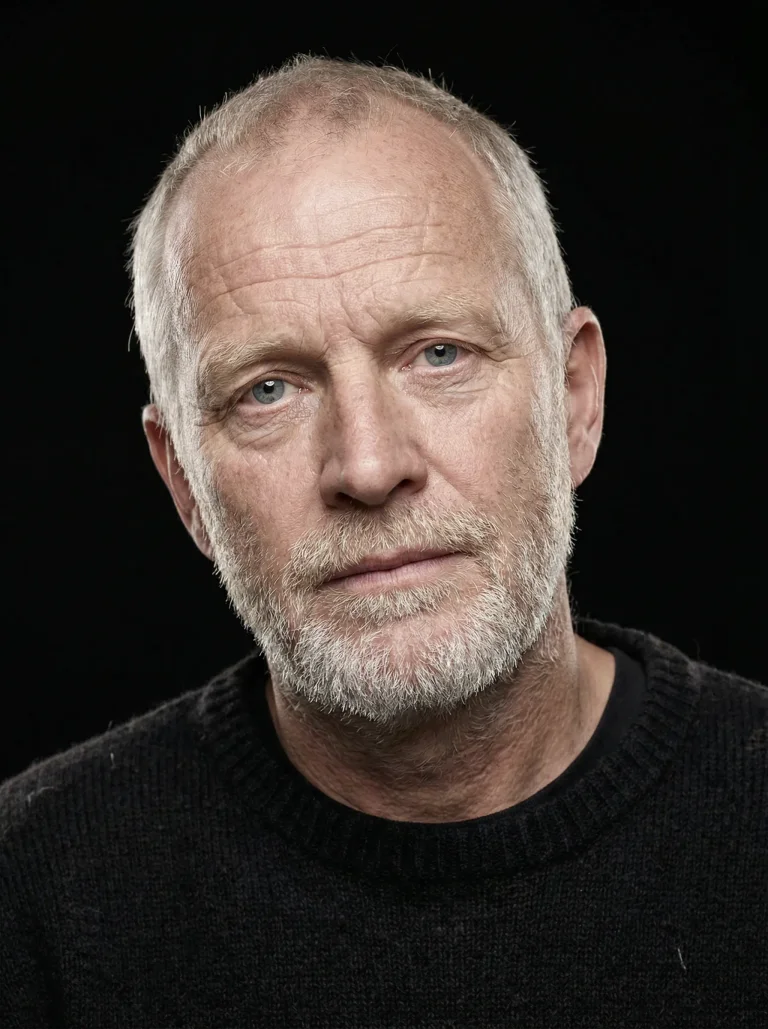
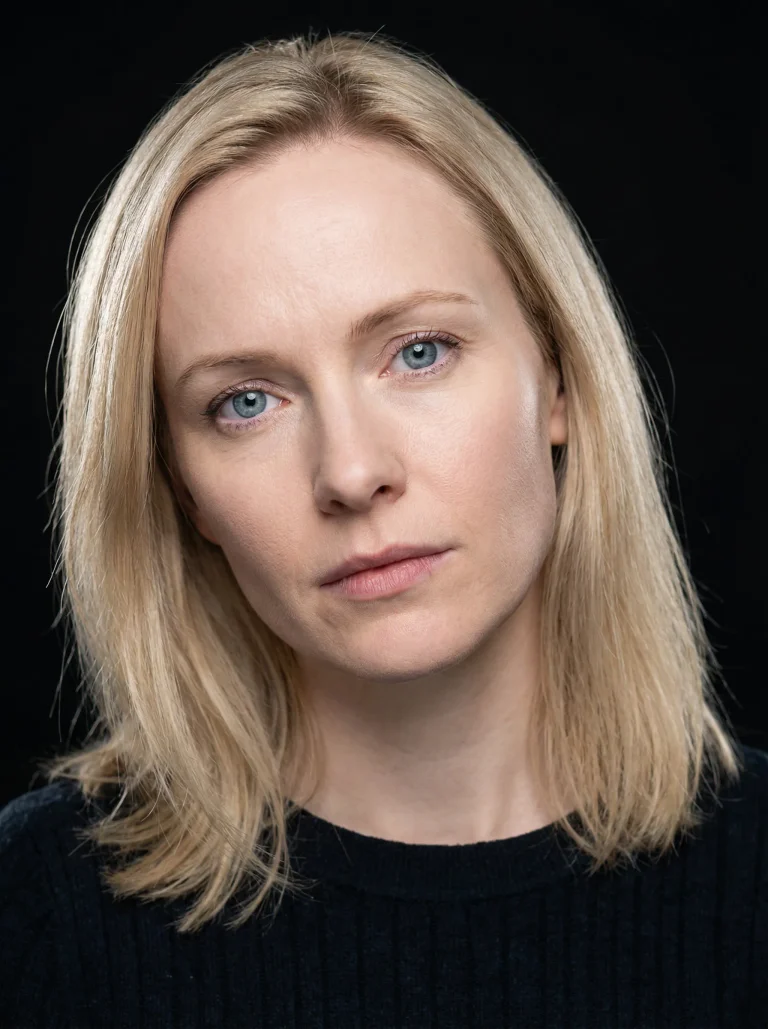
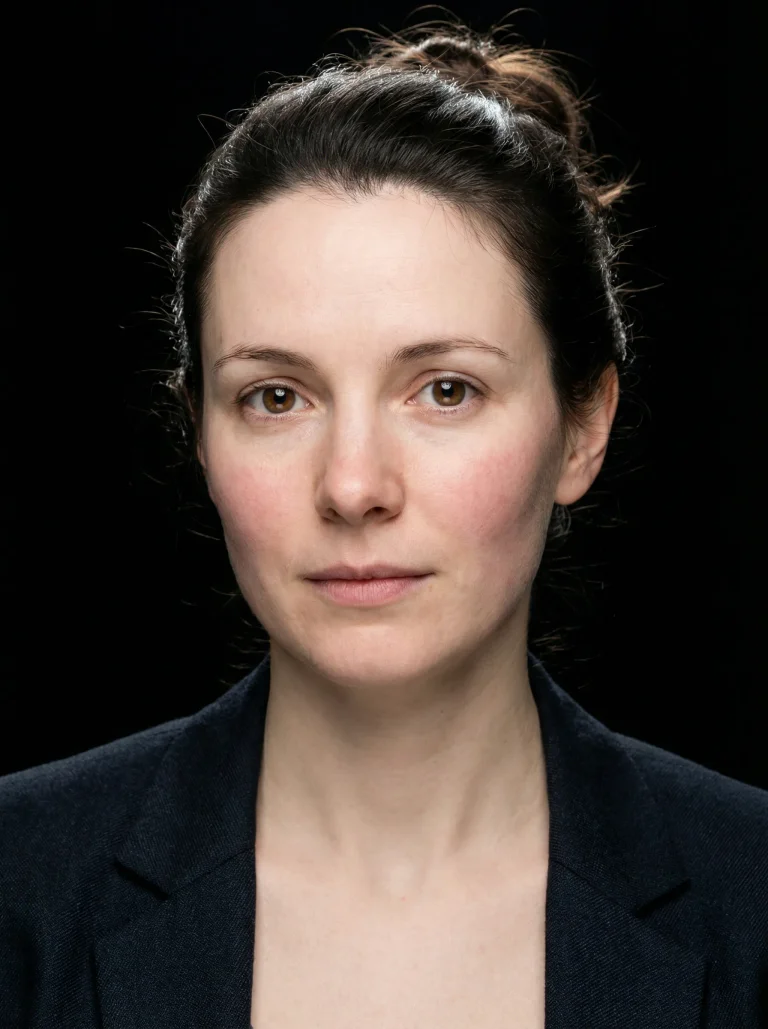
Upload reference photos or use built-in AI actors so the same face and identity carry across scenes, angles, expressions, and generated clips.
Compared with LTX Studio
LTX Studio can be a strong generator, but Melies is stronger when the project depends on recurring actors and repeatable story assets, not just one-off outputs.
Shot direction
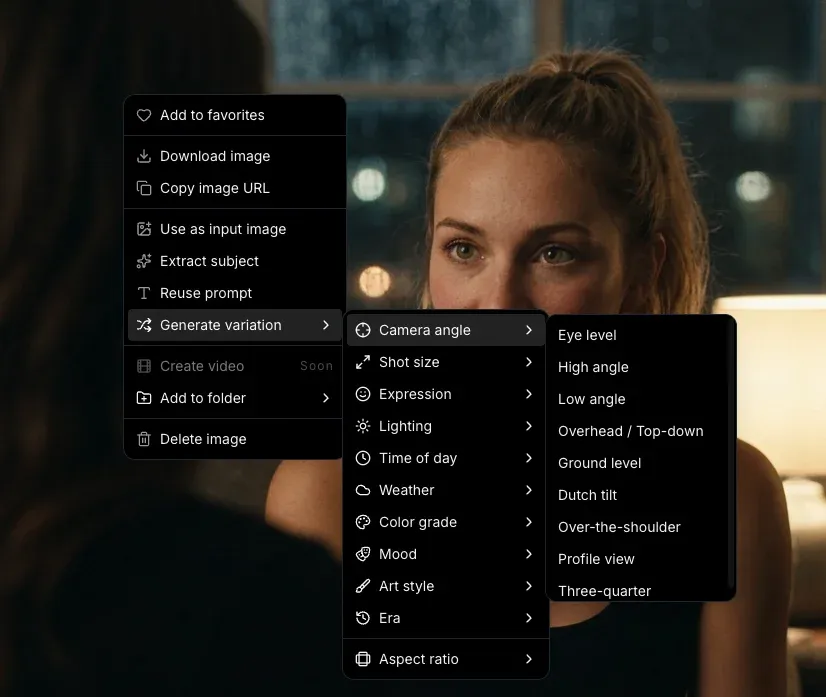
Choose the camera angle, shot size, lighting, mood, and style before spending credits so each generation starts closer to the scene you need.
Compared with LTX Studio
Instead of relying on LTX Studio to infer every creative choice from one prompt, Melies gives filmmakers explicit visual controls before they generate.
Visual system
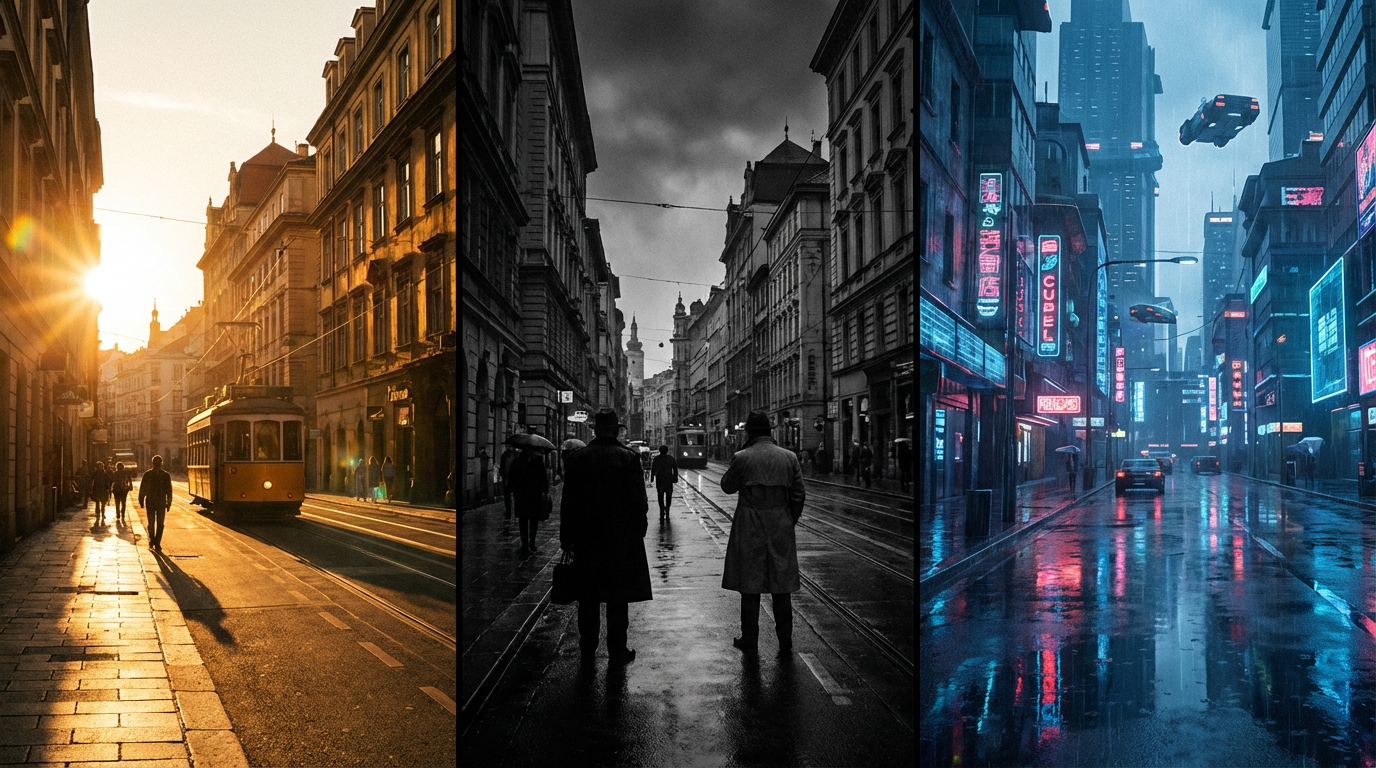
A film rarely stops at the first clip. Melies helps you keep one visual direction across generated scenes, release assets, style tests, voice, music, and final quality passes.
Compared with LTX Studio
LTX Studio may handle its core task well. Melies is stronger when the same project needs a repeatable look across the whole film package, not just one generated asset.
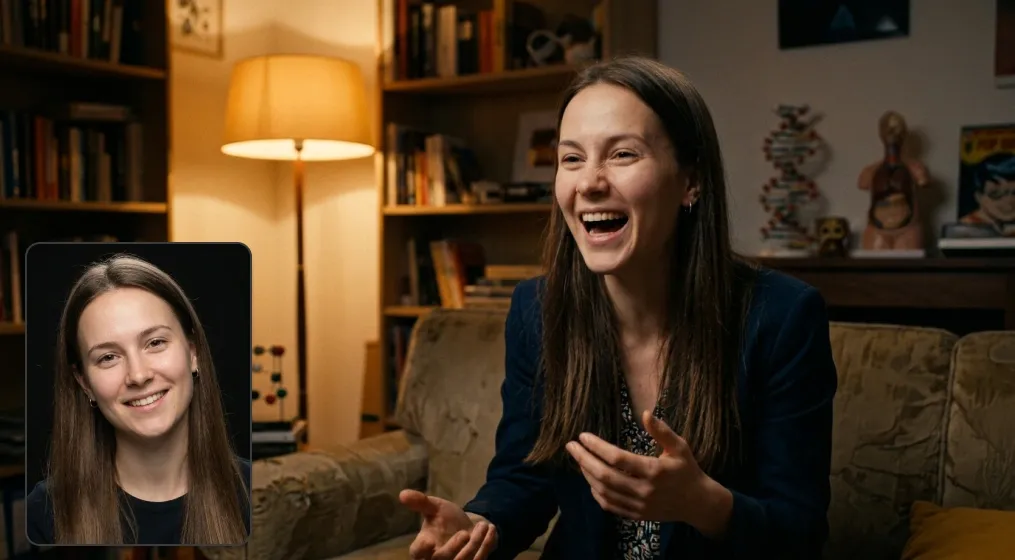
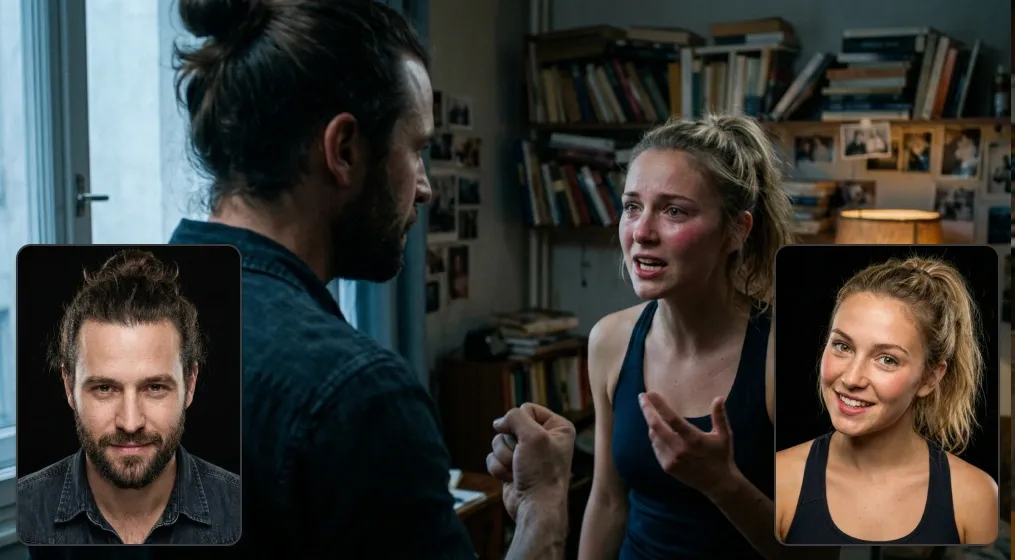
Upload reference photos and your characters stay consistent across every scene - same face, same identity, different expressions and angles.
Melies vs LTX Studio
Start from one real brief in Melies and build the surrounding film assets in the same workspace: scenes, actors, video, posters, voice, music, and delivery-ready visuals.
Workflow fit
Use this as a production-path check: idea, visual development, generation, and delivery. The stronger tool is the one that removes the most handoffs for your exact project.
| Workflow stage | Melies | Decision signal | |
|---|---|---|---|
01 Brief to conceptCan the tool turn a loose idea into production-ready direction? | Use LTX Studio when its main workflow already matches the exact output you need. | Use Melies when the brief needs scripts, scenes, characters, references, and visual assets in one place. | Choose the tool that reduces planning handoffs before generation starts. |
02 Look developmentHow much can you decide before spending credits on final shots? | LTX Studio is useful when you want to explore its specific visual style or effect quickly. | Melies is stronger when you need reusable actors, posters, thumbnails, style tests, and reference images around the same film. | Look for reusable references, not just one good-looking output. |
03 Shot generationCan you compare outputs without rebuilding the project elsewhere? | Pick LTX Studio when its generator gives the exact shot language your project depends on. | Pick Melies when you want several image and video models available inside the same production workflow. | Compare how many retries and model switches it takes to reach a usable shot. |
04 Final deliveryWhat still needs another tool after the first generation? | LTX Studio can be enough for a focused asset or short standalone generation. | Melies fits better when you also need voice, music, upscaling, reusable assets, and continuity across revisions. | Count the remaining exports, subscriptions, and final delivery steps. |
Pricing and value
Pricing changes. Value is easier to judge: what assets are covered, where credits apply, and how many separate tools you still need after paying.
| Cost area | Melies | Buying check | |
|---|---|---|---|
Scope What one subscription covers | LTX Studio can be worth it when its focused workflow is the main thing you need. | One workspace covers image, video, actors, posters, storyboards, thumbnails, voice, music, and upscaling. | List every asset you need before comparing plan prices. |
Usage Where limits show up | Check caps on generations, exports, model access, commercial usage, and output quality. | Compare credits against the full project, not just a single video or image generation step. | Estimate revisions, retries, exports, and final resolution. |
Stack Extra tools still needed | A focused tool may still require separate apps for scripts, assets, audio, thumbnails, or upscaling. | Lower switching cost when the same project needs several film assets before final delivery. | Count subscriptions, tabs, and handoffs after the first generation. |
In short, LTX Studio is worth testing when its core workflow maps directly to the way you already plan, generate, edit, and deliver video.
In short, Melies is a stronger fit when the project spans more than one asset type and you want to keep model choice, credits, and creative iteration in the same place.
Hands-on evaluation
A useful comparison page can narrow the decision, but the best answer comes from a small production test. Pick one real brief, keep the inputs identical, and judge both tools on the final asset quality and the number of steps needed to get there.
Use the same script, prompt, target aspect ratio, character references, and delivery format in LTX Studio and Melies. This avoids comparing a polished demo in one product with a different task in the other. For AI film work, consistency across shots and assets matters more than a single attractive generation.
Count how many retries, exports, tabs, tools, and subscriptions you need before the asset is ready. A product can look faster on the first generation but become slower when you add character continuity, audio, thumbnails, poster art, upscaling, or alternate formats.
Look beyond creation and review the final file quality, watermark rules, commercial usage terms, export formats, team workflow, and how easy it is to reuse assets in the next project. That is often where a focused LTX Studio workflow and a broader Melies workspace feel most different.
These answers focus on practical buying questions for creators comparing LTX Studio with Melies.
Related comparisons
If LTX Studio is close but not quite right, compare Melies with adjacent AI video, image, avatar, editor, and story tools.